Crop PDF pages online with precision
Remove unwanted margins, headers, or blank spaces from PDF pages in just a few clicks.
Working with industry leaders
We’re a proud partner of these globally recognized brands.


What is a crop PDF tool?
Crop PDF tool helps you trim unwanted margins, remove blank space, and frame only the content you need. It's ideal for students refining assignments, researchers formatting scanned documents, and professionals preparing clean presentations or reports. Crop PDF tool is helpful for enhancing readability and ensuring your pages look clean and intentional.
How to crop PDF pages online
Upload your PDF file
Select the PDF you want to edit and load it directly into the tool.
Crop the PDF
Adjust the crop frame to remove dead space or unneeded content.
Download your PDF
Save your newly trimmed file and use it for sharing, printing, or uploading.
Crop PDFs anytime, anywhere
With Quillbot’s Crop PDF tool, you can trim pages, remove margins, and refocus your content in just seconds. All processing happens securely in your browser—no installations, no accounts, and no hassle.

Edit files on any device
Crop PDFs instantly from your web browser on any device with zero loss in functionality.
Create professional documents
Download neatly formatted documents perfect for submissions, printing, or presentations.

Crop with precision
Use adjustable frames to capture exactly the portion of the page you want to keep.

Process files securely
Your PDF files are processed safely, and no files are stored after completion.

Benefits of using our crop PDF tool
Remove unnecessary whitespace: Clean up margins to create more polished, readable pages.
Optimize PDFs for printing: Ensure content fits properly on printed pages without cutoffs.
Improve file presentation: Highlight the most important parts of diagrams, notes, or images.
Reduce distraction: Focus attention on core content by removing irrelevant sections.
Who can use Crop PDF?
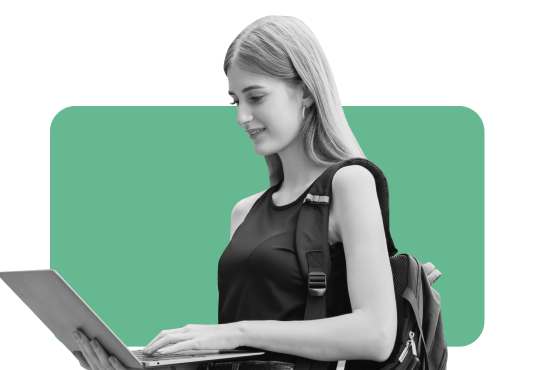
Students
Trim notes, worksheets, and readings to highlight key information.

Researchers
Crop scanned articles and reference materials for cleaner documentation.
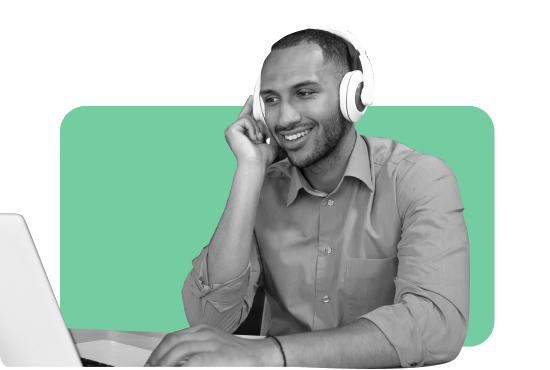
Business professionals
Prepare reports, invoices, or client documents with precise formatting.
Get a writing assistant wherever you go


Why writers love us
Crop PDF FAQs
How do I crop pages in a PDF online?
Upload your PDF, adjust the crop area using the tool’s frame, and download the trimmed file.
Can I crop multiple PDF pages at once using a crop PDF tool?
Yes, you can apply cropping to individual pages or multiple pages depending on your needs.
Does cropping reduce PDF quality?
No, cropping a PDF file does not reduce the visual quality in any way.
Can I undo or re-crop a PDF?
Yes. Simply upload the original file again to perform additional cropping or adjustments.
Is Quillbot’s crop PDF tool free to use?
Yes, Quillbot’s crop PDF tool is completely free and doesn't require any sort of premium subscription or account sign-up to be used.
Can I crop scanned PDF files?
Absolutely. The tool supports cropping for scanned pages, images, and converted documents.
Is there a file size limit for cropping PDFs?
Yes, there is a file size limit of 5 MB per PDF file, though there is no limit to the number of PDF files that you can process.
Can I crop PDFs on mobile devices?
Yes! Quillbot’s Crop PDF tool is browser-based, so it can be used on any devices that support web browsers including desktop, tablet, and mobile devices.
Can I crop only specific pages?
Yes. You can select individual pages and crop only the ones you want to modify.
Does cropping affect text or images?
Cropping only removes the areas outside the selected frame—it does not alter content within the cropped region.
Are my files stored after cropping?
No. Quillbot deletes all files after processing to ensure your privacy and security.
What are appropriate ways to use crop PDF tool?
Please ensure your use of Quillbot's crop PDF tool complies with our Copyright Policy Community Guidelines