
What color is the code #4B0082?
The color code #4B0082 is the hex code for the standard CSS color name Indigo.
You can create a palette based on this hex code using QuillBot’s color wheel tool.
Read this FAQ: What color is the code #4B0082?
The color code #4B0082 is the hex code for the standard CSS color name Indigo.
You can create a palette based on this hex code using QuillBot’s color wheel tool.
Read this FAQ: What color is the code #4B0082?
“Indego” is a common misspelling of indigo, a color name used to describe deep blue hues with purple undertones.
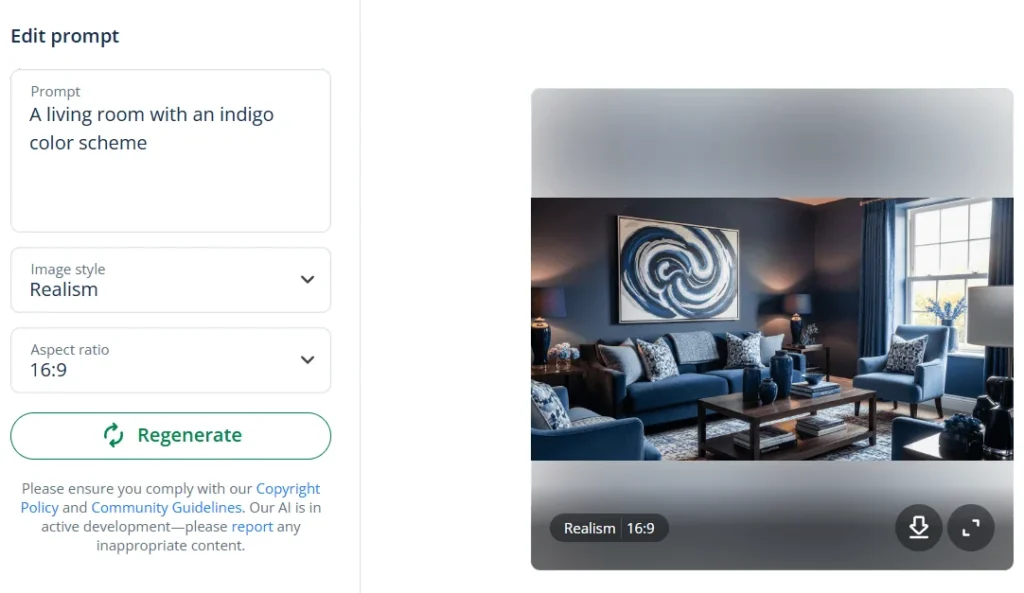
If you’re thinking about using an indigo color scheme for a project, QuillBot’s free AI image generator can help you visualize an indigo palette. You could start with a prompt like: “A living room with an indigo color scheme.”
Read this FAQ: What is indego color?
The standard blue indigo color code in web design is #4B0082.
If you’re looking for the hex codes for specific shades of indigo in an image’s color scheme, QuillBot’s free color palette generator can extract them for you.
Read this FAQ: What is a blue indigo color code?
There is no single hex code for light pastel blue, but you can get a hex code for the light pastel blue you’re looking for using a color wheel tool—start with a pastel blue hue and increase the lightness.
You can do this in QuillBot’s free color wheel by moving the pointer closer to the center of the wheel.
Try these pastel blue hex color codes:
Read this FAQ: What is the hex color code for light pastel blue?
In CSS and web design, there are no standard RGB color values for pastel blue.
However, these are some commonly used RGB values you can use to achieve shades of pastel blue:
The CSS color names PowderBlue (hex: #B0E0E6; rgb: 176, 224, 230) and LightBlue (hex: #ADD8E6; rgb: 73, 216, 230) also produce shades of pastel blue.
If you have an image that uses the particular shade of pastel blue you’re looking for, you can identify its RGB values using QuillBot’s free color palette generator.
Read this FAQ: What are the pastel blue rgb color values?
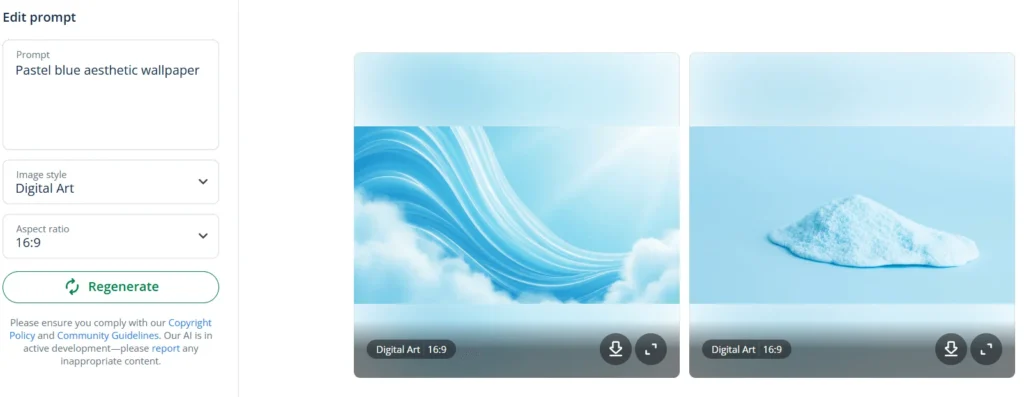
You can make pastel blue wallpaper using a wallpaper generator, such as QuillBot’s free online AI wallpaper generator.
Using an AI wallpaper generator is easy; just enter a prompt that describes the design you want.
You could start with a prompt like “Pastel blue aesthetic wallpaper.”
Read this FAQ: How can I make pastel blue wallpaper?
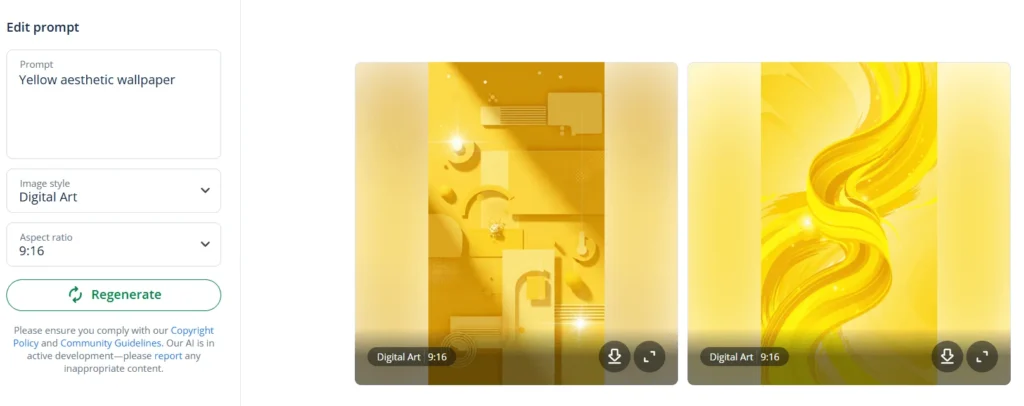
You can create personalized yellow wallpaper for the background of your device using a wallpaper generator like QuillBot’s free online AI wallpaper generator.
A good prompt to start with is “Yellow aesthetic wallpaper.”
Read this FAQ: How can I make yellow wallpaper?
The colors that go well with yellow depend on the mood and style you want to create.
Neutrals like gray and beige help tone down yellow’s brightness and keep the look balanced, while bold colors such as blue, navy, or purple create strong contrast and visual interest.
Yellow also pairs nicely with warm tones like orange, coral, or red for an energetic feel, as well as with greens for a fresh, natural look.
Use QuillBot’s color wheel to explore colors that harmonize with a specific shade of yellow.
Read this FAQ: What are some colors that go with yellow?
You can’t make yellow by mixing paint or pigments because it’s a primary color (along with red and blue).
But in the RGB digital color system, yellow is created by combining red and green light.
Upload an image with a specific shade of yellow to QuillBot’s color palette generator to explore the color scheme behind it.
Read this FAQ: How do you make yellow?
The pale blue tint “Alice blue” is a very light blue. It’s named after one of President Roosevelt’s daughters and has the CSS keyword AliceBlue (#F0F8FF).
You can use QuillBot’s color wheel to find colors that harmonize with Alice blue; simply input the hex code #F0F8FF.
Read this FAQ: What is a very light blue?