
How to Password Protect a PDF
We use PDFs because they’re such a convenient format for sharing documents. But if a file can be opened by anyone in just a few clicks, that same convenience can quickly become a drawback when it comes to limiting access to it.
That’s why it’s a good idea to password-protect PDFs that contain sensitive information—a quick and easy process with a free online tool like QuillBot’s Protect PDF.
Password protecting a PDF
There are plenty of reasons to restrict access to a PDF you’re sharing. Maybe it contains sensitive business information, personal data about students or staff, embargoed material, or it’s a draft that you don’t want to be mistaken for the final version.
Password protecting a PDF using an online protect PDF tool is simple.
Step 1
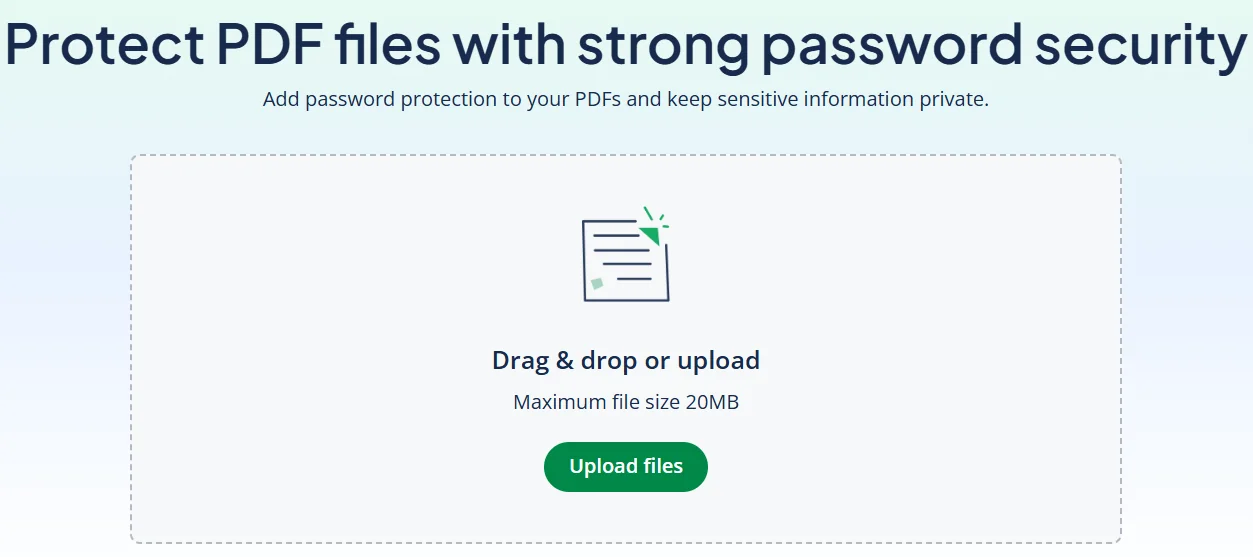
Find the PDF you want to protect on your device and upload it to a password protection tool like QuillBot’s free Protect PDF.
Step 2
When prompted, enter a strong password for opening the PDF file.
Step 3
Download the password-protected PDF to your device. It can now only be opened with the password, making it safer to share.
Using QuillBot’s free Protect PDF
Using QuillBot’s free online Protect PDF tool to password protect your PDFs is a smart choice because it:
- Protects your files using fast, reliable encryption
- Doesn’t store your files after it’s done
- Doesn’t require an account
All you need to do is upload the PDF you want to password protect to QuillBot’s Protect PDF, create a strong password, and save the password-protected version to your computer or mobile device.
Frequently asked questions about how to password protect a PDF
- How do you send the password for a PDF?
-
Ways to improve security when you send the password for a PDF include:
- Using a different channel (e.g., email the PDF and text the password)
- Providing the password via an encrypted messaging app or a phone call
Choosing a strong, unique password that you don’t reuse elsewhere when password protecting the PDF with a free online tool like QuillBot’s Protect PDF tool.
- Does password protection encrypt a PDF?
-
Yes. Adding password protection with a “document open” password using a tool like QuillBot’s Protect PDF encrypts the PDF.
However, if you only set a “permissions password” to restrict copying or printing, people will still be able to open and read the PDF.
Cite this QuillBot article
We encourage the use of reliable sources in all types of writing. You can copy and paste the citation or click the "Cite this article" button to automatically add it to our free Citation Generator.
QuillBot. (2026, March 05). How to Password Protect a PDF. Quillbot. Retrieved March 7, 2026, from https://quillbot.com/blog/pdf-tools/how-to-password-protect-a-pdf/

