Using an AI humanizer is generally safe for academic writing as long as it is used as a support tool rather than a replacement for original thinking. It should be used to improve clarity and readability, not to alter meaning or generate ideas. Final review by the writer is still essential to ensure accuracy and academic integrity.
Read this FAQ: Is using an AI humanizer safe for academic writing?
An AI humanizer improves academic writing by transforming rigid or robotic-sounding text into more natural academic language. It enhances sentence flow, removes repetitive phrasing, and adjusts tone while preserving meaning. This is especially useful when content has been generated or heavily edited using AI tools and needs refinement before submission or publication.
Read this FAQ: How can an AI humanizer improve academic writing?
Humanizing academic writing means refining text so it sounds more natural, clear, and reader-friendly while maintaining academic accuracy. It improves flow, reduces overly complex phrasing, and ensures the writing feels like it was written by a real person rather than generated or heavily processed by an AI tool.
Read this FAQ: What does it mean to humanize academic writing?
The best AI humanizer for you depends on your use case. To get started, some of the best free AI humanizers include:
- Quillbot’s AI Humanizer
- Clever Humanizer
- EditGPT
- Grammarly
- Phrasly
Try out each tool to see which works best for your unique needs
Read this FAQ: What’s the best free AI humanizer?
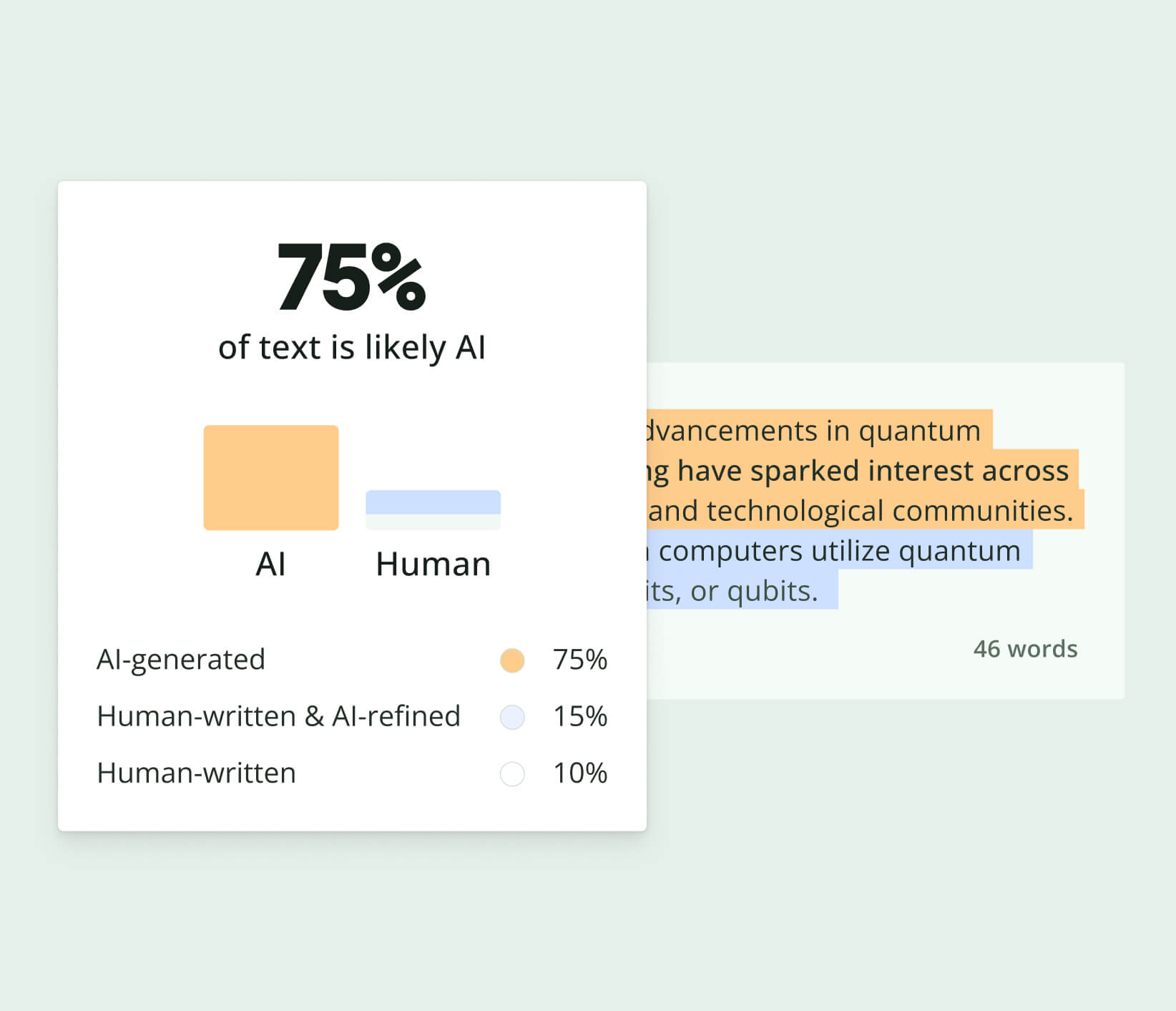
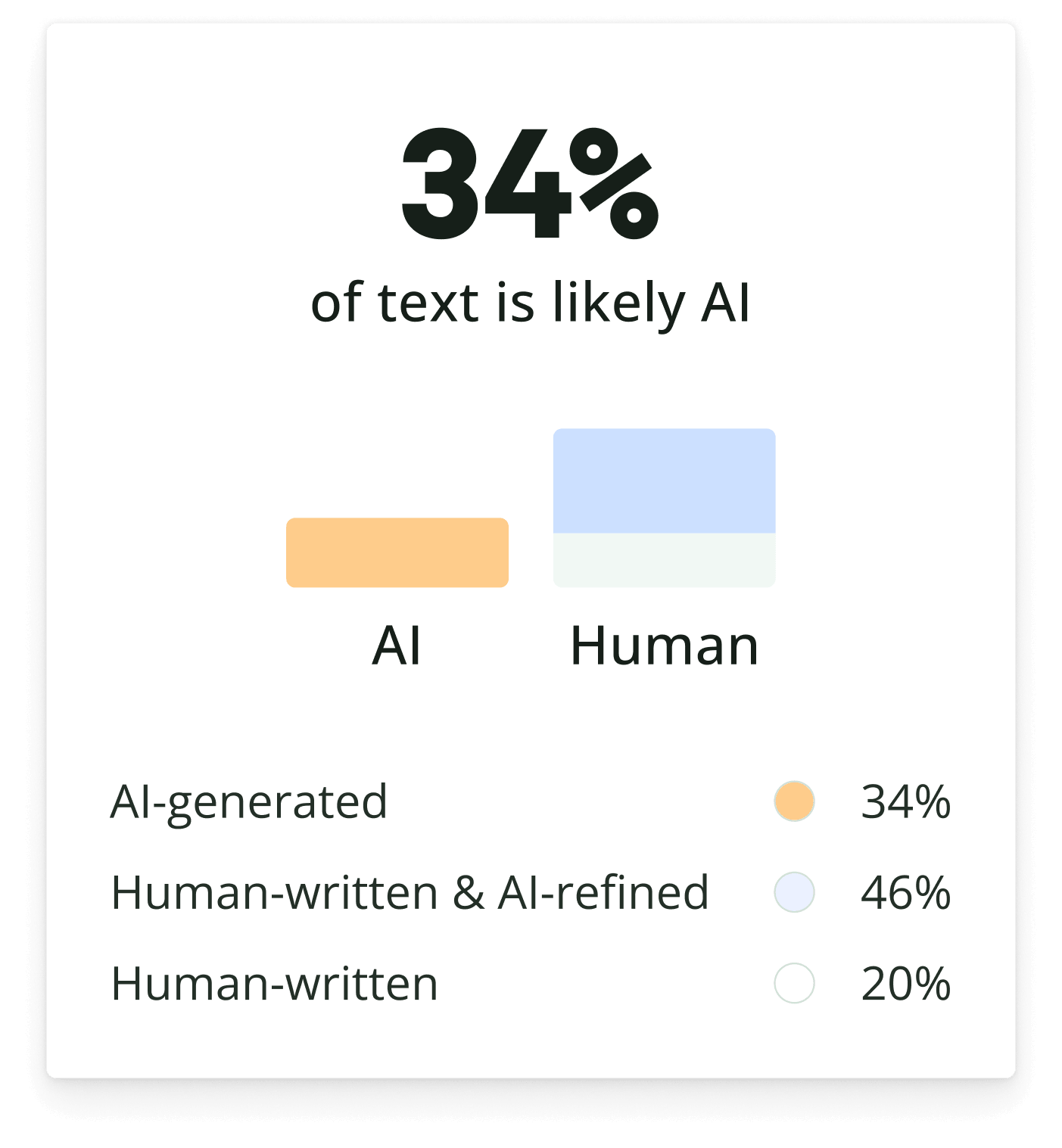
AI-generated content can be revised, paraphrased, or combined with human input, making it more difficult to identify through manual review alone. In such cases, it’s helpful to use multiple verification methods.
For example, you can analyze the text with Quillbot’s AI Detector to assess potential AI involvement and use Quillbot’s Plagiarism Checker to identify any content that may closely match existing online sources. Together, these tools can provide a more comprehensive evaluation of a document’s authorship.
Read this FAQ: Can AI-generated PDFs be edited to appear human-written?
Common indicators of AI-generated writing include repetitive sentence structures, generic explanations, overly consistent tone, and a lack of original insights or personal experiences.
If you’re working with AI-generated content, learning how to add a more natural voice, varied sentence patterns, and personal touches can help. For practical tips, see Quillbot’s article, How to Make AI Writing Sound More Human.
Read this FAQ: What are the most common signs of AI-generated writing?
One of the easiest methods to check if a PDF document was written by AI is to copy the text from the PDF and analyze it with an AI detection tool.
Quillbot’s AI Detector can help identify patterns commonly associated with AI-generated writing, providing additional insights as well as manual review.
Read this FAQ: How can I check if a PDF document was written using AI?
A PDF itself cannot reveal whether it was AI-generated. Most PDF files don’t contain information that directly identifies whether the content was written by AI.
To assess authorship, you’ll need to analyze the text itself for common AI-writing patterns or use a tool such as Quillbot’s AI Detector to evaluate the content.
Read this FAQ: Can a PDF itself reveal whether it was AI-generated?
You can use AI responsibly when writing by treating it as a writing assistant rather than a replacement for your thinking. Use AI to brainstorm ideas, create outlines, or refine drafts, then add your own expertise and verify important information.
Tools such as Quillbot’s AI Detector, AI Humanizer, Plagiarism Checker, and Grammar Checker can support the editing process, but human judgment should guide the final content.
Read this FAQ: How can I use AI responsibly when writing?
AI-generated drafts should always be reviewed for clarity, accuracy, and tone. Tools like Quillbot’s Paraphraser can help rewrite awkward passages, while the Grammar Checker can identify grammar, spelling, and readability issues. Human review remains an essential part of the writing process.
Read this FAQ: Should I edit AI-generated content before publishing it?