
Quillbot

Write & refine

Paraphraser
Paraphraser Rewrite and refine text
Grammar Checker
Grammar Checker Fix spelling, grammar, punctuation
AI Humanizer
AI Humanizer Make writing sound natural
Summarizer
Summarizer Condense long text

Detect & check

AI Detector
AI Detector Identify AI-written text
Plagiarism Checker
Plagiarism Checker Detect unoriginal content
Citation Generator
Citation Generator Create and format citations
Translator
Translator Translate quickly and accurately

Create & generate

AI Chat
AI Chat Brainstorm, explain, and generate
AI Image Generator
AI Image Generator Generate unique images
Background Remover
Background Remover Alter image backgrounds
New

All Tools
Popular tasks Popular tasks
AI image generator
AI linkedIn bio generator
Business plan
All professional tasks
Marketing Marketing
AI social media post generator
AI ad copy generator
Hashtag generator
All marketing tasks
Human resources Human resources
Job posting
Job description
Offer letter
All human resources tasks
Sales Sales
Cold email
Sales playbook
Sales pitch
All sales tasks
Product Product
PRD
Project proposal
Project charter
All product tasks
Customer service Customer service Design Design
All professional tasks
Writing & creation Writing & creation
AI writer
Article rewriter
AI thesis statement generator
All writing & creation tasks
Learning & research Learning & research
AI search
AI case study generator
Online quiz generator
All learning & research tasks
Career Career
LinkedIn bio generator
Cover letter generator
AI email writer
All career tasks
SEO SEO
Blog post generator
SEO title generator
AI SEO meta tags generator
All SEO tasks
Email Email
AI email writer
Weekly newsletter
Follow-up email
All email tasks
Blog Blog
AI copywriter
Blog post generator
Title generator
All blog tasks
Website Website
Landing page copy generator
AI Image generator
Content idea generator
All website tasks
Ecommerce Ecommerce
Product name generator
Product description
Product review
All ecommerce tasks
Social media Social media
Instagram bio
Hashtag generator
Invisible character
All social media tasks
Creative Creative
Inspirational quotes
AI image generator
AI prompt generator
All creative tasks
Career Career
Cover letter generator
LinkedIn bio generator
PDF converter
All career tasks

Extensions

Quillbot for Chrome
Quillbot for Chrome
Quillbot for Safari
Quillbot for Safari
Quillbot for Edge
Quillbot for Edge
Quillbot for Word
Quillbot for Word

Detect & check

Quillbot for iOS
Quillbot for iOS
Quillbot for Android
Quillbot for MacOS
Quillbot for MacOS
Quillbot for Windows
Get started. It's free!
English
English Deutsch Français Español Nederlands Portuguese
Quillbot logo Sign up
Logo Quillbot
  • Home
  • Paraphraser
  • Grammar Checker
  • Plagiarism Checker
  • AI Humanizer
    • AI Detector
    • AI Chat
    • Translate
    • Summarizer
    • Citation Generator
    • AI Writing Tools
    • AI Tools
    • PDF Tools
    • Image Tools
Get creative with full-sentence rewrites
Paraphraser
Better flow. More natural writing
AI Humanizer
Analyze text in seconds
AI Detector
  1. Home
  2. Frequently asked questions
  3. Design & Brainstorming
  4. What is cross-team collaboration?
Try our services

Paraphraser

Quillbot's AI-powered paraphrasing tool will enhance your writing.

Try Paraphraser

Grammar Checker

Perfect your writing by reviewing your text for grammar, spelling, and punctuation errors.

Try Grammar Checker

AI Detector

Get clarity on how much of a text was AI-generated or AI-refined.

Try AI Detector

Plagiarism Checker

Quickly and accurately review all instances of plagiarized writing.

Try Plagiarism Checker

AI Humanizer

Instantly transform AI text into authentic, engaging language.

Try Humanize AI

AI Chat

Experience powerful AI chat to brainstorm ideas, improve your writing, and get instant research support.

Try AI Chat

AI Image Generator

Turn your words into stunning visuals in seconds.

Try AI Image Generator

Translate

Communicate flawlessly in 50+ languages with Quillbot's AI translator.

Try Translate

Summarizer

Quickly condense and capture key insights from any text.

Try Summarizer

Citation Generator

Easily create APA, MLA, and Chicago style full and in-text citations in a snap.

Try Citation Generator

What is cross-team collaboration?

Cross-team collaboration is when people from different teams or departments work together on a project, problem, or decision. It can bring together different expertise and help teams avoid working in isolation.

Need to brainstorm a problem from different angles? Use Quillbot’s AI Chat to generate ideas, explore alternative approaches, and surface questions your team can discuss.
Do it all with Quillbot

  • Humanize AI
  • Paraphraser
  • Grammar Checker
  • AI Detector
  • Plagiarism Checker
  • Translate
  • Summarizer
  • Sentence Rewriter
  • Rewording Tool
  • Word Counter
  • Paragraph Rewriter
  • AI Proofreader
  • Spell Checker
  • Punctuation Checker
  • Essay Checker
  • Citation Generator
  • APA Citation Generator
  • MLA Citation Generator
  • Chicago Citation Generator
  • AI Chat
  • Ask AI
  • AI Search
  • AI Paragraph Generator
  • AI Story Generator
  • AI Email Writer
  • AI Text Generator
  • AI Writer
  • Cover Letter Generator
  • AI Acronym Generator
  • AI Title Generator
  • Hashtag Generator
  • AI Lyric Generator
  • AI Product Name Generator
  • AI Meta Description Generator
  • AI Instagram Caption Generator
  • AI Product Title Generator
  • AI Caption Generator
  • AI Job Description Generator
  • AI Article Rewriter
  • AI Image Generator
  • Background Remover
  • AI Photo Editor
  • Image to Text
  • AI Logo Generator
  • AI Tattoo Generator
  • AI Art Generator
  • AI Character Generator
  • AI Background Generator
  • AI Random Image Generator
  • AI Album Cover Generator
  • AI 3D Model Generator
  • AI Poster Generator
  • AI Illustration Generator
  • AI Flyer Generator
  • AI Sketch Generator
  • AI Thumbnail Generator
  • AI Youtube Thumbnail Generator
  • AI Banner Generator
  • AI Book Cover Generator
  • Chat PDF
  • PDF Editor
  • Merge PDF
  • Split PDF
  • Remove PDF Pages
  • Rearrange pdf Pages
  • Rotate PDF Pages
  • Extract PDF Pages
  • Compress PDF
  • Crop PDF
  • Password Protect PDF
  • Unlock PDF
  • PDF Converter
  • Annotate PDF
  • PDF Summarizer
  • Translate PDF
  • Flatten PDF
  • PDF to DOC Converter
  • DOC to PDF Converter
  • AI Presentation Maker
  • AI Resume Builder
  • AI Website Builder
  • AI Image Detector
  • Emoji Generator
  • Compress JPG
  • Emoji Tool
  • Color Wheel
  • Color Palette Generator
  • Word Cloud Generator
  • Case Converter
  • Speech To Text
  • Text to Speech
  • QR Code Generator
  • Invisible Character
  • AI Voiceover Generator
  • AI Voice Generator
  • AI Character Voice Generator
  • Image Converter
  • PNG Converter
  • JPG converter
  • GIF Converter
  • WEBP Converter
  • SVG Converter
  • HEIC Converter
  • JPEG Converter
  • AVIF Converter
  • BMP Converter
  • TIF Converter
  • TIFF Converter
  • AI to PDF
  • PDF to Word converter
  • Word to PDF Converter
  • Excel to PDF Converter
  • PPT to PDF Converter
  • PPTX to PDF Converter
  • PDF to DOCX Converter
  • DOCX to PDF converter
  • Poster Templates
  • Logo Templates
  • Email Templates
  • LinkedIn Banner Templates
  • Invitation Templates
  • LinkedIn Templates
  • Resume Templates
  • Instagram Story Templates
  • Flyer Templates
  • Card Templates
  • YouTube Templates
  • Brand Board Templates
  • Instagram Post Templates
  • Instagram Templates
  • Business Card Templates
  • LinkedIn Post Templates
  • Facebook Templates
  • Newsletter Templates
  • YouTube Thumbnail Templates
View all

Design & Brainstorming: Other interesting questions

Can you use the design thinking process on your own?

Yes, you can use the design thinking process on your own. While design thinking is often applied in collaborative settings, it is also highly effective for freelancers, solo creators, and educators working independently.

The trick to doing it alone is not simulating the audience in your head. When you work in a team, you bounce ideas off colleagues; when you work alone, you must bounce your ideas directly off your end-users.

If you’re developing an idea, tools like Quillbot’s AI Writer can help you sketch out and compare different versions as you iterate.

Are the stages in the design thinking process always sequential?

No. Although the design thinking process is often shown as a step-by-step sequence, in practice it is not strictly sequential.

As you work through a problem, you may move back and forth between stages, revisit earlier ideas, or develop and test concepts alongside ongoing research. New insights often reshape your understanding of the problem, which can lead you to rethink earlier stages or adjust your direction.

Rather than a fixed order, the stages are better understood as connected modes of thinking that support an ongoing, iterative process.

If you’re still unsure about parts of the design thinking process, Quillbot’s AI Chat can help you break them down and get clearer answers.

What is the difference between design thinking and traditional problem-solving?

The main difference between design thinking and traditional problem-solving lies in where you start and how you deal with uncertainty or failure.

Traditional problem-solving is usually linear: you start with an assumption about the solution, plan in detail, build, and test at the end. If it doesn’t work, time and resources have already been spent.

The design thinking process flips that order. It starts with understanding the people experiencing the problem, tests ideas early and in rough form, and treats feedback as information throughout the process— not as failure at the end.

If you still have questions, Quillbot’s AI Chat can help you unpack the differences and understand how each approach works.

What are the rules of brainstorming?

The main rules of brainstorming are:

  • Go for quantity. Generate lots of ideas before deciding which ones are good.
  • Defer judgment. Don’t evaluate or dismiss ideas while you’re still generating them.
  • Welcome unusual ideas. An idea that seems unrealistic at first can lead to a more useful one.
  • Build on other ideas. Use existing ideas as starting points for new ones, rather than treating each idea as a final answer.

These rules are meant to keep the focus on idea generation first and evaluation later.

Need more ideas? Quillbot’s AI Chat can suggest alternatives while you decide which ones are worth exploring.

What are the 7 steps of brainstorming?

There isn’t one universal seven-step process for brainstorming. Different approaches break it down in different ways, but a practical session could follow these steps:

  1. Define the problem or goal. Be clear about what you want to solve or explore.
  2. Set some ground rules. Agree to hold off on judgment and give everyone a chance to contribute.
  3. Generate ideas. Choose a technique that suits the task, such as mind mapping, brainwriting, SCAMPER, or rapid ideation, and come up with as many possibilities as you can.
  4. Record everything. Write down ideas as they come, including ones that seem incomplete or unusual.
  5. Group similar ideas. Look for patterns, connections, and ideas that could be combined.
  6. Evaluate the options. Consider which ideas are useful, feasible, or relevant to your original goal.
  7. Decide what happens next. Choose an idea, prioritize several, or turn the strongest ones into concrete next steps.

You can also use Quillbot’s AI Chat during the idea-generation stage to explore options or approach the problem from a different angle.

Extensions & Apps

  • Quillbot for Chrome
  • Quillbot for Edge
  • Quillbot for Safari
  • Quillbot for Android
  • Quillbot for iOS
  • Quillbot for Windows
  • Quillbot for macOS
  • Quillbot for Word

Premium

  • Plan Details
  • Pricing
  • For Teams
  • Affiliates
  • Request a Demo

Tools

  • Writing Tools

    • Humanize AI
    • Paraphrasing Tool
    • Sentence Rewriter
    • Rewording Tool
    • Summarizer
    • Word Counter
    • Paragraph Rewriter
  • Language Correction

    • Grammar Checker
    • AI Proofreader
    • Spell Checker
    • Punctuation Checker
    • Essay Checker
    • Translate
  • Citing and Originality

    • AI Detector
    • Plagiarism Checker
    • Citation Generator
    • APA Citation Generator
    • MLA Citation Generator
    • Chicago Citation Generator
  • AI Tools

    • AI Chat
    • AI Resume Builder
    • AI Presentation Maker
    • AI Search
    • Ask AI
  • PDF Tools

    • Chat PDF
    • PDF Editor
    • PDF Converter
    • Word to PDF
    • PPT to PDF
    • PDF to PPT
    • PDF to JPG
    • JPG to PDF
    • PNG to PDF
    • Excel to PDF
  • Image Tools

    • AI Image Generator
    • Background Remover
    • Image to Text
    • AI Logo Generator
    • AI Tattoo Generator
    • AI Art Generator
    • AI Character Generator
    • AI Background Generator
    • AI Random Image Generator
  • Other Tools

    • AI Presentation Maker
    • Invisible Character Tool
    • QR Code Generator
    • Speech to Text
    • Text to Speech
  • Design Templates

    • Templates
    • Resume Templates
    • LinkedIn Templates
    • Instagram Templates
    • Email Templates
    • YouTube Templates
    • Business Card Templates
    • Flyer Templates
    • Brand Board Templates
    • Logo Templates
    • Poster Templates
    • Card Templates

Company

  • About
  • Trust Center
  • Careers
  • Help Center
  • Contact Us
  • Resources

    • AI Writing Tools
    • Image Tools
    • AI Tools
    • PDF Tools
    • Converter Tools
    • For Students
    • For Professionals
    • Educational Courses
    • Paraphrasing Guide
    • AI Writing Assistant
    • Quillbot Blog

Follow us on social

ig fb yt fb li tw
learneo Quillbot, a Learneo, Inc. business
  • Privacy Policy
  • Terms of Service
  • Copyright, Community Guidelines, DSA and other Legal Resources
This site is protected by reCAPTCHA and the Google Privacy Policy and Terms of Service apply
Made with corn at UIUC
Search...

    0 results

    Natural is the new smart

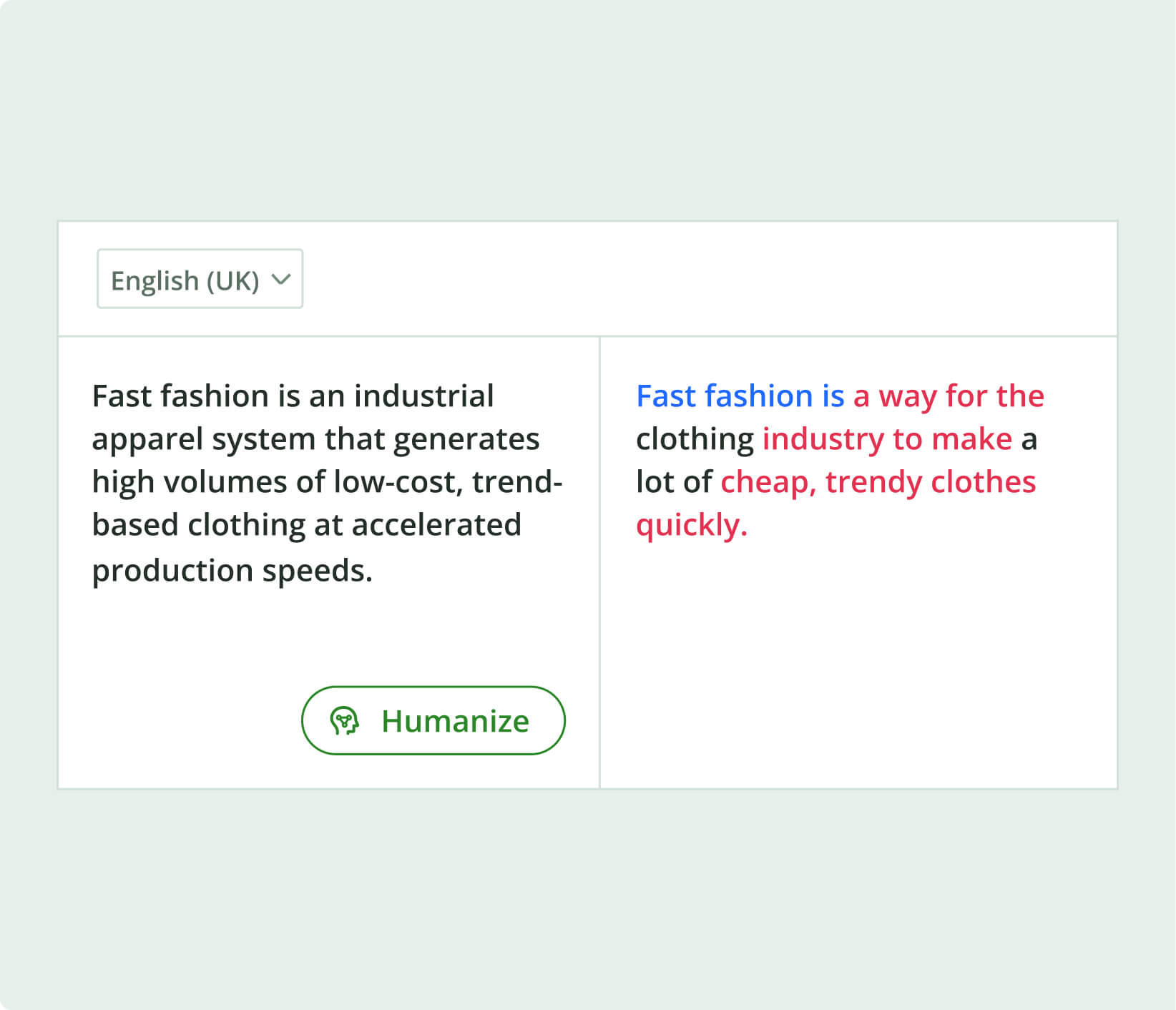
    Quillbot’s free AI Humanizer helps you create engaging, natural-sounding copy. It smooths awkward phrasing and removes common AI giveaways, so every draft sounds more like you. After all, natural writing is in.

    Humanize now

    Natural is the new smart

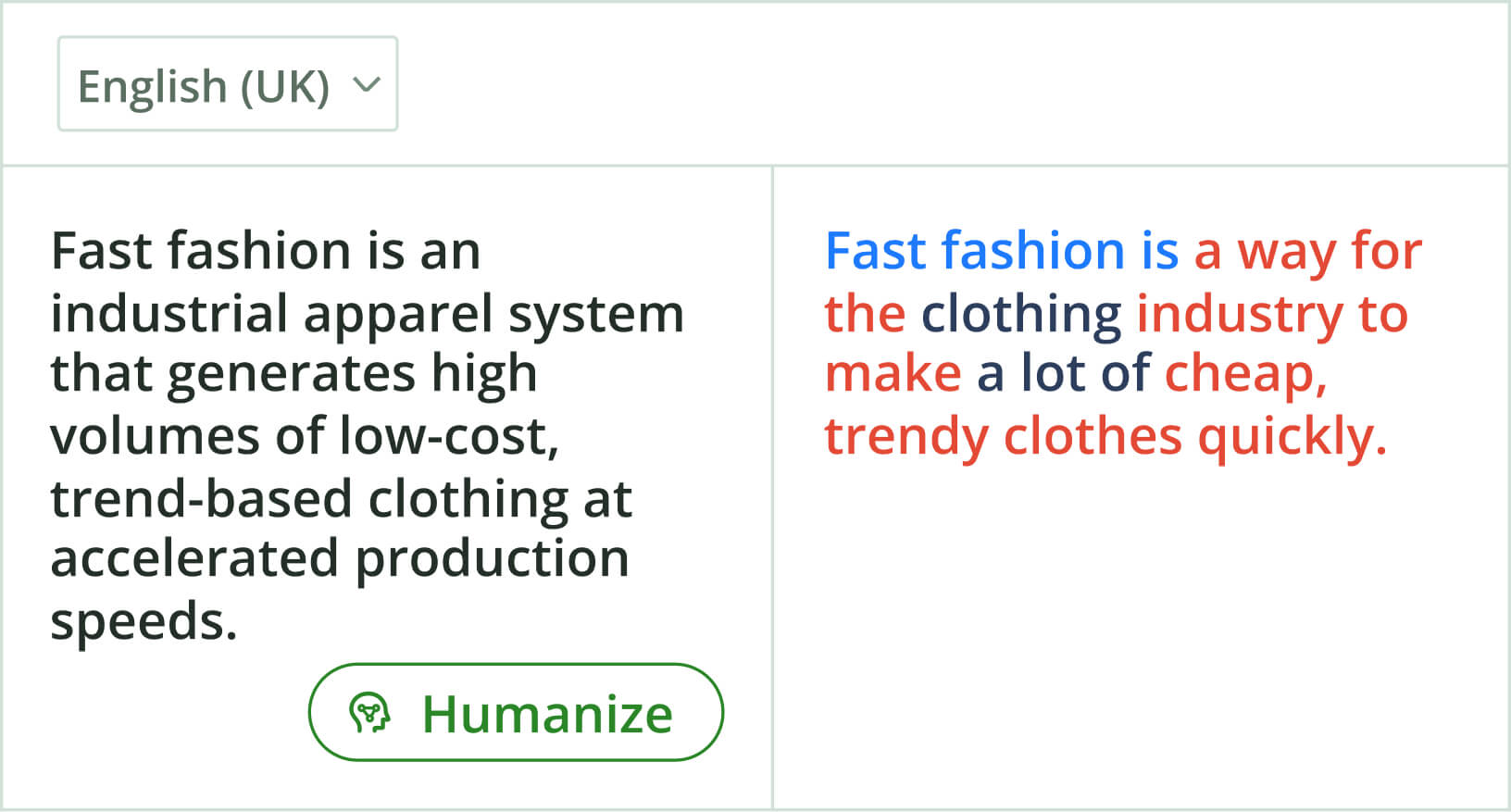
    Quillbot’s free AI Humanizer helps you create engaging, natural-sounding copy. It smooths awkward phrasing and removes common AI giveaways, so every draft sounds more like you. After all, natural writing is in.

    Humanize now