Free WEBP Converter | How to Convert & Tips
A WEBP converter makes it easy to turn WEBP files into image formats that are more widely supported across platforms and devices. While WebP is designed for efficient compression and fast web performance, not every tool, app, or document editor handles it seamlessly.
If you need to convert WEBP to another file format, online tools like QuillBot’s free WEBP converter simplify the process. In just a few steps, you can convert WEBP files into formats like JPG, PNG, or PDF for easier sharing, editing, or printing.
What is a WEBP file?
WEBP is a modern image format developed to reduce image file size while maintaining quality, which can improve website loading speed and reduce storage requirements. WEBP was designed by Google to improve on older file formats—like JPEG, PNG, and GIF—and increase page loading speeds.
WEBP is a raster format, meaning it’s made up of pixels, and it supports both lossy (smaller size) and lossless (better quality) compression. It can also support transparency and animation. These qualities make WEBP a great format for website performance optimization.
How to convert WEBP to JPG
Converting WEBP to JPG is useful when you need a more universally supported image format for websites, documents, or email attachments. JPG files are widely accepted by nearly all platforms and devices, making them a safe choice for sharing or printing images.
Here’s how to convert WEBP to JPG:
-
Upload or import your WEBP file. You can use an online WEBP converter, desktop software, or a mobile app.
-
Select JPG as the output format. You can also select JPEG, which is the same format with a four-letter extension.
-
Download your converted image. Name and save the file so you can easily find it.
You can follow these same steps to convert WEBP to PNG, if you want to convert WEBP to SVG, or if you need to convert WEBP to GIF.
How to use QuillBot’s WEBP converter
QuillBot’s free WEBP converter streamlines WEBP conversion. Convert files right from your browser, for free, in just three simple steps.
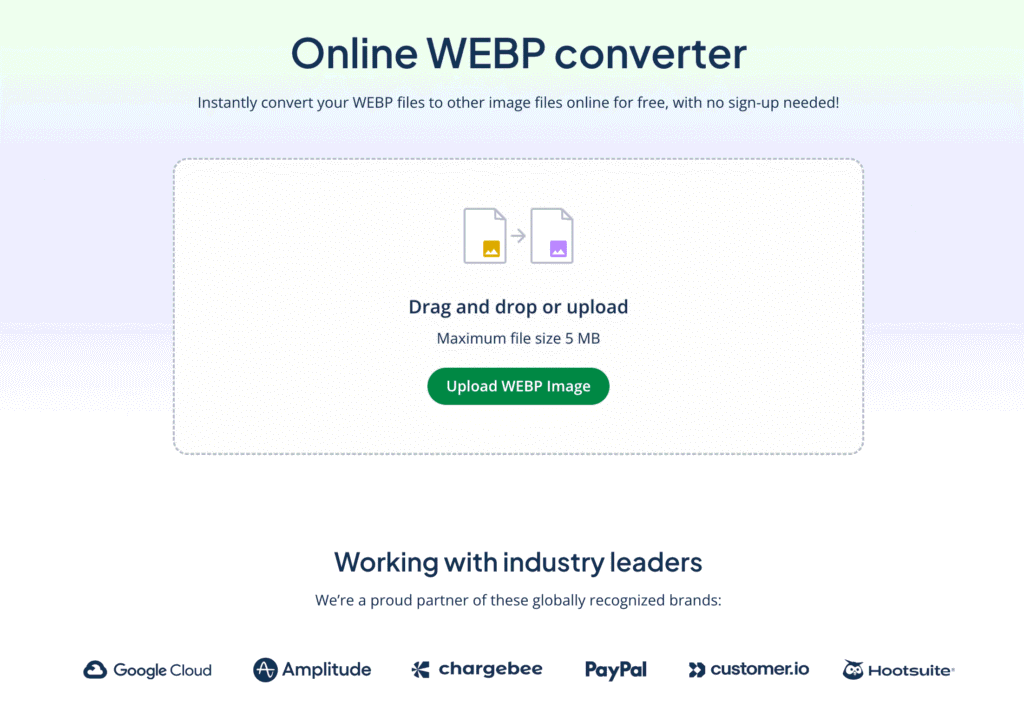
Step 1: Upload your WEBP file
Drag and drop your file into the central box, or click the green button to select a file from your device.
Step 2: Select your desired output format
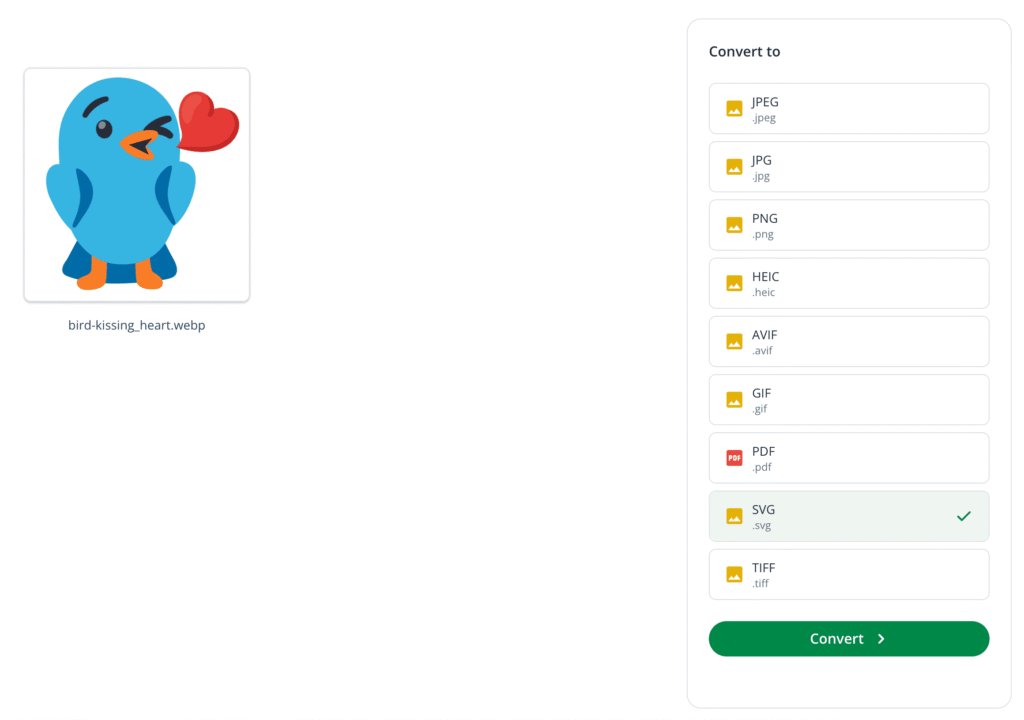
Choose the format you want to convert your WEBP file into. Here are the available options and what they’re best for:
-
JPEG: Compressed format for photos and detailed images
-
JPG: Same as JPEG; widely supported across devices and platforms
-
PNG: Best for graphics that need transparency or sharp edges
-
HEIC: Efficient format commonly used on Apple devices
-
AVIF: High-compression format ideal for web performance
-
GIF: Supports simple animations; good for short looping images
-
PDF: Useful for sharing or printing images as documents
-
SVG: Vector format; best for scalable graphics like logos and icons
-
TIFF: High-quality format for professional printing or archiving
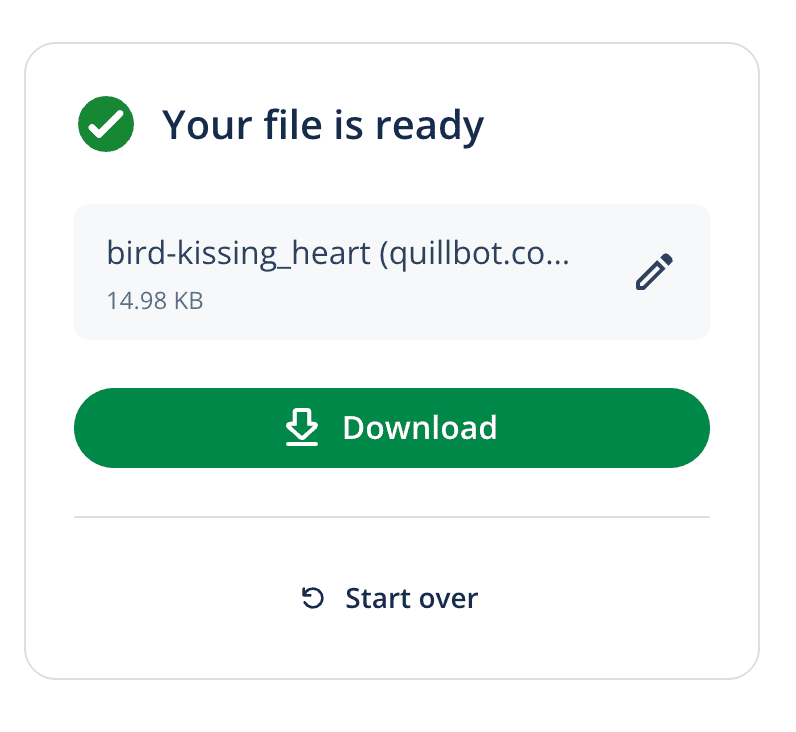
Step 3: Download the converted image
Finally, download your converted file directly to your device. You can also choose to rename your file before downloading it.
Because QuillBot’s free WEBP converter is fully online, it’s perfect for quick conversions, whether you’re optimizing images for web performance, sharing with colleagues, or preparing files for print.
Frequently asked questions about WEBP converter
- What are the benefits of using WEBP images?
-
WEBP images offer smaller file sizes without sacrificing quality, which can improve website loading speed and reduce storage needs. Using WEBP can help your site perform faster and provide a better user experience.
However, WEBP is not universally supported. If you need to use a WEBP file in an environment that does not support it, use QuillBot’s WEBP converter to convert it to another file format.
- How do I save WEBP as PNG?
-
To save a WEBP file as a PNG file, use QuillBot’s WEBP converter:
-
Upload your WEBP file
-
Choose PNG as the output
-
Click “convert” and download your PNG
-
Cite this QuillBot article
We encourage the use of reliable sources in all types of writing. You can copy and paste the citation or click the "Cite this article" button to automatically add it to our free Citation Generator.
Santoro, K. (2026, March 02). Free WEBP Converter | How to Convert & Tips. Quillbot. Retrieved March 3, 2026, from https://quillbot.com/blog/image-tools/webp-converter/