What should I do if my AI score changed?
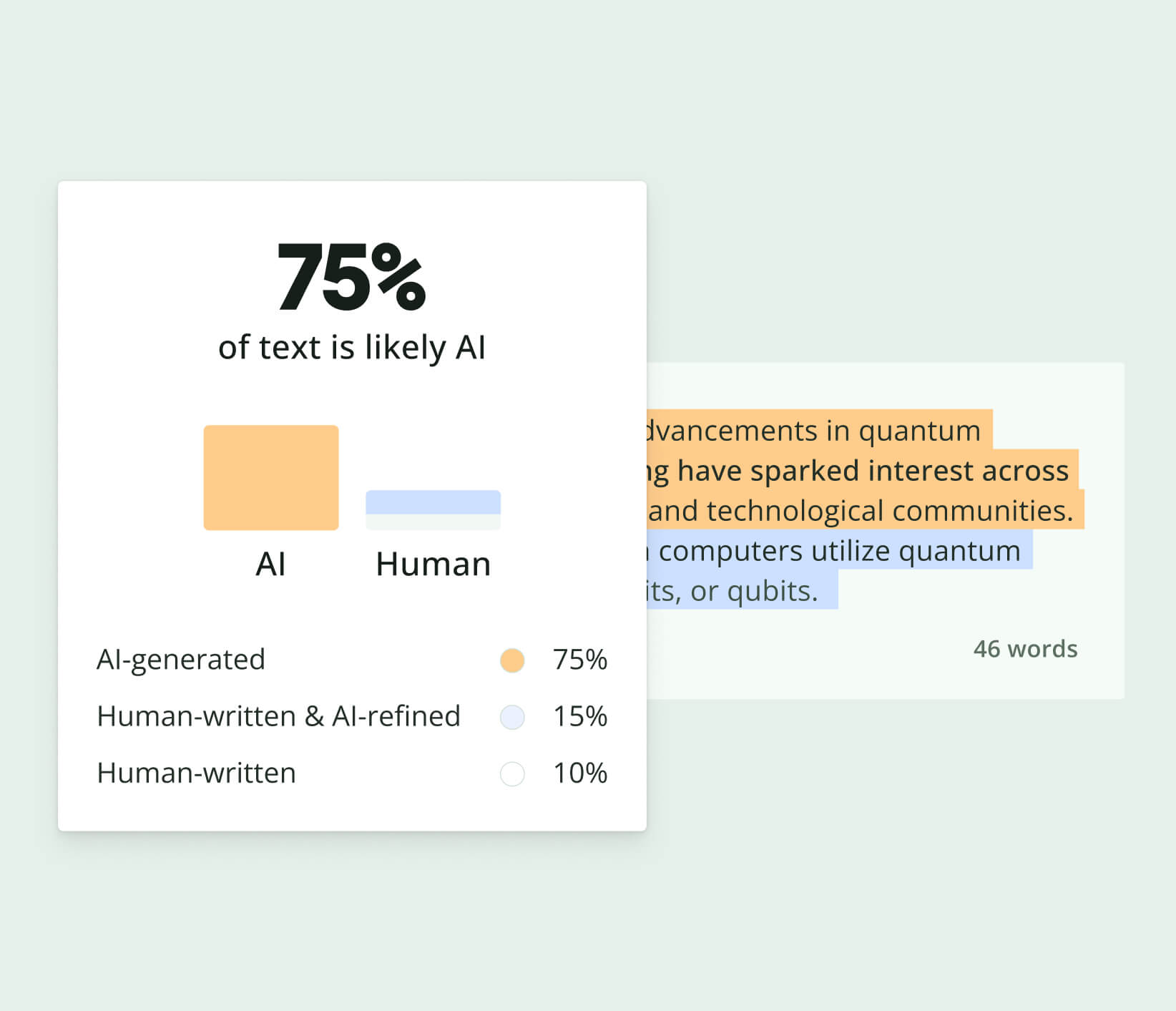
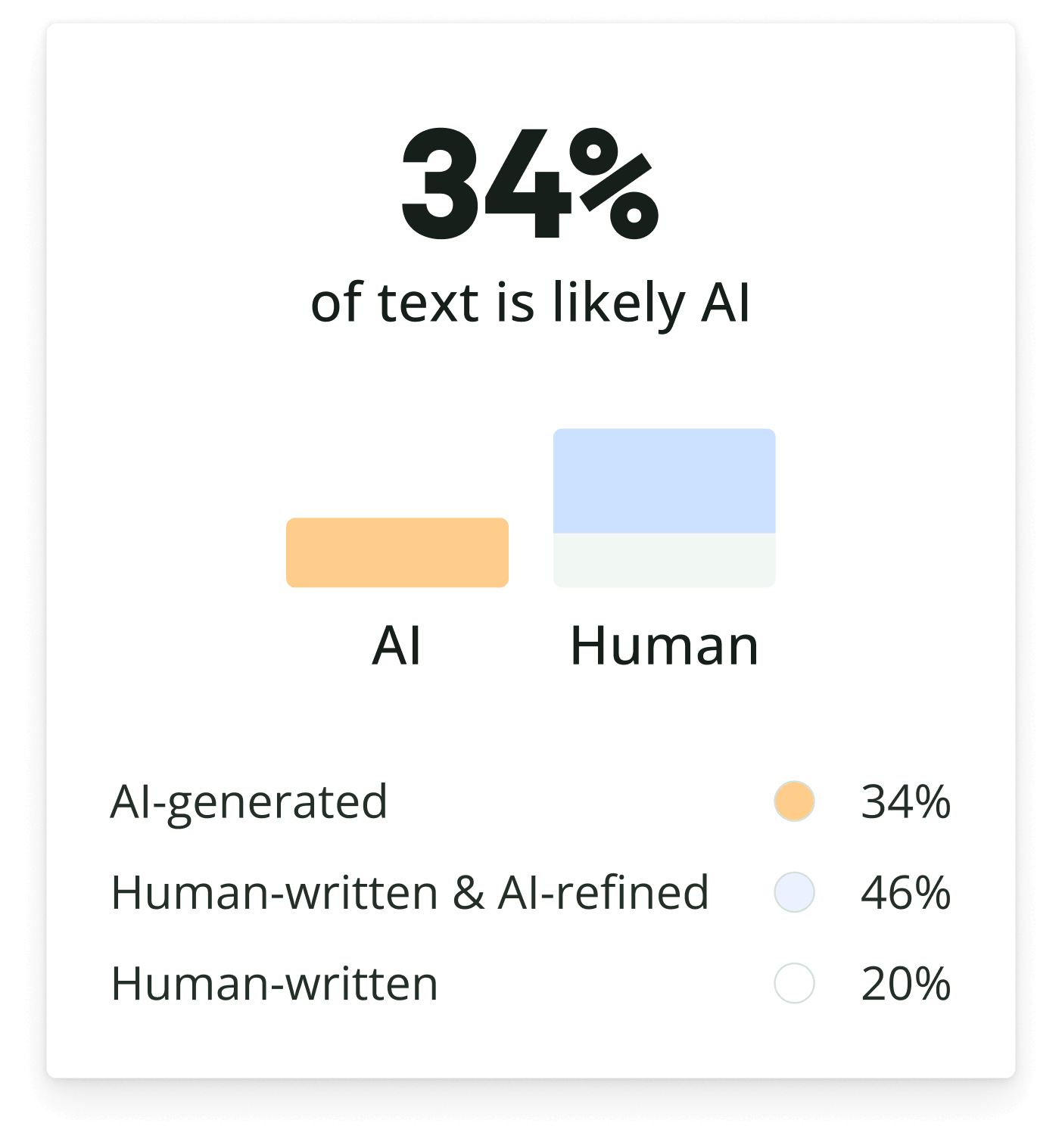
If you’ve noticed that your AI score changed in a document submission system, such as the one your school or college uses for assignments, here are some things to consider and possible steps to take:
- Check what has actually changed. Make sure it’s the AI detection score itself that has changed, rather than the document’s status (e.g., from “Pending review” to “Further review required”). A change in status doesn’t necessarily mean the AI score has changed.
- There could be a technical or procedural reason. For example, the system administrators may have changed the threshold for flagging documents for review, or the document may have been rescanned using an updated AI detection model.
- If you think you resubmitted exactly the same document, make sure there weren’t any changes that have affected the score. You may have added a cover page, made small changes to the text, or resubmitted the document in a different format (e.g., Word instead of PDF). These changes could affect how the detector assesses the document.
- Keep evidence of how you wrote the document. Earlier drafts, document version histories, notes, and relevant AI chat histories can help demonstrate that you wrote the text yourself and according to the institution’s guidelines.
Remember that an AI detector can sometimes incorrectly classify human-written text as AI-generated, and its score shouldn’t be treated as definitive proof of AI use.