Academic writing should be clear, precise, and engaging. Yet many academic texts—whether written by humans or generated with AI—can sound overly formal, repetitive, or difficult to read.
Humanizing academic writing isn’t about making it casual. It’s about making your ideas easier to understand without making the reader work more than necessary to follow them.
In this guide, you’ll learn what it means to humanize academic writing, why it’s important, and techniques and examples to ensure your writing sounds natural while maintaining academic credibility.
TipIf you’re working with AI-generated text, Quillbot’s AI Humanizer can help improve readability, but understanding the principles behind effective academic writing is equally important.
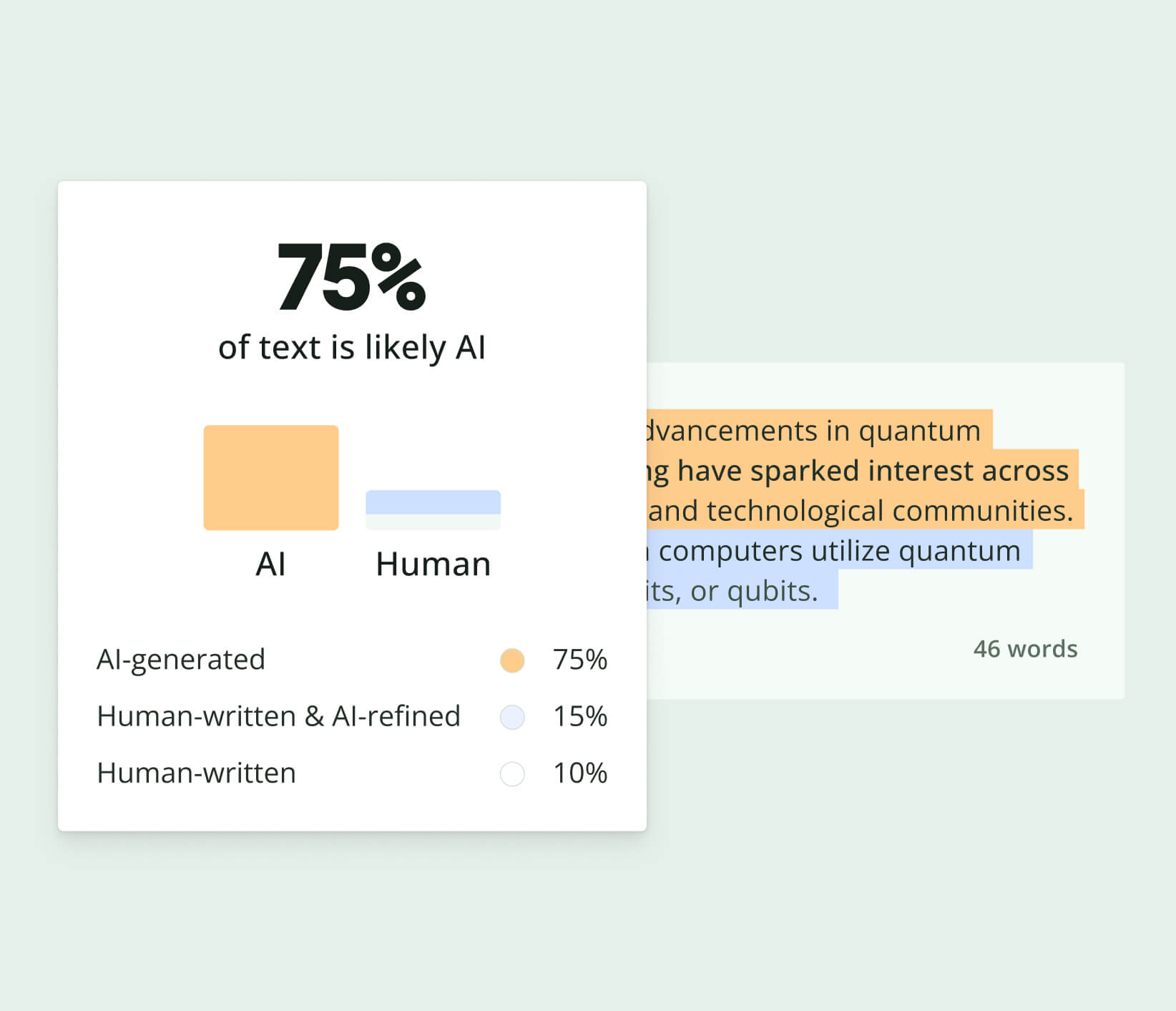
AI detectors have become popular tools for students, educators, writers, and businesses that want to understand whether text may have been created or modified with AI. But finding a genuinely free AI detector can be challenging. Many tools advertise free detection while limiting the number of scans, requiring users to create an account, or placing key features behind paid plans.
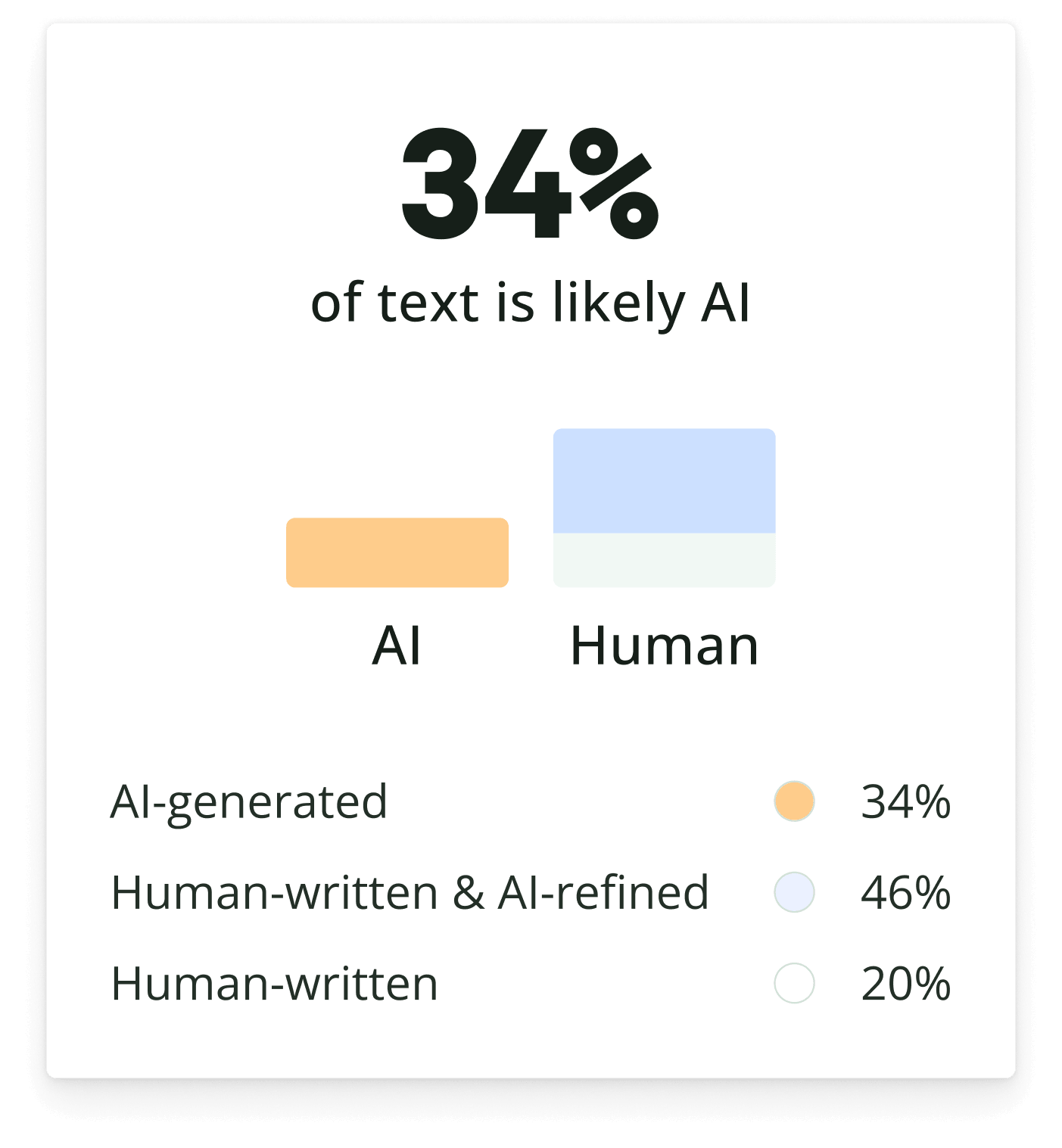
The best free AI detector depends on what you need from the tool. Some provide a simple AI-generated percentage, while others offer sentence-level analysis, explanations for flagged content, readability feedback, or additional writing tools.
This article compares eight of the best free AI detectors based on accessibility, input options, free usage limits, detection results, and other features.
If you’re ready to try one of these tools right now, Quillbot’s free AI Detector requires no sign-up and allows you to run six free scans per day.
Editor’s NoteAI detectors should be viewed as analysis tools rather than definitive proof of how a piece of writing was created. Results can vary depending on writing style, the AI models used to generate content, and the methods each detector uses to identify AI patterns. A detector’s result is one piece of information to consider, not a final determination of authorship.
When using AI writing tools, always make sure to follow the guidelines from your institution or workplace for citing and acknowledging AI assistance.
Key takeaways
The best free AI detector depends on your needs. Some tools focus on quick AI detection scores, while others provide sentence-level feedback, writing suggestions, or additional editing features.
Free AI detectors vary widely in their limitations. Depending on the tool, you may encounter scan limits, word count restrictions, account requirements, or premium-only features.
AI detection results should be interpreted with caution. Because detectors use different methods to identify AI-generated content, the same text may receive different results across multiple tools.
AI is everywhere, and there are more AI tools out there than ever before. And with so many people now using AI detectors to identify AI-generated text, AI humanizers are having their moment.
But each tool is a bit different, and with so many available, it can be overwhelming to decide which is the best AI humanizer for you. Ultimately, the answer depends on you, but in order to find it, you need to be well-informed about your options.
This article examines 15 of the best AI humanizer tools currently on the market. Keep reading to learn about their focus areas, price points, and features so you can decide which one is the best fit for your needs.
And given that you’re here on Quillbot now, if you want to try an AI humanizer straight away, give Quillbot’s AI Humanizer a go. You can also find it in the best AI humanizer comparison below so you can see how it stacks up to other tools.
Editor’s noteWhen using AI writing tools, always make sure to follow the guidelines from your institution or workplace in citing and acknowledging AI assistance.
Key takeaways
Compare 15 of the best AI humanizer tools side by side, including their pricing, free plans, standout features, and ideal use cases, so you can quickly narrow down your options.
Learn what sets each tool apart, from in-editor editing and tone controls to AI detector integration, rewrite styles, and SEO or academic features.
Use the comparison table to evaluate free limits, subscription costs, and key capabilities at a glance, making it easier to choose the right AI humanizer for your needs and budget.
Try Quillbot’s free AI Humanizer immediately or explore the full comparison to find the tool that best matches how you write and edit AI-generated content.
AI-generated content is becoming increasingly common, making it harder to determine whether a PDF document was written by a person, an AI tool, or a combination of both.
Whether you’re reviewing an academic paper, business report, or online submission, there are a few ways to assess whether AI may have been involved in its creation. Along with manually reviewing the content for common AI-writing patterns, you can use tools like Quillbot’s AI Detector to analyze the text and gain additional insights into its likely origin.
AI has become a common part of the writing process. Students use it to brainstorm essays, professionals use it to draft reports, and content creators use it to generate ideas more quickly.
As AI tools become more accessible, many of us ask the same question: Is using AI cheating?
The answer depends less on the tool itself and more on how it’s used.
In this guide, we’ll explore appropriate AI use, where ethical concerns arise, and how to create AI-assisted content that still feels authentic and human.
Key takeaways
AI is a writing assistant, not a replacement for critical thinking.
Using AI isn’t inherently cheating, but misrepresenting AI-generated work can be.
Human input is essential for accuracy, originality, and credibility.
AI-generated text benefits from editing and personalization.
AI writing tools can help you create content faster than ever. Whether you’re drafting a blog post, writing an email, or brainstorming ideas, AI can provide a strong starting point in seconds.
However, speed comes with a tradeoff. AI-generated content often sounds generic, repetitive, or overly polished. Readers may not know exactly why a piece feels artificial, but they can usually tell when something lacks a human touch.
The good news is that you don’t need to rewrite AI-generated text from scratch. A few thoughtful edits can make it sound more natural, engaging, and authentic. You can also use Quillbot’s Humanize AI tool to refine AI-generated text before adding your own expertise and personal insights.
In this guide, you’ll learn why AI writing can feel robotic, how to identify common AI patterns, and the most effective ways to make AI writing sound more human.
TipIf you’re new to AI-assisted writing, check out What Is an AI Writer? to learn how AI writing tools work and when to use them.
Key takeaways
Human-sounding content combines AI efficiency with human insight.
Specific examples, personal experiences, and conversational language can make AI writing feel more authentic.
AI tools can improve readability, but human editing is still essential.
From consultants and tutors to event planners, real estate agents, and market sellers, business builders need a range of promotional cards to help them connect with clients and customers in their local communities.
Read on to find out how you can use thank you card templates in an online tool like Quillbot’s free card templates to create branded designs that leave a lasting impression.
AI writing tools can help writers brainstorm, draft, and edit content more efficiently. But as AI detectors become more advanced, simply copying and pasting AI-generated text can lead to flagged content and raise concerns about originality.
The responsible way to avoid AI detection is to focus on improving authenticity and readability. By editing AI-assisted drafts, adding personal insights, and writing in a natural tone, writers can create content that feels more human, original, and engaging.
Key takeaways
Avoiding AI detection responsibly is about improving the authenticity, originality, and readability of your content rather than trying to “trick” detection tools.
The best approach is to use AI as a writing assistant for brainstorming, outlining, or drafting while adding your own voice, examples, and human insight through careful editing.
Natural writing habits like varying sentence structure, using conversational language, and including specific details help AI-assisted content sound more human and engaging.
AI detectors are becoming an essential tool for educational institutions evaluating student submissions. These tools analyze writing patterns typically associated with large language models (LLMs) such as ChatGPT, Gemini, and Claude.
By early 2026, more than 60% of colleges and universities had adopted some form of AI detection technology.
Quillbot’s AI Detector can be used to review text for potential AI-generated patterns and help ensure transparency in academic work.
AI detectors are quickly becoming part of a copywriter’s toolkit. Whether you’re working on blog posts, landing pages, or SEO content, there’s growing pressure to prove your writing is original.
But here’s the catch: if you write for the detector, your content will start to feel unnatural.
The better approach is to treat AI detection as a support tool instead of the final decision-maker. When used correctly, it can actually help you write more clearly and authentically.
Quickly check for originality with Quillbot’s AI Detector!
Work smarter with Quillbot’s AI Detector. Quickly assess whether text appears
AI-generated or human-written before publishing or submitting your content.
Work smarter with Quillbot’s AI Detector. Quickly assess whether text appears
AI-generated or human-written before publishing or submitting your content.