Published on
May 26, 2025
by
Kate Santoro, BS.
Revised on
October 28, 2025
AI is revolutionizing how we write, especially when it comes to the type of writing we do every day. While generative AI may not yet excel at academic writing or creative writing, it’s proving to be a powerful tool for more practical tasks, like writing letters.
That said, it’s not quite as simple as telling AI “write me a letter.” To get results that meet your goal, you need to understand how to use AI to write a letter. That includes crafting the right prompt and knowing how to review and refine the content it creates.
AI is changing the job market, especially when it comes to recruiting. The rise of generative AI has revolutionized how job application content is created and reviewed, especially when it comes to resumes.
Nowadays, many employers use applicant tracking systems (ATS), which are AI-powered screening programs that review and rank applications to assist human recruiters. This means that when you submit a job application, it is often AI that is first reading your resume.
The purpose of a resume is to show why you’re a great match for a specific job opening. Knowing how to use AI to write a resume can help you communicate that in a way that’s clear to an ATS.
AI is changing writing, especially when it comes to everyday communications like emails. AI can help humans work more efficiently, although there are some best practices to bear in mind when learning how to use AI to write an email.
How to use AI to write an email examplePrompt: “Write an email to my boss, Sara Graham, to let her know I would like to request vacation time between Monday, July 14, and Friday, July 18. If she approves it, I will put it into the HR system, and I have already asked Jordan to cover for me, and she said yes.”
Output: Dear Sara,
I hope this message finds you well. I would like to formally request vacation time from Monday, July 14, to Friday, July 18. If you approve my request, I will ensure it is entered into the HR system promptly.
Additionally, I have spoken with Jordan, and she has kindly agreed to cover my responsibilities during my absence.
Thank you for considering my request. Please let me know if you need any further information.
Best regards,
Kate
For the above email, I used Quillbot’s AI Chat, which you can try, too.
Published on
May 13, 2025
by
Quillbot.
Revised on
March 11, 2026
You just opened your inbox to find an email from your favorite sneaker brand. There’s a big sale happening this weekend, 30% off all summer styles.
In one scenario, the email reads: “Dear Customer. Our summer collection is now available at reduced pricing. The discount of 30% will be applied to all qualifying products through the weekend.”
In the other scenario, “Hey there, sneakerhead! Ready to step up your summer game? Our biggest sale of the season kicks off Friday— all those colorful kicks you’ve been eyeing are 30% off. Yeah, the ones with the neon laces. Don’t walk, run!”
The difference is clear. One feels like it was written by a robot that’s never worn shoes. The other feels like it was written by someone who gets you and your sneaker obsession.
As more businesses turn to AI for content creation, your ability to add that human touch isn’t just nice to have; it’s what can make a customer read or toss an email into the bin.
Want your AI-generated content to grab attention? Quillbot’s Humanize AI tool can turn AI outputs into writing that feels alive, natural, and impossible to ignore.
Published on
April 23, 2025
by
Kate Santoro, BS.
Revised on
October 28, 2025
ChatGPT is an AI-powered chatbot that is capable of generating human-like content. It assists with various tasks, like brainstorming, writing, answering questions, editing, and more.
AI language models like ChatGPT are revolutionizing how people interact with technology, making it easier to access information, automate tasks, and enhance creativity. ChatGPT’s many use cases—along with how human its responses can sound—highlight its growing influence.
What is ChatGPT examplePrompt: Hi ChatGPT! Tell me what you are in one sentence.
Response: Hi Kate! I’m an AI-powered assistant designed to help with writing, research, brainstorming, and problem-solving across a wide range of topics.
NoteChatGPT is perhaps the most well-known AI chatbot, but there are many ChatGPT alternatives. One of these is Quillbot’s AI Chat, which can act as your conversational partner to brainstorm, generate content, and learn about topics.
When people think of AI chatbots, they generally think of ChatGPT, which is an all-purpose tool for brainstorming, drafting, and getting answers to questions.
While ChatGPT works well for many purposes, there are many other AI chat options available, each with unique features. Let’s dive into the details of some of these ChatGPT alternatives.
TipNo matter which AI tool you’re using, humanize AI text and make it flow more naturally with Quillbot’s free AI Humanizer.
Published on
April 15, 2025
by
Quillbot.
Revised on
July 13, 2026
Ever noticed how text written by AI tools like ChatGPT, Perplexity, or Gemini has a certain “robotic” quality to it? Laden with words like “leverage,” “dive into,” and “utilize,” AI-generated texts can be a good first draft to help you defeat the terror of the blank page (or screen). But whether you’re writing posts for a rock climbing social media page or drafting an e-book on investment advice, your human touch is necessary for your text to stand out and reach the hearts and minds of your target audience.
In this post, we’ll show you how to humanize AI so your writing feels natural, engaging, and uniquely yours. With these techniques, you can confidently transform any AI-generated draft into polished, high-impact writing.
Whether you’re brainstorming your next social media post, writing product descriptions for your online store, or summarizing a long report, you’ve probably used a generative AI tool such as Quillbot’s AI Chat, ChatGPT, Claude, or Gemini.
These tools can save you time and give you a useful starting point, but AI-generated text can sometimes sound stiff, repetitive, or impersonal. If you want your writing to connect with readers, you’ll need to go beyond simply generating text and give it a human touch.
The good news is that you don’t have to rewrite everything from scratch. Learning a few practical tips on how to humanize AI content can help you refine AI-generated drafts, add your own perspective, and make your writing sound more natural and engaging. You can also use an AI Humanizer to speed up the editing process while keeping your ideas intact.
Editor’s noteWhen using AI writing tools, always make sure to follow the guidelines from your institution or workplace in citing and acknowledging AI assistance.
AI content creation tools can generate content in seconds, but the output often sounds generic, repetitive, or slightly unnatural. Often, it can also be flagged by AI detectors.
If you are using an AI writer, rewriting that content is an essential step. The goal is not just to change a few words, but to make the text sound natural, human, and contextually relevant.
Quillbot’s free AI Detector can help ensure your content does not follow predictable AI patterns before you publish. In this guide, you will learn how to rewrite AI-generated text effectively, along with practical examples and tools that can simplify the process.
TipUsing a tool like Quillbot’s free AI Humanizer can help to quickly rewrite AI-generated text so it sounds more natural and less repetitive.
Published on
April 2, 2025
by
Quillbot.
Revised on
July 13, 2026
AI is an effective writing partner, capable of producing drafts, ideas, and outlines in seconds. However, those drafts often require refinement before they sound natural and engaging. Humanizing the output is a crucial step in turning AI-generated text into content that resonates with real readers.
By adjusting tone, improving flow, and refining phrasing, you can transform robotic drafts into authentic, reader-friendly writing. Tools like Quillbot’s Humanize AI make this process faster and easier.
Editor’s noteWhen using AI writing tools, always make sure to follow the guidelines from your institution or workplace in citing and acknowledging AI assistance.
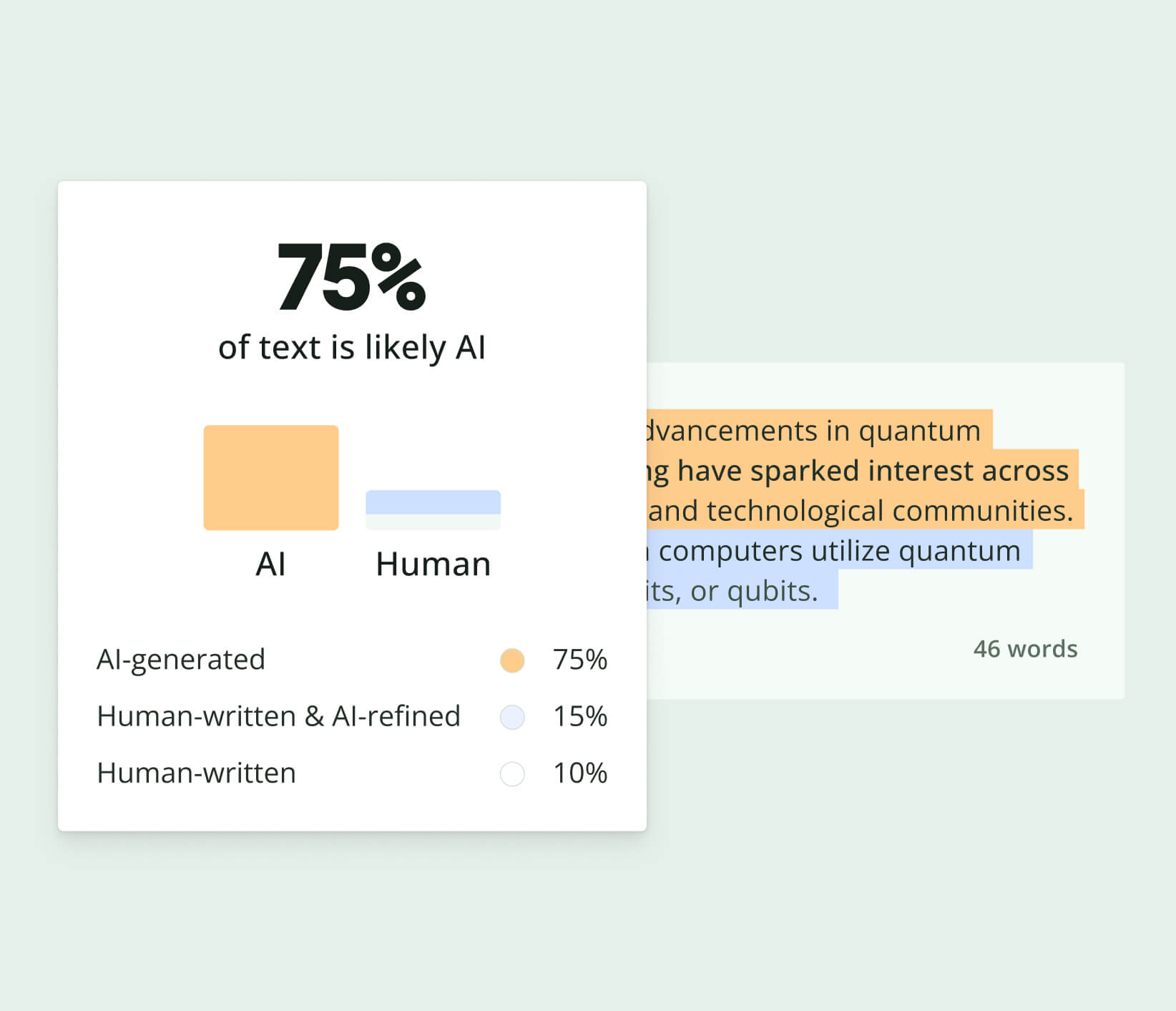
Work smarter with Quillbot’s AI Detector. Quickly assess whether text appears
AI-generated or human-written before publishing or submitting your content.
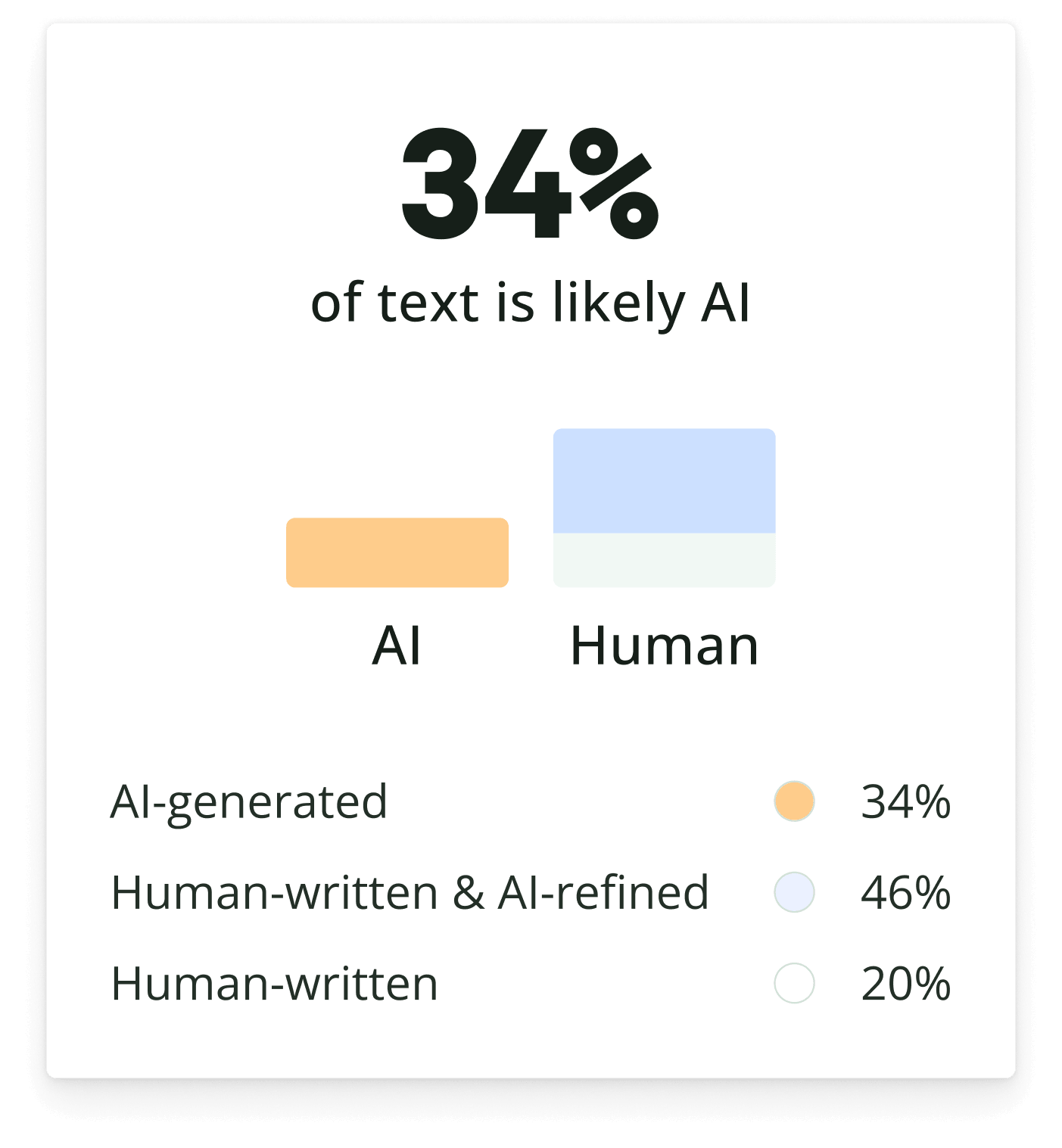
Work smarter with Quillbot’s AI Detector. Quickly assess whether text appears
AI-generated or human-written before publishing or submitting your content.