Halloween Zoom Backgrounds | 20 Free Images
A Halloween Zoom background can add a bit of spooky cheer to a virtual Halloween party, a casual meeting, or an online class. Festive pumpkins, autumn leaves, cute ghosts, and scary scenes can add a personalized touch to your next Zoom meeting.
This article shares 20 free, downloadable Halloween Zoom backgrounds you can use for your virtual Halloween activities, plus tips on how to turn your Halloween background ideas into reality with a bit of help from Quillbot’s AI Image Generator.
Key takeaways
- Choose from 20 free Halloween Zoom backgrounds, from cute and cozy scenes to spooky and unsettling designs.
- Find a background to suit any virtual Halloween activity, including meetings, classes, parties, and casual calls.
- Create your own custom Halloween Zoom background with Quillbot’s AI Image Generator using a detailed prompt, a 16:9 aspect ratio, and your preferred style.
- Learn how to download, upload, and change your Zoom background, plus check the image and video requirements for a smooth setup.
Halloween Zoom backgrounds
Below you’ll find 20 cute, cozy, and spooky Halloween Zoom backgrounds. Simply click any image to download it. If you’re not sure how to change your Zoom background, check out the bottom of the article for instructions.
- File format must be 24-bit PNG or JPEG for images and MP4 or MOV for videos.
- Maximum file size is 15MB.
- For images, the aspect ratio should match the aspect ratio of your camera. If you’re not sure about aspect ratio, use an image with a minimum resolution of 1280×720 pixels.
- For videos, the minimum resolution is 480×360 pixels (i.e., 360p), and maximum resolution is 1920×1080 pixels (1080p).
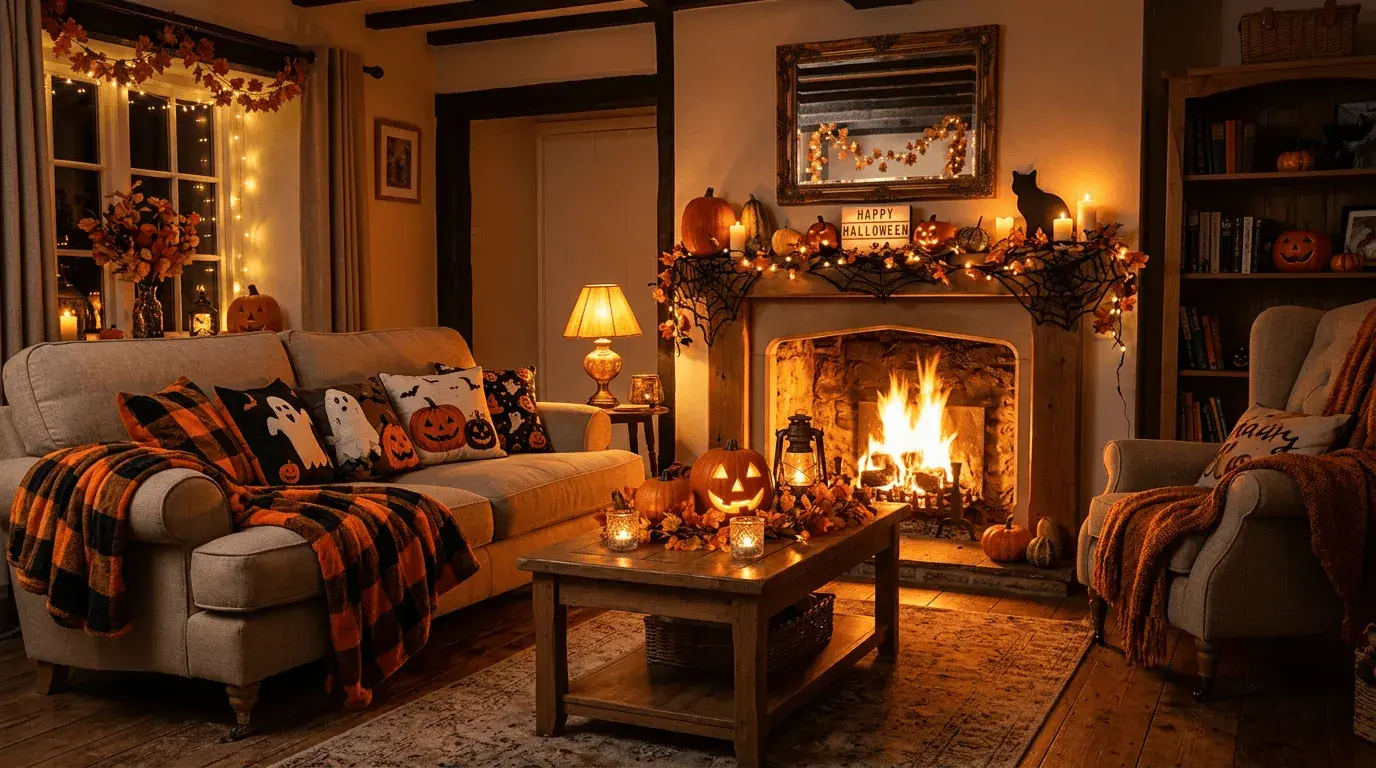
1. Cozy Halloween living room
This candlelit living room is all ready for Halloween, from pumpkin garlands and fairy lights to orange-and-black blankets and pillows.
2. Pastel ghosts
For a cute and upbeat vibe, this Halloween Zoom background features anime-style ghosts in pastel Halloween colors swirling around with tiny pumpkins and trick-or-treat candy.

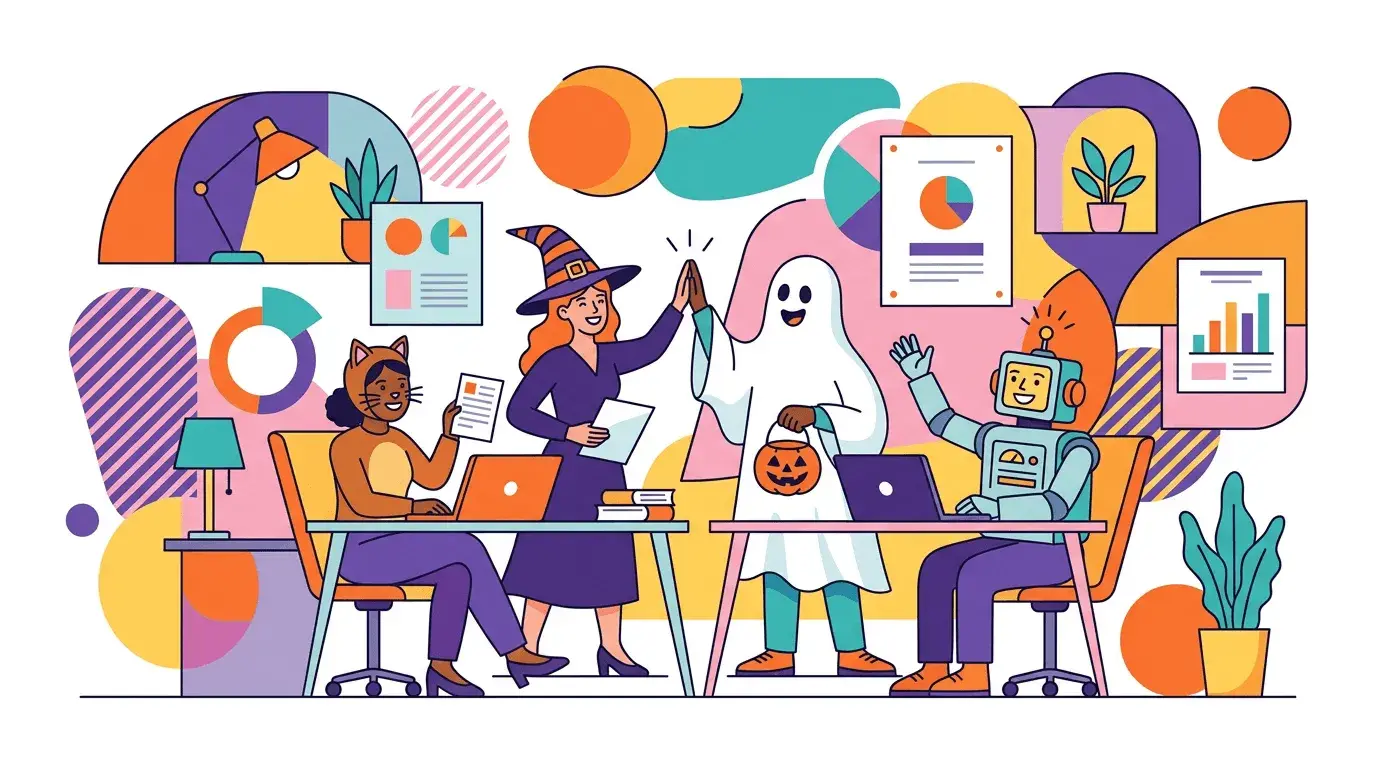
3. Office Halloween meeting
This image, rendered in the corporate Memphis style, shows office workers dressed up for a meeting. If you want to bring a bit of festive cheer to your own Halloween meeting, this background might be a good fit for you.
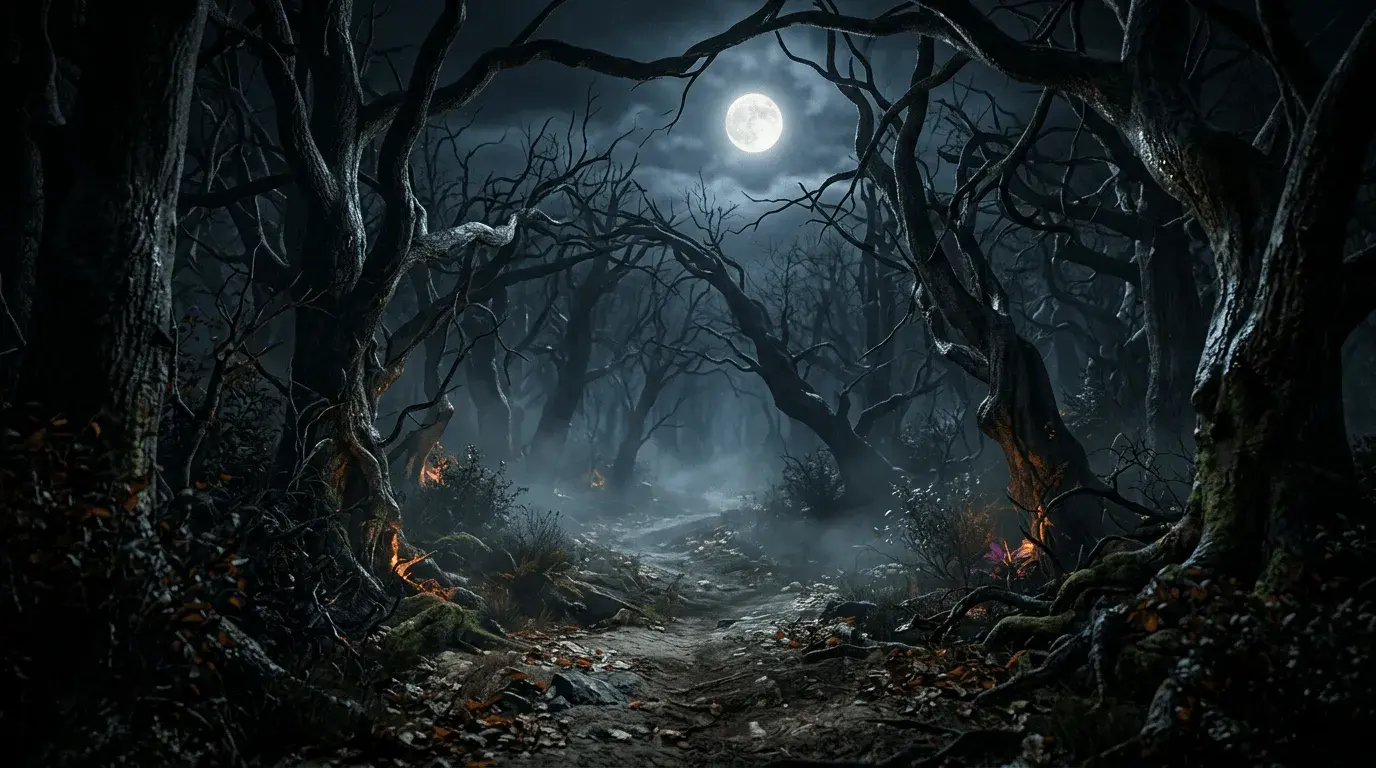
4. Spooky forest
Looking for a scarier Halloween Zoom background? Twisted trees and a glowing full moon make it look like you’re on your own in the middle of a spooky forest.
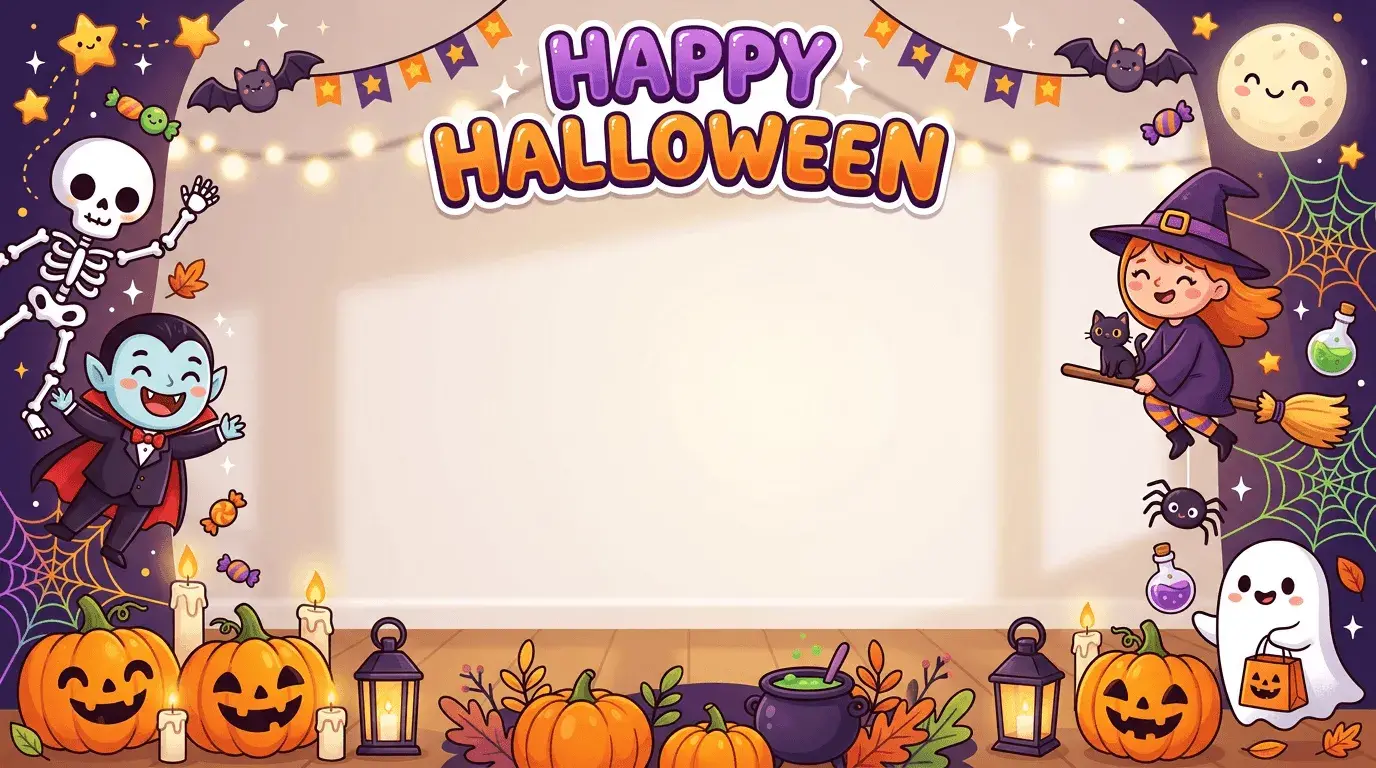
5. Cute Halloween
This cute backdrop features smiling Halloween creatures and jack-o-lanterns, plus a “Happy Halloween” message for whoever you meet on Zoom.
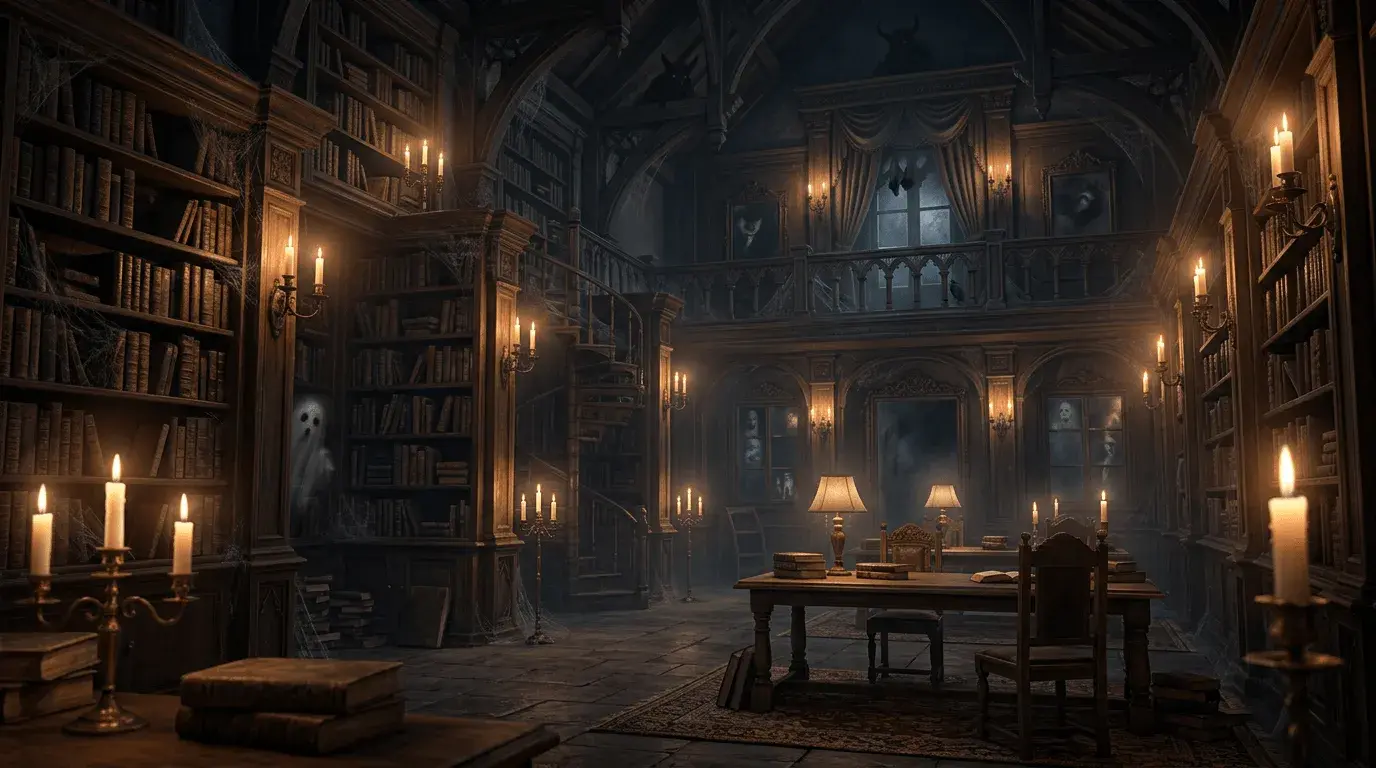
6. Haunted library
This library background gets spookier the longer you look. Notice the ghosts and creatures peeking out from dark corners?
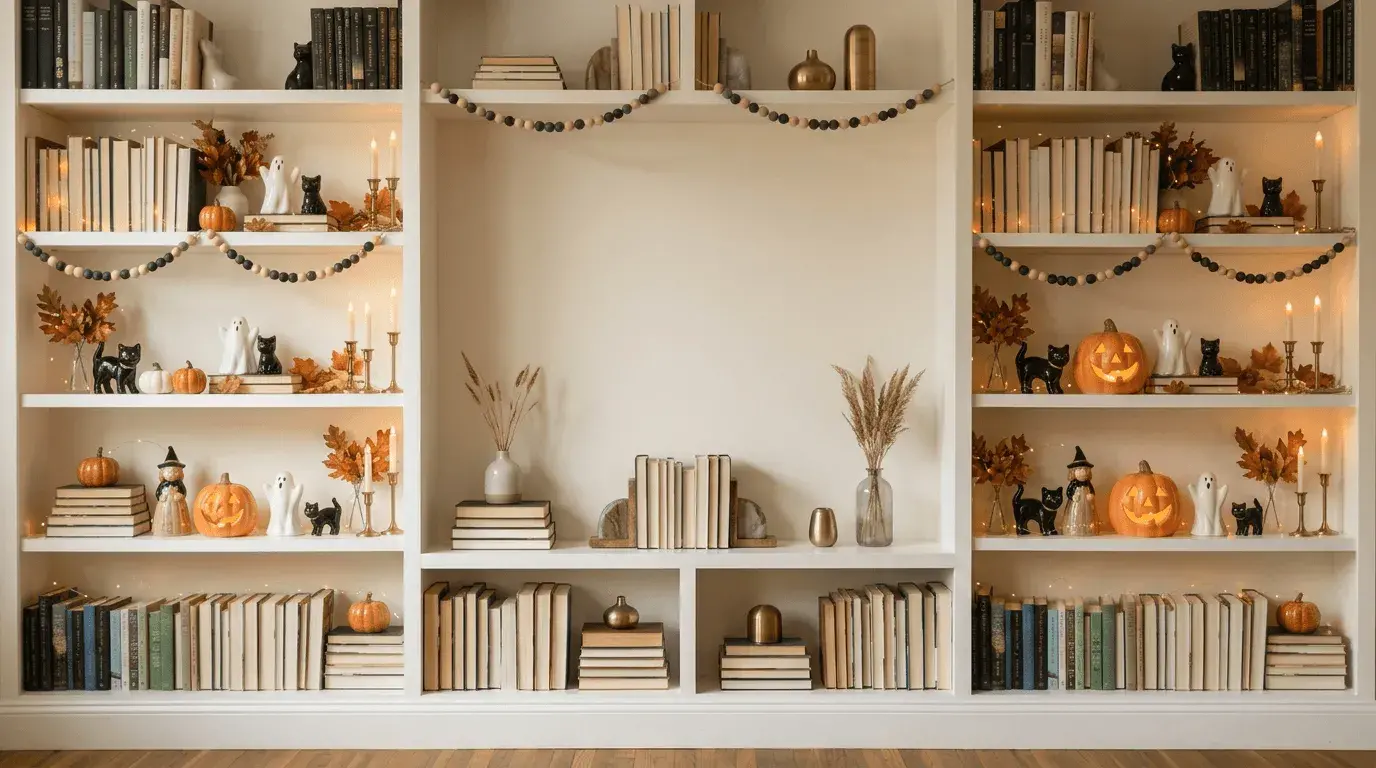
7. Elegant Halloween bookshelf
For a more sophisticated Halloween Zoom background, try this one, which shows a tidy bookshelf decorated with ceramic Halloween decorations, candles, and fairy lights.
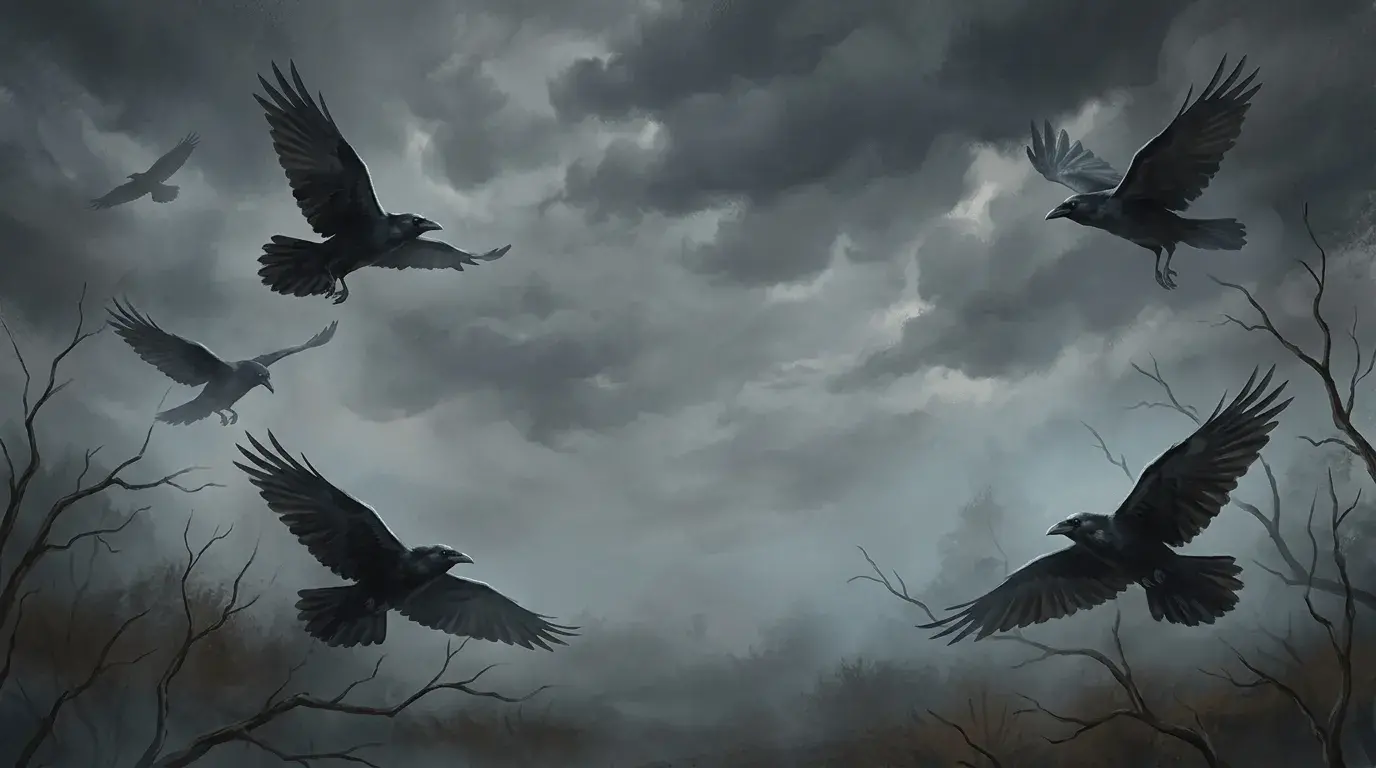
8. Ravens overhead
The gray, cloudy sky and soaring ravens in this background will make it feel like you’re in the middle of an Edgar Allan Poe poem instead of a virtual meeting.
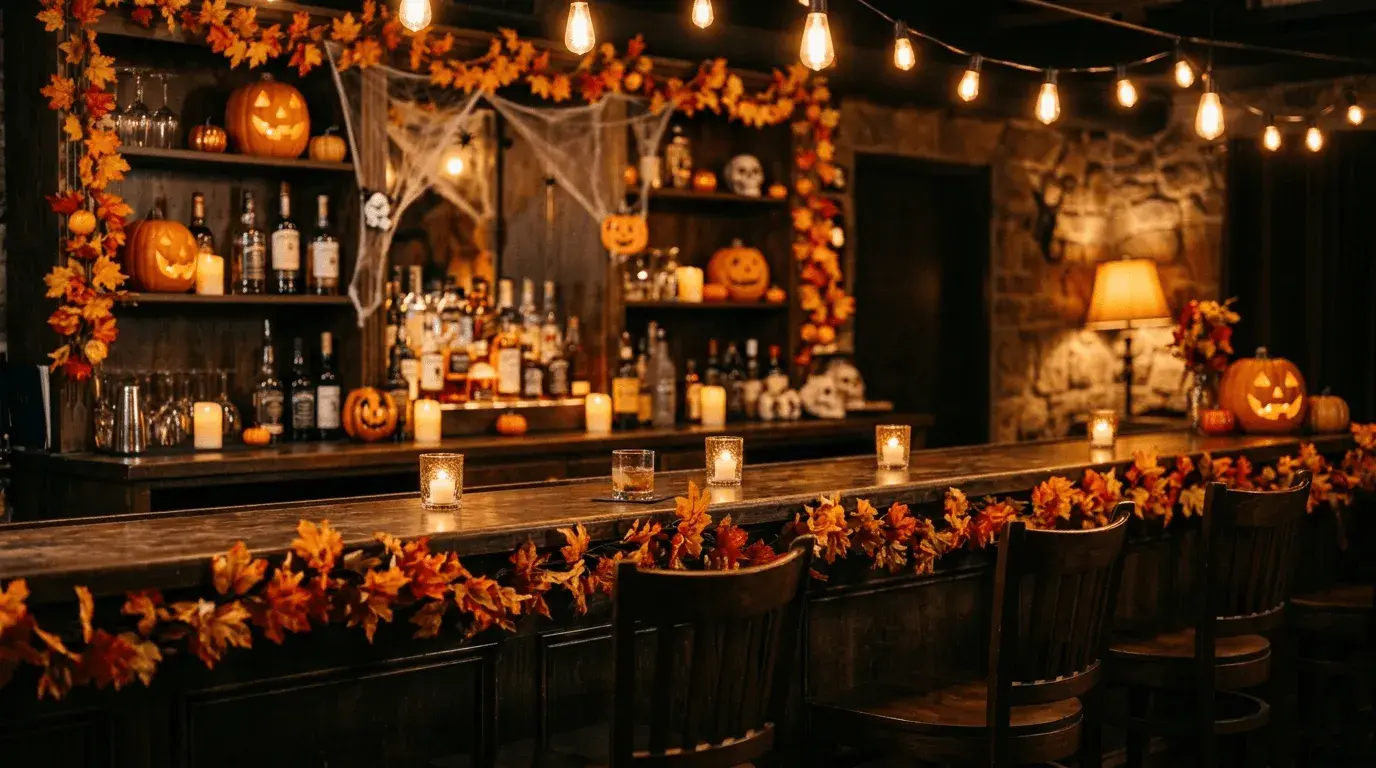
9. Festive Halloween pub
This pub, dressed from head to toe with festive autumn decorations, is the perfect Halloween Zoom background for a virtual happy hour.
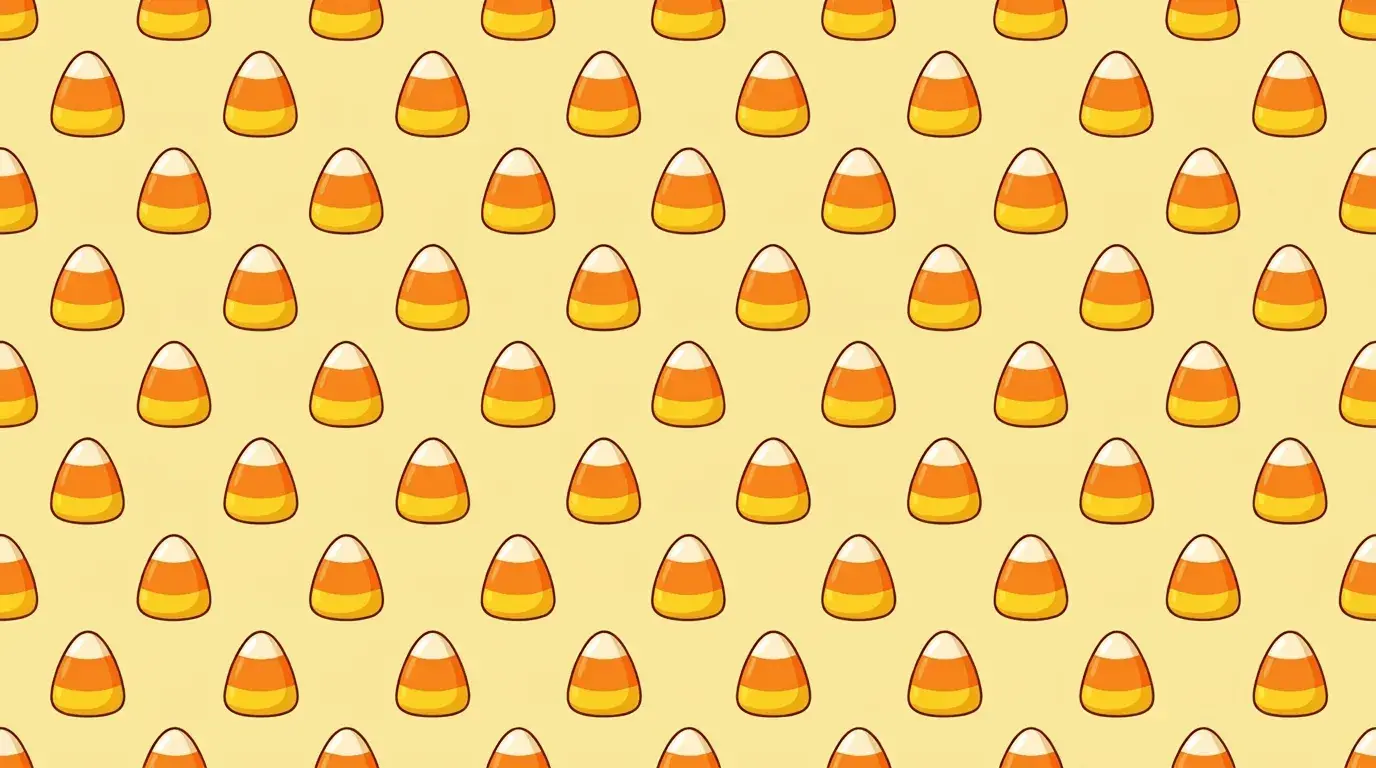
10. Candy corn
This Halloween Zoom background is for that one person who actually likes candy corn (there’s always one).
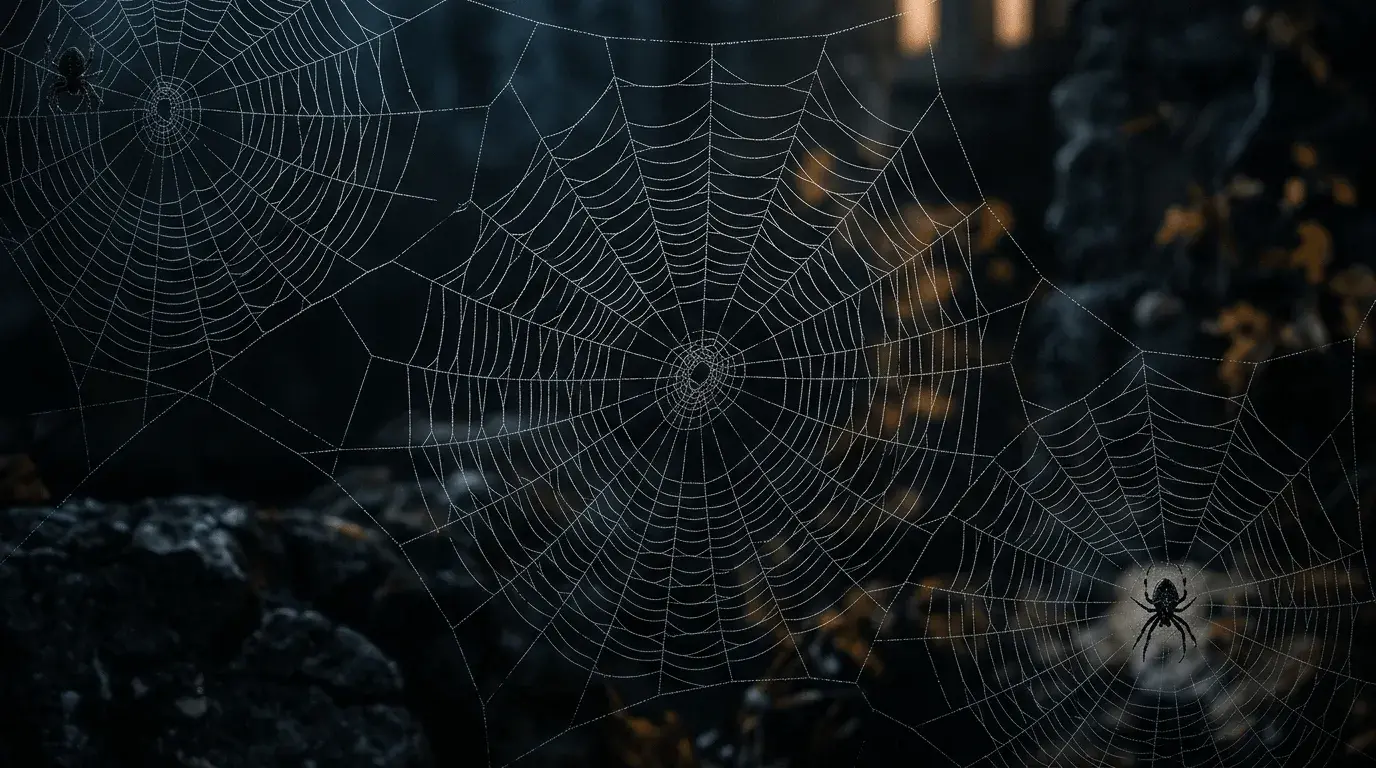
11. Spider webs
The spider webs in this background may be scary and repulsive to some or beautifully intricate to others. This is a good option if you want a subtle and understated Halloween Zoom background.
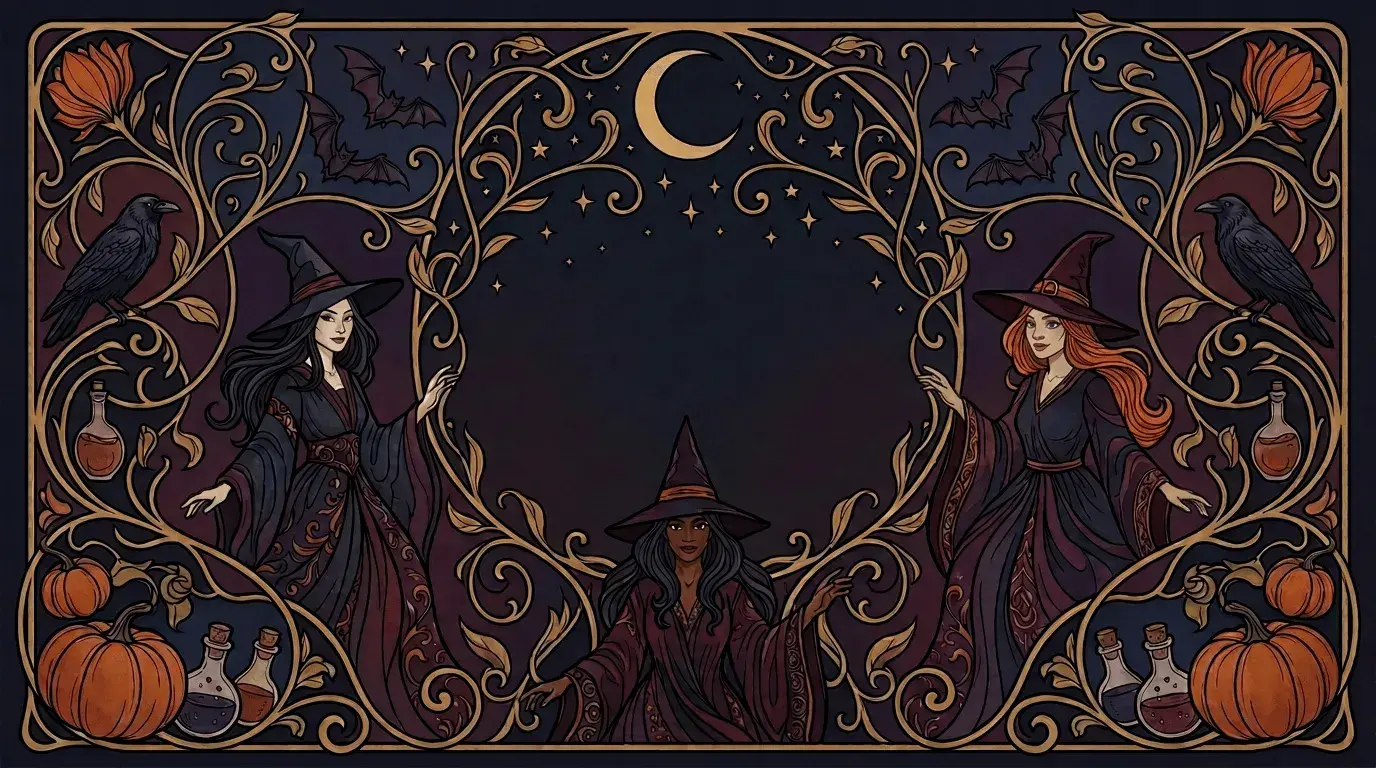
12. Art nouveau witches
This richly colored Halloween background shows three witches rendered in an art nouveau style and will give your Zoom profile an elegant and mysterious look.
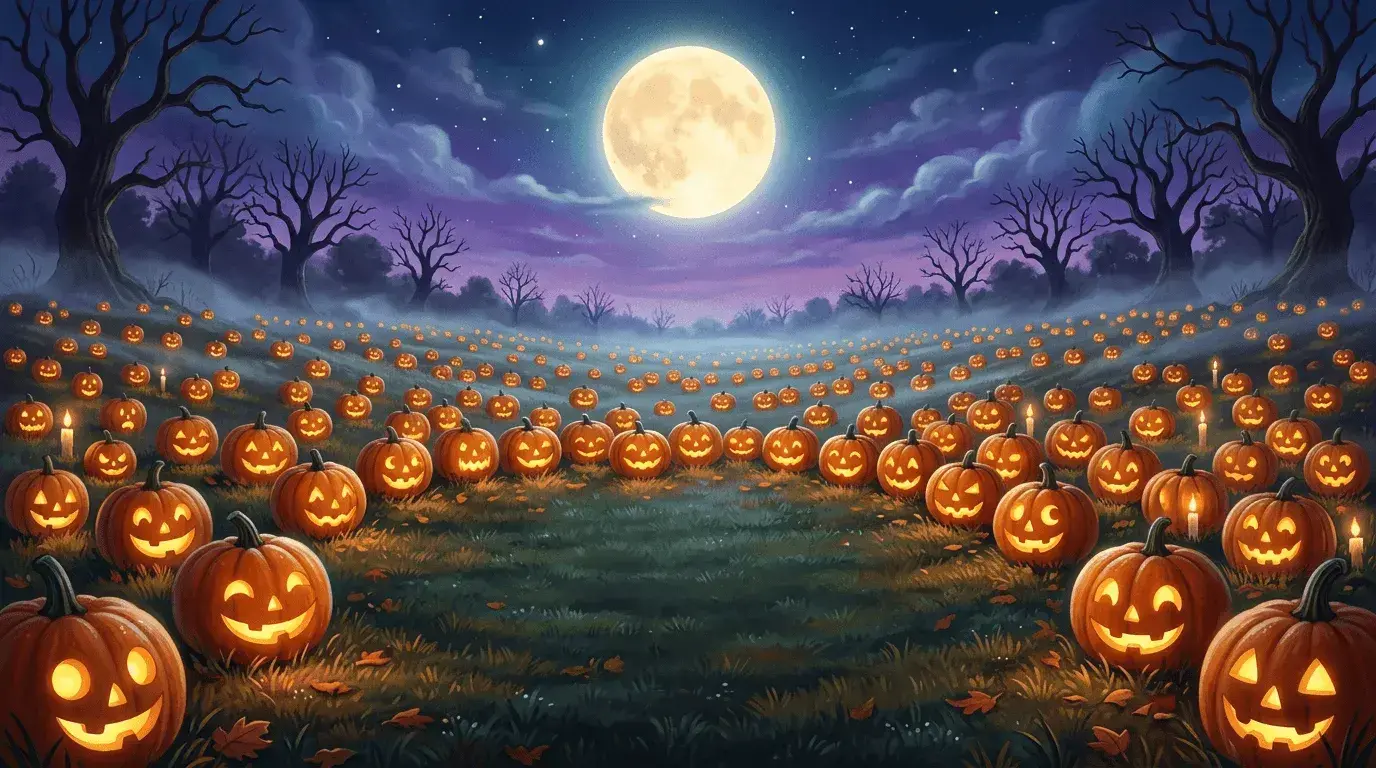
13. Field of jack-o-lanterns
Even if you’re taking your Zoom call from the comfort of your home, this background makes it look like you’re in an open field filled with smiling, glowing jack-o-lanterns.
14. Halloween comic strip
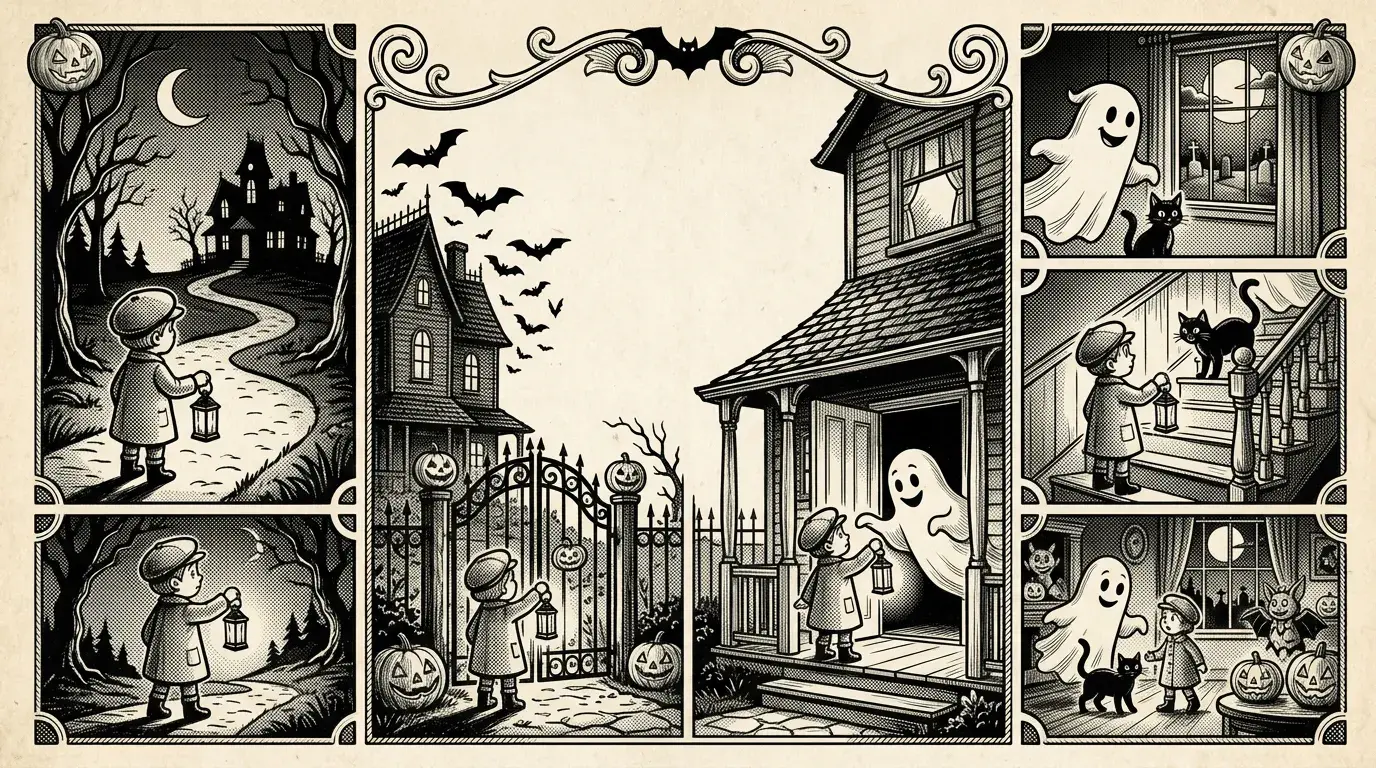
Want a Halloween Zoom background with a fun vintage feel? Look no further than this old-timey Halloween-themed comic strip. You could even use it as a warm-up activity during your call and ask attendees to fill in the story.
15. Decorated neighborhood
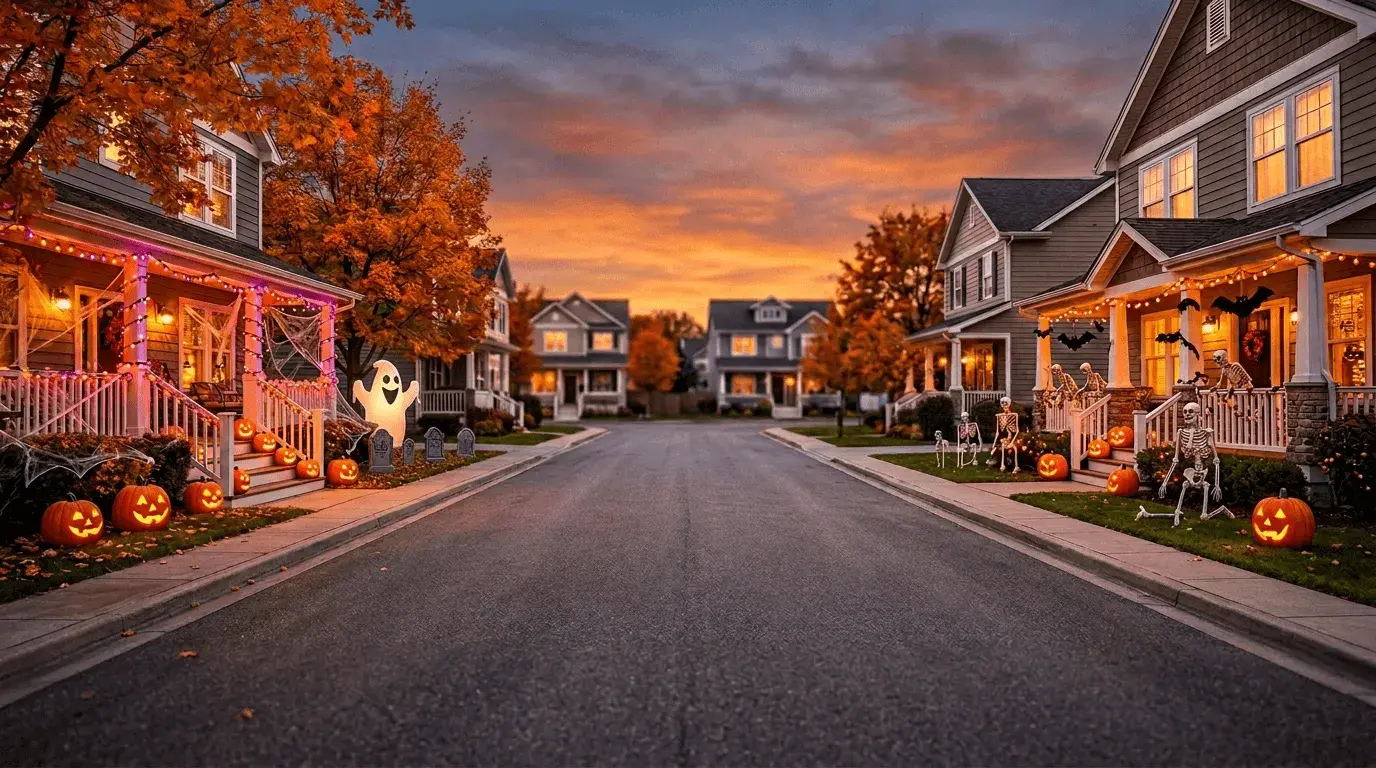
For a family-friendly Halloween Zoom background, try this suburban neighborhood scene with houses decorated to the nines for the autumn holiday.
16. Woodland Halloween party
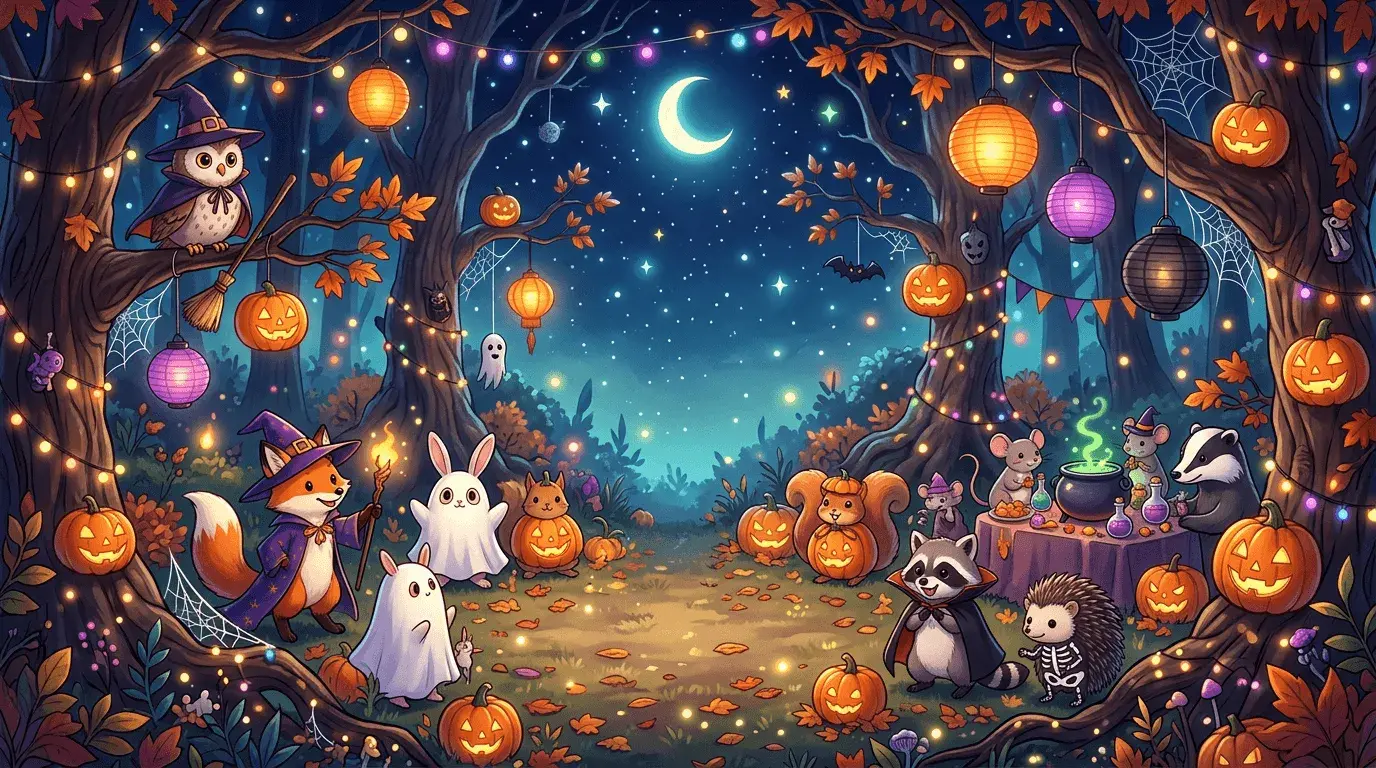
What’s better than a human Halloween party? A woodland critter Halloween party! This background shows rabbits, raccoons, hedgehogs, and other animals, all dressed up and ready to celebrate with you and whoever you’re Zooming with.
17. Full moon
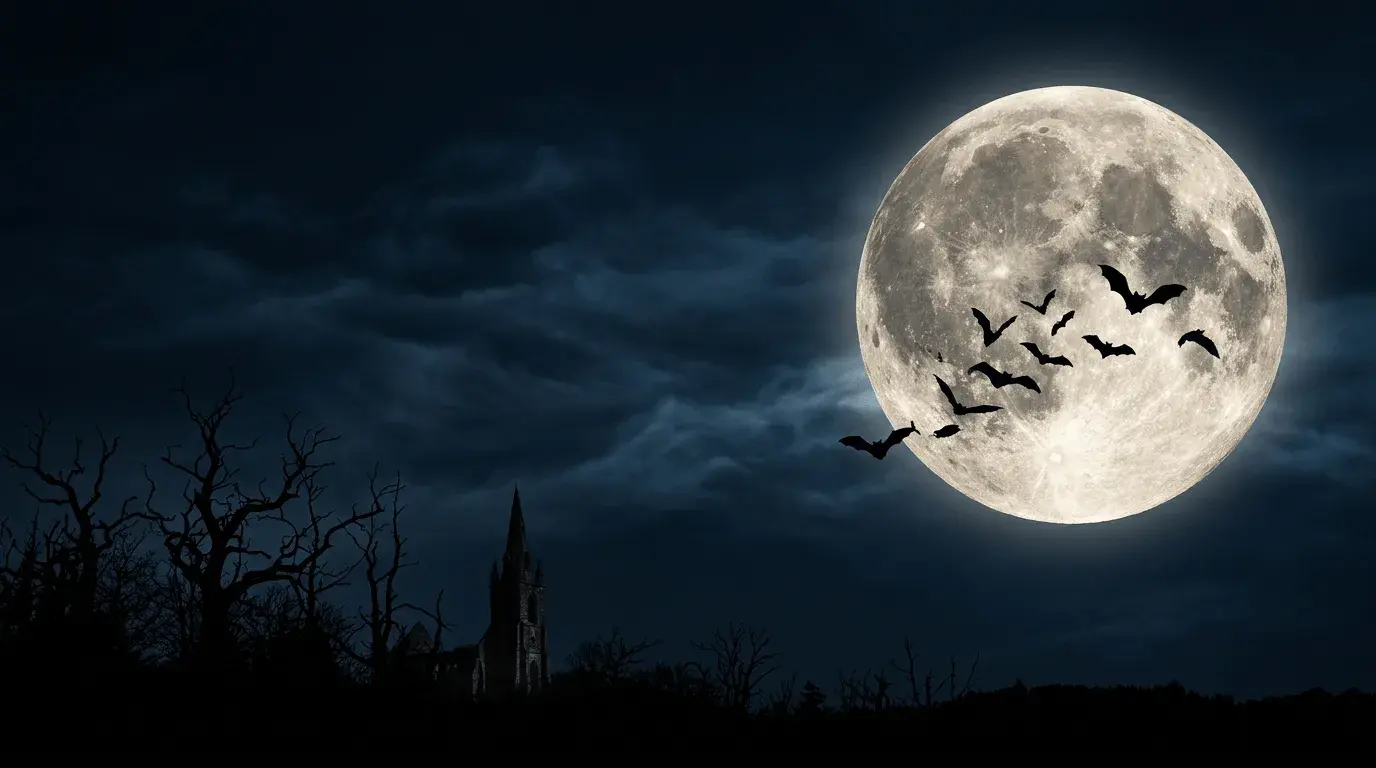
This simple Halloween Zoom background shows a bright, full moon with a group of bats silhouetted against its glow.
18. Halloween fireplace
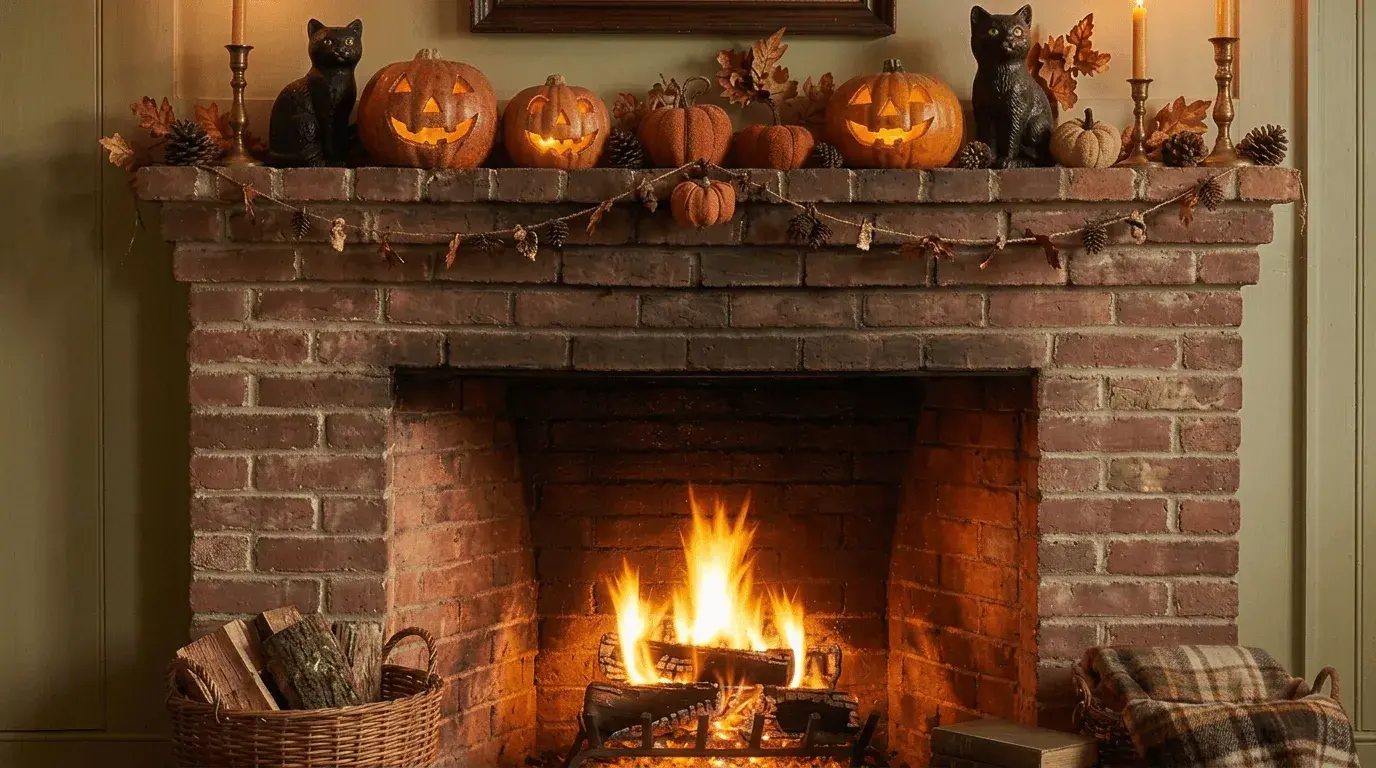
If October is chilly where you live (or if you don’t get to experience cold weather but wish you could), try this cozy fireplace background, complete with vintage Halloween decorations.
19. Skeleton dance
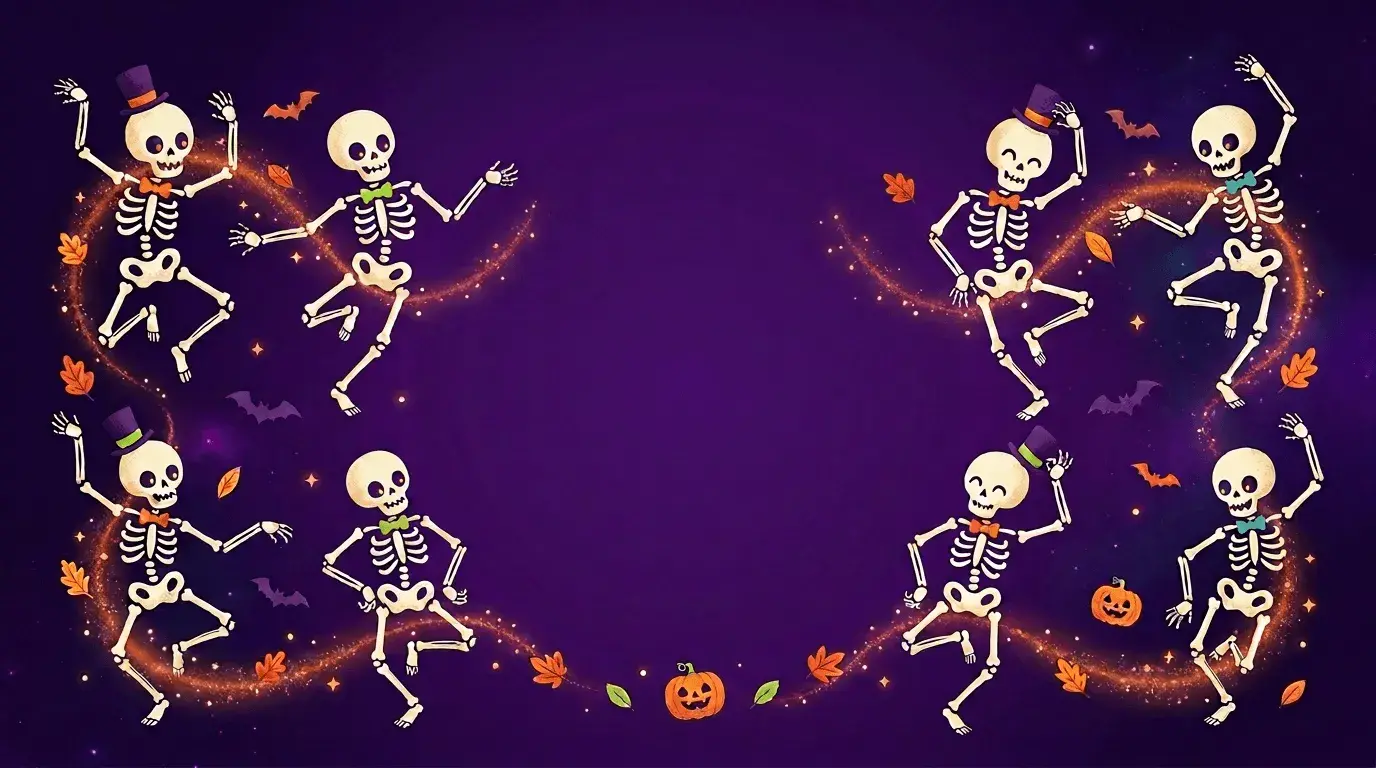
This joyful Halloween Zoom background shows cute dancing skeletons united by a sparkling current of festive energy.
20. Who’s there?
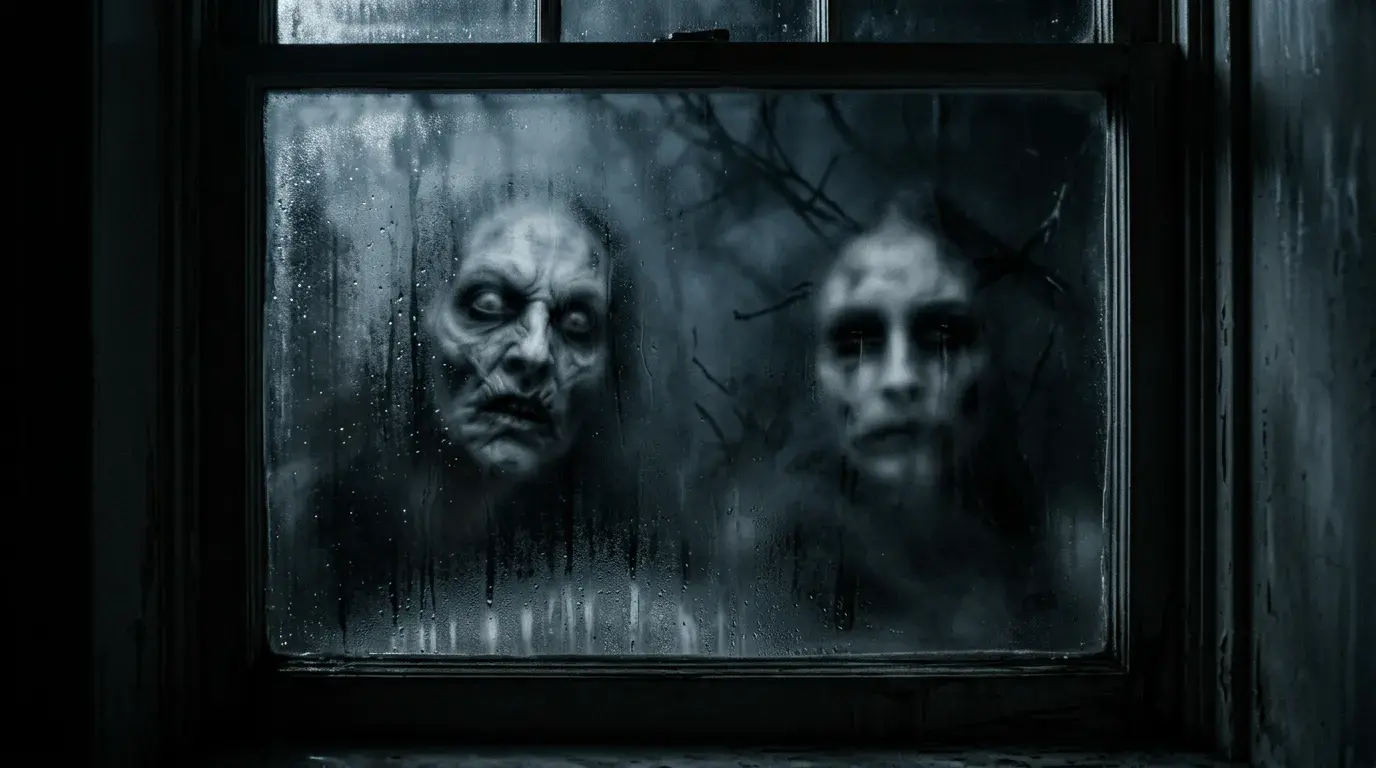
For a truly unnerving Halloween Zoom background, try this foggy windowpane with a pair of visitors looking through. This image plays on the uncanny valley to create a sense of unease and dread. Before using this one, make sure it’s appropriate for the context of your Zoom call (and that the people you’re meeting with can handle it).
Creating a Halloween Zoom background
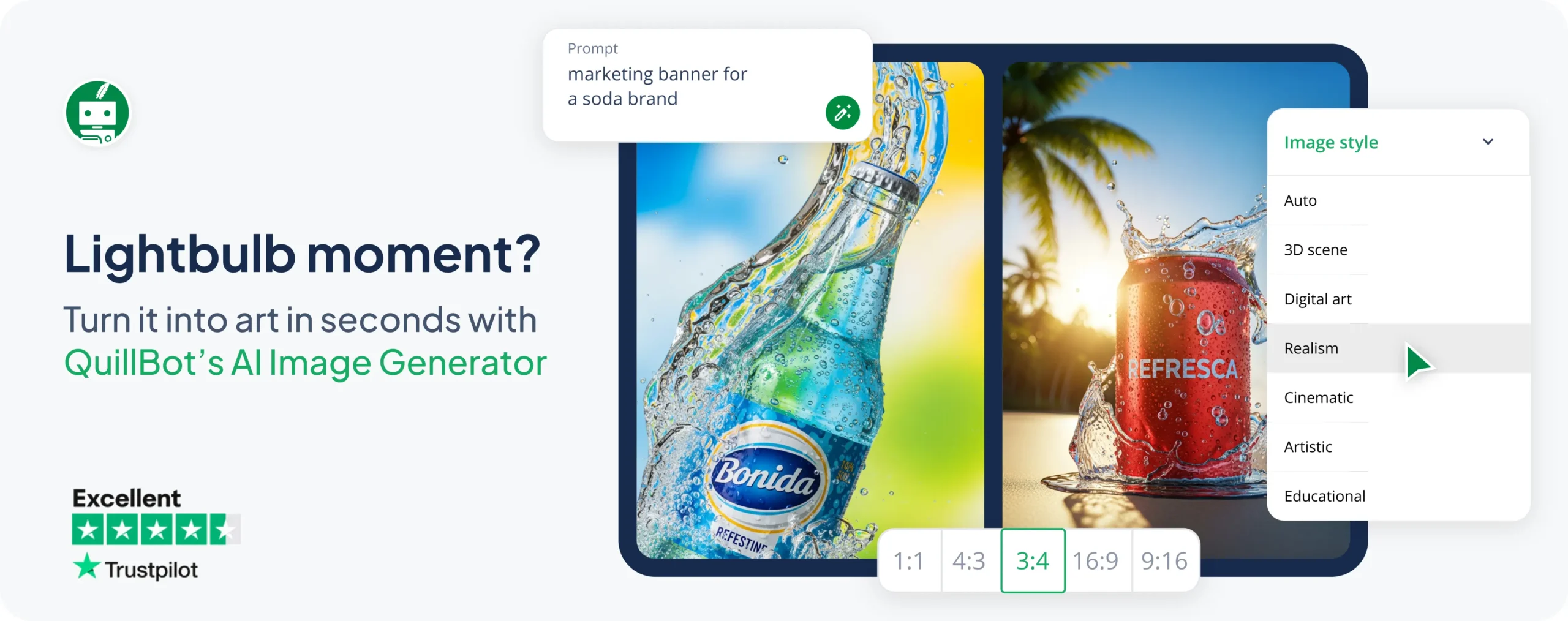
If you’d like to create a Halloween Zoom background different to the ones you see here, you can use Quillbot’s AI Image Generator. You just have to:
- Open the Image Generator.
- Write a detailed prompt about the Halloween background you want.
- Set the aspect ratio to 16:9.
- Choose the desired image style (like “Realism” or “Artistic”).
- Click Generate an image.
Quillbot will generate your image, and if you’d like to tweak it, you can chat with the AI right on the same page. Then, download it as a PNG in one click.
- “A Halloween Zoom background. It should be realistic and scary. Show a foggy window pane with surreal, uncanny faces looming in. Use dark lighting and an out-of-focus effect to enhance the creepiness.”
- “A Halloween Zoom background showing a vintage comic strip. Do not use text, only images. Create a simple Halloween story with a logical flow. Leave the middle panel relatively simple without a lot of detail, as the meeting attendee will cover it.”
- “A cute Halloween Zoom background featuring cute ghosts in pastel colors. They are swirling around in a pastel-colored sky.”
How to change your Zoom background
To change your Zoom background, first decide if you’re going to work with the Zoom desktop or mobile app or the browser-based version of the tool. The way you change your background is a bit different depending on which you use.
To change your background in the Zoom desktop or mobile app:
- Go to Settings.
- Find the Video & effects tab and choose Backgrounds.
- Click Add + and upload your image or video.
This will change your background before you start a meeting. If you want to change your Zoom background once you’re already in a meeting, use the Video button, as in the instructions below for the browser-based version.
If you want to change your Zoom background directly from your browser:
- Start a Zoom meeting.
- Find the Video button, click the small, upwards-pointing arrow next to it, and select Choose background.
- Zoom will open a pop-up window that lets you choose from default background options. To add your own, click the “+” icon.
- Choose the image you want to use as your background.
- Close the pop-up window.
If you can’t find the “Backgrounds” setting in Zoom, it could be that you’re using an older, unsupported device. In that case, it’s best to troubleshoot with Zoom directly.
Frequently asked questions about Halloween zoom backgrounds
- What are some ideas for a Zoom Halloween costume?
-
These ideas for a Zoom Halloween costume are either simple (to save you time and stress) or play on puns (to hopefully make your colleagues laugh):
- A witch (witch hat and black or dark-colored clothing)
- A black cat (cat ears and a painted nose)
- A “copy cat” (cat ears and printer paper stapled to your shirt)
- A meteorologist (blazer and a weather map background)
- The “bare minimum” (bear ears and nothing more)
- “Fantasy football” (a football jersey and a wizard hat and beard)
Get more ideas with Quillbot’s AI Chat. Finally, complement your costume with a Halloween Zoom background and you’re all set for your virtual Halloween event.
Other interesting articles
If you want to know more about colors, letters, or the meaning of emojis, make sure to check out some of our other articles with explanations and examples.