How to Spot AI Images | Tips & Image Detector Tools
Remember when that photo of Pope Francis in a puffy white coat went viral? Or when people shared what they thought was Katy Perry at the 2025 Met Gala? Both turned out to be AI-generated fakes, but not before they’d fooled plenty of people online.
As AI-generated images become increasingly realistic, knowing how to spot them has become an essential skill for anyone navigating digital content.
Below, you will find simple ways to spot AI-generated images and learn how online tools like QuillBot’s AI image detector can help you detect AI images when visual clues aren’t enough.
QuillBot’s AI image detector
How to tell if an image is AI-generated
While AI-generated images are more realistic and more available than ever, there are still some clues that can give a synthetic image away. Here’s what to look for when your gut feeling tells you something is “off.”
1. Pay attention to the details
Even though AI-generated images are far more convincing than they used to be, they still struggle with the finer details of human anatomy.
Common red flags include:
- Hands and fingers that look oddly shaped or positioned (for example, extra digits or a thumb that appears detached from the hand)
- Facial features that seem unnatural, such as waxy or overly smooth skin with a shine that doesn’t match the rest of the image.
- Eyes that look unnaturally glossy, misaligned, or empty, giving the face an artificial or vacant expression.
- Text within the image, such as on signs, clothing, or book pages, that looks distorted, misspelled, or unreadable on closer inspection.
2. Be wary of images that look “too perfect”
AI-generated images often have an overly polished or stylized look, although professional photo editing can also produce similar results. While real photos contain details or small imperfections, synthetic images stand out for the opposite reason.
Here’s what to look out for:
- Overly smooth textures, especially in skin, fabric, or surfaces that would normally show pores, wrinkles, or grain.
- Uniform lighting that flattens the image or makes everything look evenly lit, even when the scene suggests otherwise.
- Backgrounds that look artificial or overprocessed compared to the main subject.
- An overall “stock image” look, where the image appears generic, hyper-stylized, or too carefully composed to be candid.
3. Look for visual inconsistencies
Some AI-generated images look convincing at first glance, but problems often appear the longer you look at them. AI can imitate reality, but it still struggles to reproduce how people, objects, light, and space interact in a real scene.
Common visual inconsistencies include:
- Elements that defy everyday physics, such as food or objects that appear rigid, weightless, or oddly suspended.
Inaccurate or conflicting shadows, including a single object casting multiple shadows that don’t align. - Reflections that don’t add up, where mirrors or shiny surfaces reflect scenes that don’t match the rest of the image.
- Depth and perspective issues, such as objects appearing distorted or out of proportion within the same scene.
4. Consider the context and source
Sometimes the giveaway isn’t how an image looks, but what it shows. It helps to ask whether the scene makes sense given the people, place, and situation.
Things to watch out for include:
- Unlikely scenarios, such as public figures appearing somewhere unexpected or out of character.
- Out-of-place clothing or behavior, like beachwear at a formal event or casual dress at a serious occasion.
- Images spreading rapidly with no clear source or news coverage to back them up.
If something feels off, a quick search can usually clarify whether the moment actually happened or was fabricated. One way to do this is reverse image search, which lets you find where else an image has appeared online. Real photos often show up across multiple reputable sites, while AI-generated images may have little to no history online.
Using an AI image detector
Visual checks and reverse image searches can go a long way, but they don’t always provide clear answers, especially as AI-generated images become more sophisticated. This is where AI image detection tools can help.
These tools analyze visual patterns commonly found in synthetic images. Rather than looking at context or searching for other appearances online, they assess whether an image was likely created by AI. The results aren’t foolproof, but they can point you in the right direction when visual clues are hard to pin down
AI detection tools are particularly useful when:
- An image looks realistic, but something still feels off
- There’s no clear source or background information available
- Reverse image search doesn’t return useful results
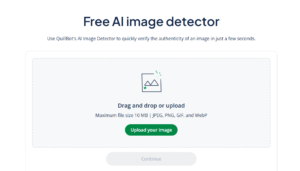
One way to check whether an image is AI-generated is QuillBot’s AI image detector, a free tool that doesn’t require any technical know-how.
Here’s how it works:
- Upload the image you want to check. The tool handles common formats like JPEG, PNG, and WebP.
- Let the tool analyze the image for patterns associated with AI generation
- Get results instantly. The tool gives you a percentage indicating whether the image is likely AI-generated or human-made.
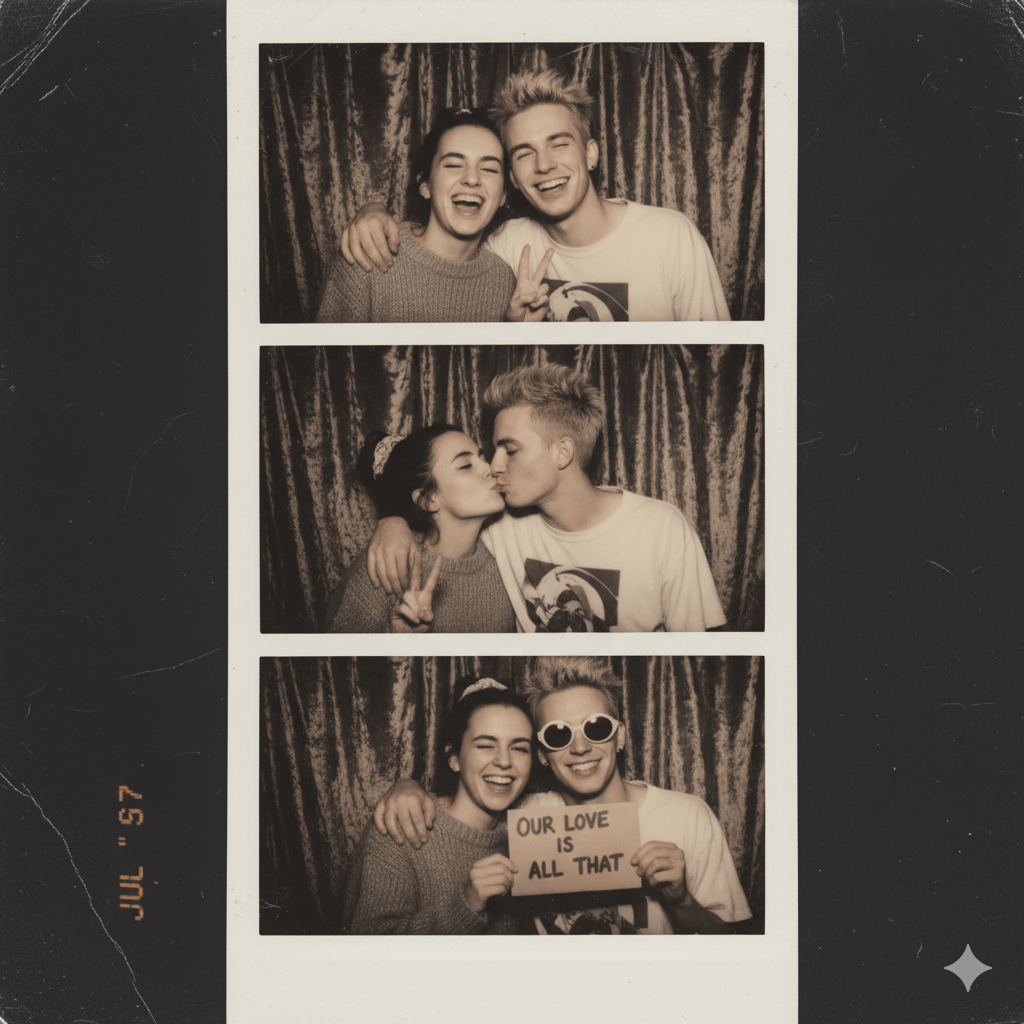
Is this couple real or fake? QuillBot’s AI image detection tool can tell
Frequently asked questions about AI image detection
- How can you check if an image is AI generated?
-
There are a few ways you can check if an image is AI-generated.
First, review the image for anything that doesn’t look quite right. AI-generated images often have distorted text, patterns, or human features (especially faces and hands).
Second, check for metadata information. Some AI image generators use specific filenames or imprint a watermark on their images.
Third, understand how AI detectors work and how you can use them to analyze the probability that an image was generated by AI. One helpful tool is QuillBot’s AI image detector, which makes it easy to check images quickly.
And if you need help detecting texts generated by AI, QuillBot’s free AI Content Detector is one option.
Want to test your skills at spotting AI-generated content? Try our Human or AI quiz and see if you can tell what’s real and what’s made by AI.
- How accurate are AI image detection tools?
-
AI image detection tools have improved a lot, but they aren’t perfect. They can usually identify many AI-generated images by spotting common visual clues, but sometimes they may miss subtle fakes or wrongly flag real photos.
Using tools like QuillBot’s free AI image detector alongside visual checks and source verification gives you the best chance of spotting AI-generated content accurately.
Cite this QuillBot article
We encourage the use of reliable sources in all types of writing. You can copy and paste the citation or click the "Cite this article" button to automatically add it to our free Citation Generator.
Nikolopoulou, K. (2026, February 13). How to Spot AI Images | Tips & Image Detector Tools. Quillbot. Retrieved April 5, 2026, from https://quillbot.com/blog/image-tools/ai-image-detection/