
Create Stunning Posters With AI | Tips and Free Tools
No doubt you’ve been there: you have an amazing idea for an event poster, a marketing campaign, or a personal project, but when it comes to designing promotional material, you simply cannot.
Thankfully, there’s an AI tool for that! Solutions like QuillBot’s AI Poster Generator minimize the time and cost required to create commercial-grade designs. Simply describe what you’re looking for, and let the tool do the work.
In this article, we’ll give you some ideas for inspiration and provide a quick tutorial on how to get started yourself.
What can I use an AI poster generator for?
When it comes to creation with AI tools, you’re only limited by your imagination. Check out the ideas below for some fun projects to get started with these powerful tools.
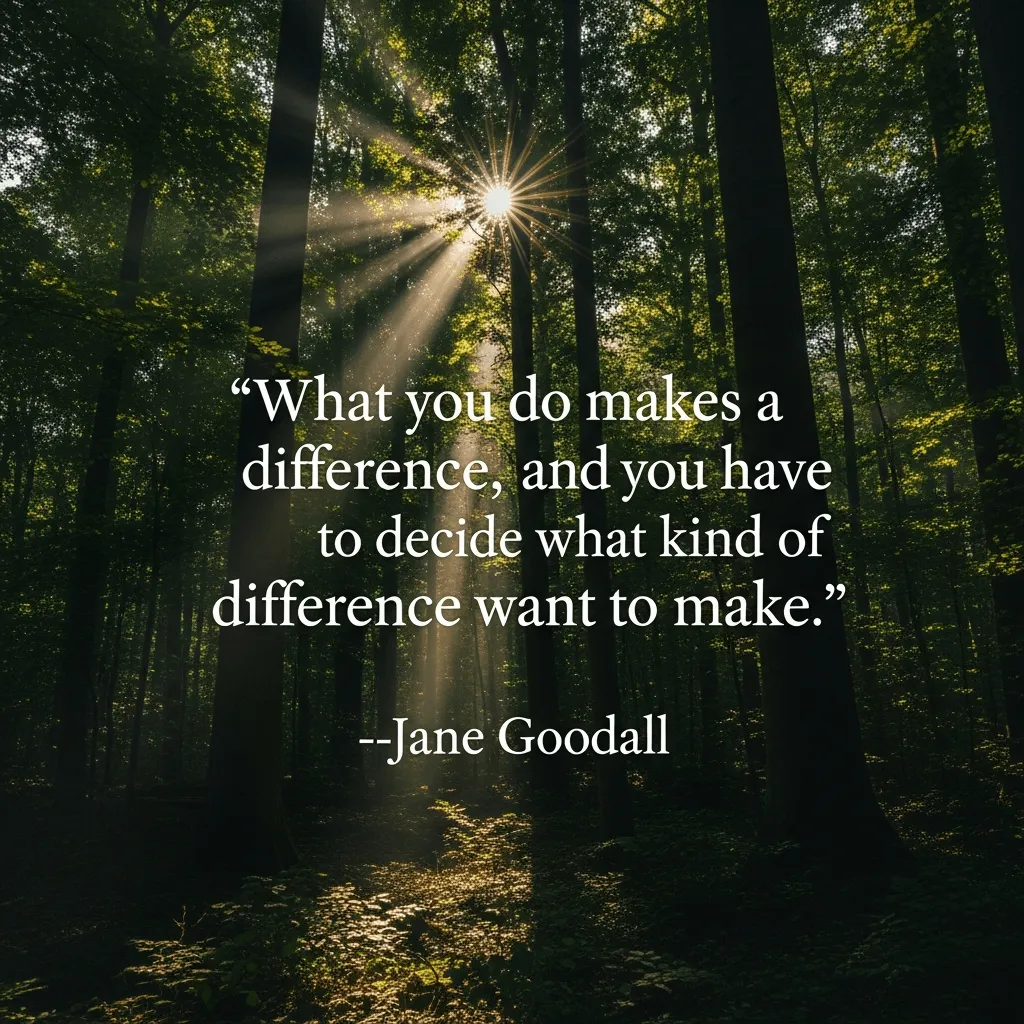
Inspirational quote poster
Whether you’re decorating an office or looking for a special way to send a graduation message, a poster displaying an inspirational quote can have a huge impact. Simply provide the quote to the AI tool along with any design ideas you have.
An example of an inspirational quote poster
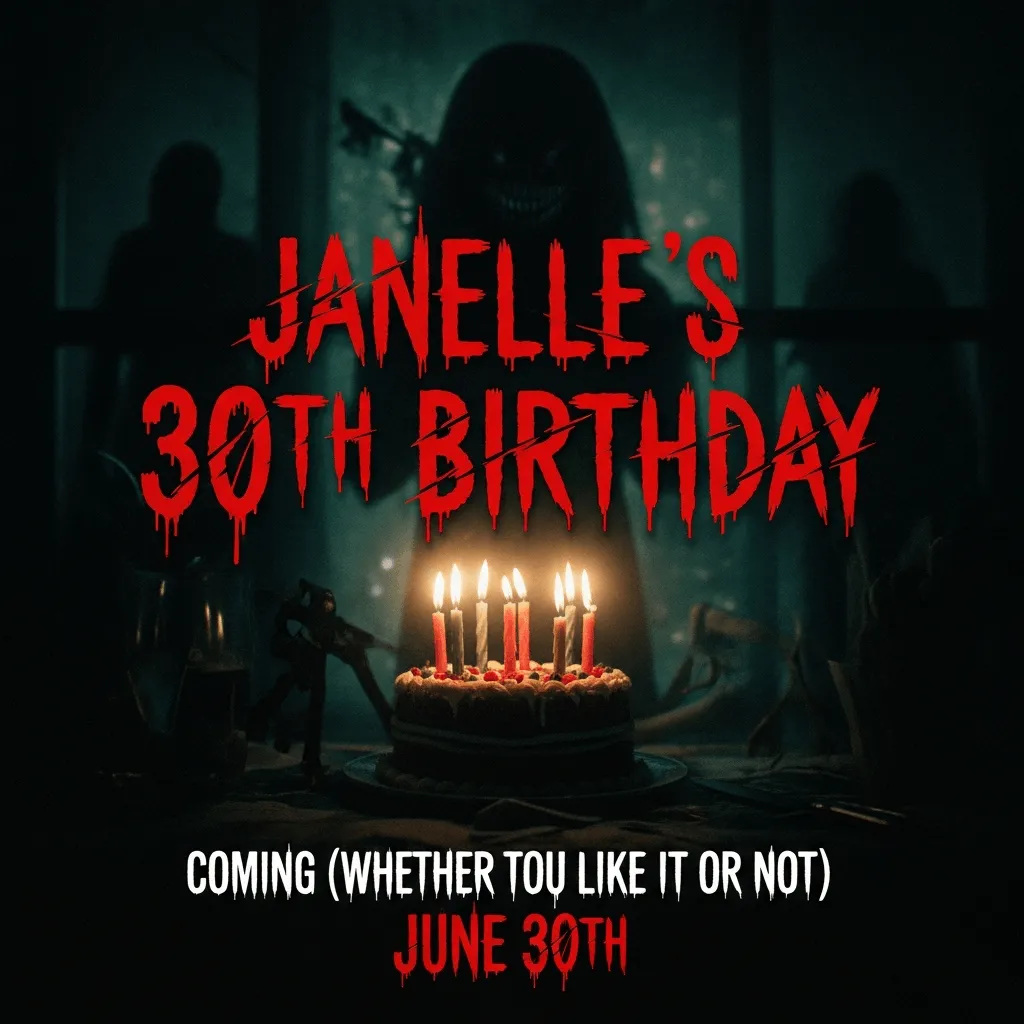
Movie poster
A movie poster can be a fun way to promote an event or celebrate a cinophile’s birthday.
Movie poster example
Wanted poster
If you’re looking to have some fun, a “Wanted” poster is a great way to feature a friend or pet!
Wanted poster example

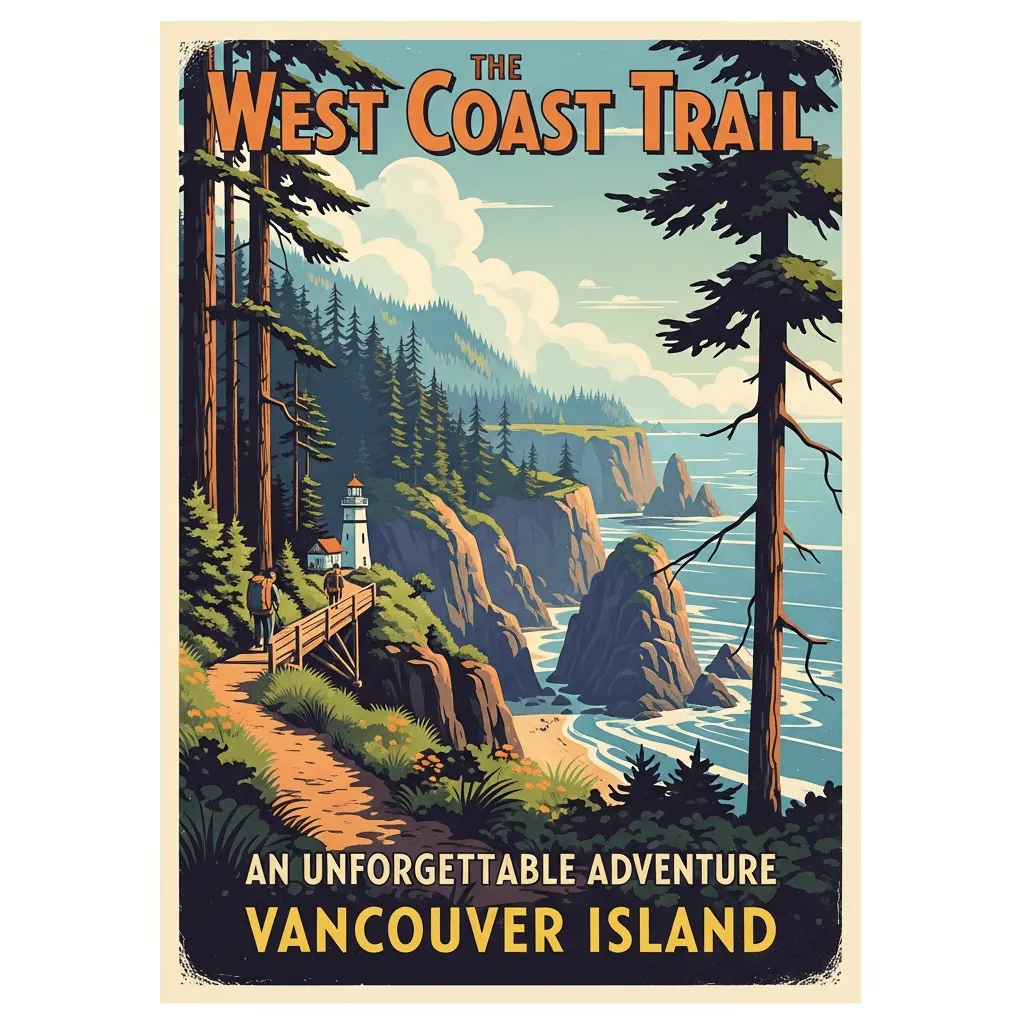
Vintage travel poster
What better way to commemorate your most recent vacation than a retro travel poster of your favorite spot?
Retro travel poster example
How to create a poster with AI
Now that you’ve seen some of the capabilities of QuillBot’s AI poster generator, let’s go over how to use it!
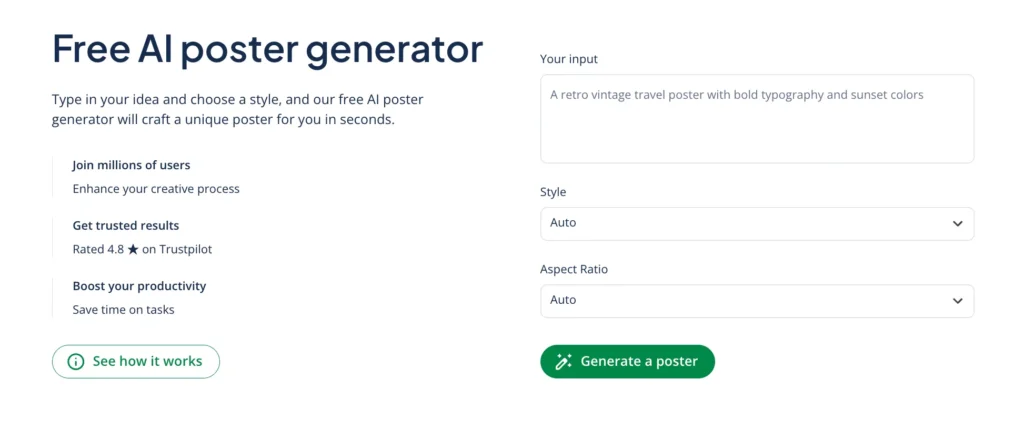
To get started with QuillBot’s AI poster tool, you’ll enter your prompt into the dialog box on the tool’s homepage. You’ll also have the option to select the style and aspect ratio of your poster. If you’re not sure, don’t worry! The tool will decide this for you if you leave these fields blank.
The QuillBot AI poster generator interface
The power of an AI tool often lies in the prompt you give it. To help you get a sense of what you can do with a prompt, we’ve provided some examples below (which were used to create the posters above!).
- Create a motivational quote poster with the text “What you do makes a difference, and you have to decide what kind of difference you want to make.” —Jane Goodall
- Create a horror movie poster. Add the text “Janelle’s 30th Birthday” and “Coming (whether you like it or not) June 30th”
- An old-west-style wanted poster with the text “Wanted: Mr. Whiskers” and “Reward: endless snuggles.” Show a picture of a very cute tabby cat.
- A retro vintage travel poster of the West Coast Trail (Vancouver Island).
Once you’ve provided your prompt, you can press “Generate” to see what the tool can do! And if you’re not quite happy with the output, you can update your prompt with more details to get exactly what you’re looking for.
Frequently asked questions about AI poster generators
- What is a free way to create an AI poster?
-
If you have a creative vision but limited time or no budget, fear not! There are scores of online tools that can help you bring your idea to life.
Solutions like QuillBot’s AI Poster Generator are a great option for a fast, free, and easy way to create your own posters. Just describe your poster, pick a style and aspect ratio, and let AI do the rest!
Cite this QuillBot article
We encourage the use of reliable sources in all types of writing. You can copy and paste the citation or click the "Cite this article" button to automatically add it to our free Citation Generator.
QuillBot. (2026, March 31). Create Stunning Posters With AI | Tips and Free Tools. Quillbot. Retrieved April 1, 2026, from https://quillbot.com/blog/image-tools/how-to-create-ai-posters/

