Restaurant Logo Ideas | Tips & Examples
Creating a logo that instantly captures the vibe of your restaurant and leaves a lasting impression starts with the right ideas.
Read on for tips on how to come up with restaurant logo ideas, whether you’re briefing a designer or bringing the concept to life yourself.
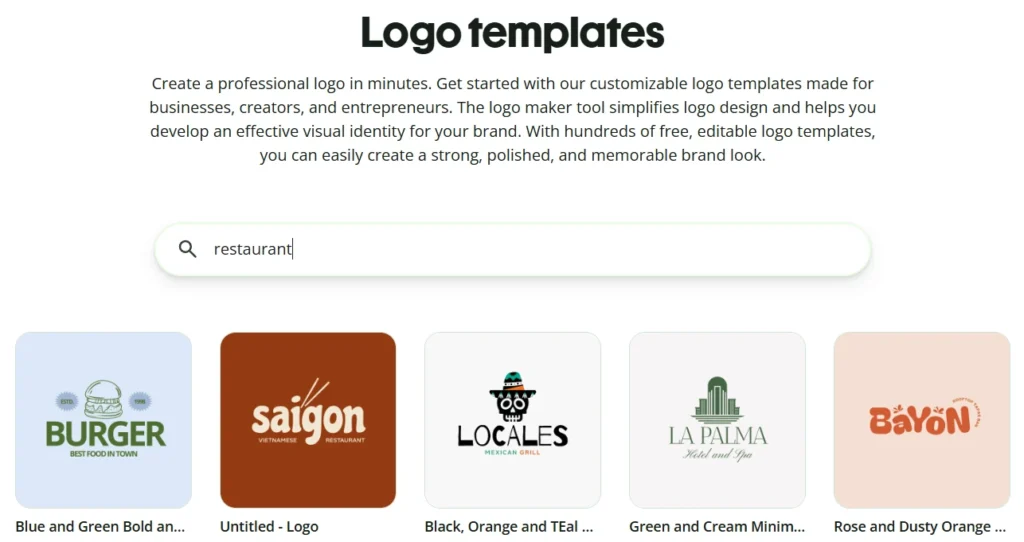
Instead of starting from scratch, why not use a free tool like Quillbot’s online logo templates to create your restaurant logo?
Brainstorming restaurant logo ideas
Ask yourself the following questions to help prompt ideas when you’re brainstorming ideas for a restaurant logo.
Write down everything that comes to mind and avoid judging your ideas too early. The goal at this stage is to generate options, not to settle on the perfect concept right away.
What images communicate the type of food you serve?
What simple, recognizable food visuals could immediately suggest your cuisine or signature dishes?
A Mexican restaurant could use an image of a taco, chili pepper, corn, lime wedge, or agave plant. For a seafood restaurant, what about fish, oysters, waves, nets, or a lobster claw might work.
What’s interesting or memorable about your restaurant’s building, facade, or location?
Think about images of distinctive features of your restaurant’s physical space.
You could draw inspiration for a logo visual from an arched doorway, a neon sign, striped awnings, tiled floors, a rooftop terrace, a corner storefront, or a view of the waterfront. An Italian restaurant could feature an image of its sidewalk patio, for example.
What objects are associated with the cuisine you serve?
What utensils, tableware, or cookware are connected with the food on your menu?
A sushi restaurant might use a visual of a bamboo mat, soy sauce dish, wasabi leaf, or chef’s knife. For a pizzeria, you could depict a pizza peel, wood-fired oven, basil leaf, or pizza delivery box. Coffee mugs, checkered plates, a milkshake glass, a burger basket, or a jukebox might be good choices for a diner.
If you included an illustration of a person in the logo, who would it be?
A visual of a person can help give your logo character, warmth, or a sense of story. It could be the restaurant owner, a chef, a friendly server, or a guest enjoying a meal. A barbecue restaurant could feature a pitmaster, while a family-owned trattoria might use a grandmother figure to suggest tradition and home-style cooking.
What adjectives would you use to describe the atmosphere in your restaurant?
The feelings that you want your guests to experience when they walk through your doors can guide the style, shapes, and typography of your logo.
You could convey rustic, cozy, and traditional qualities with hand-drawn lettering or natural imagery such as herbs, wheat, wood textures, or clay cookware. A restaurant with a modern, minimal aesthetic might go for clean lines and a sans-serif typeface, while a fun, loud, and casual burger spot could use bold colors and playful shapes.
Why do people come back to your restaurant?
Your logo can also reflect what customers value most about the experience. They might return for generous portions, fast service, authentic recipes, friendly staff, seasonal ingredients, late-night comfort food, beautiful plating, or a lively atmosphere. These qualities can point toward logo ideas that feel welcoming, premium, nostalgic, energetic, or handmade.
Realizing your restaurant logo ideas
With Quillbot’s free logo templates tool, you can customize one of the logos in the template library or realize your own restaurant logo idea from scratch using the AI-assisted design interface.
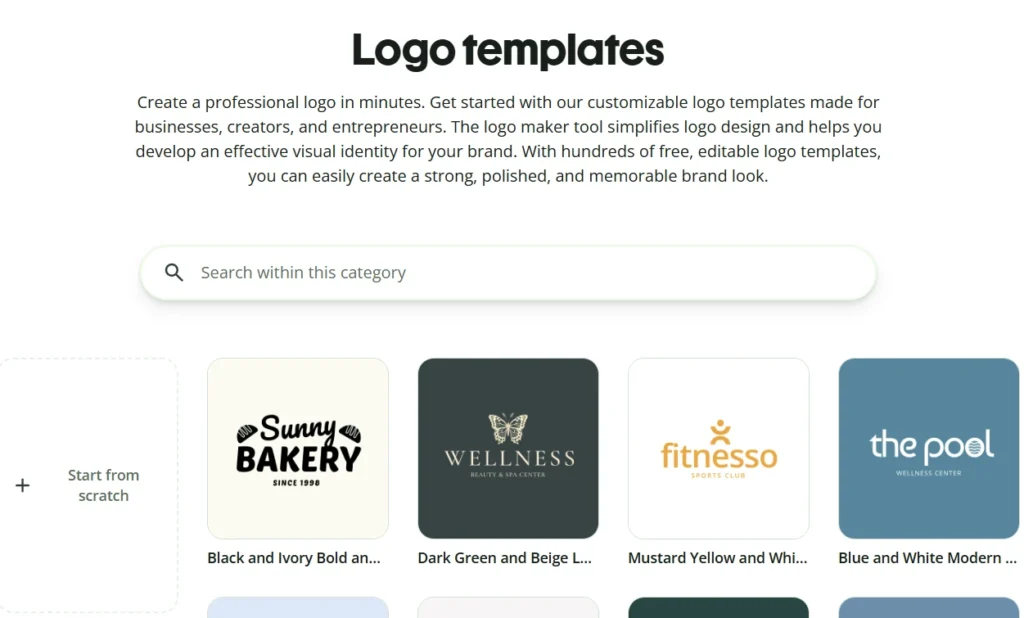
Imagine you’ve come up with a logo idea for your burger restaurant and want to create a mock-up to show your designer.
1. Generate a design with AI
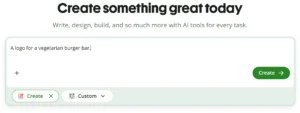
First, you click on “Generate design with AI.”
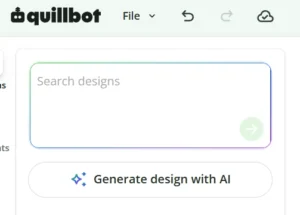
Next, you describe your idea with the following prompt:
Create a logo for a vegetarian burger restaurant called “Plant Base.” It has a simple vector image of a vegetarian burger. It features the tagline “Tasty Vegetarian Burgers: No Meat, All the Taste.” Clean modern design using a shade of green as the primary color.
In a few seconds, the AI comes up with this design:
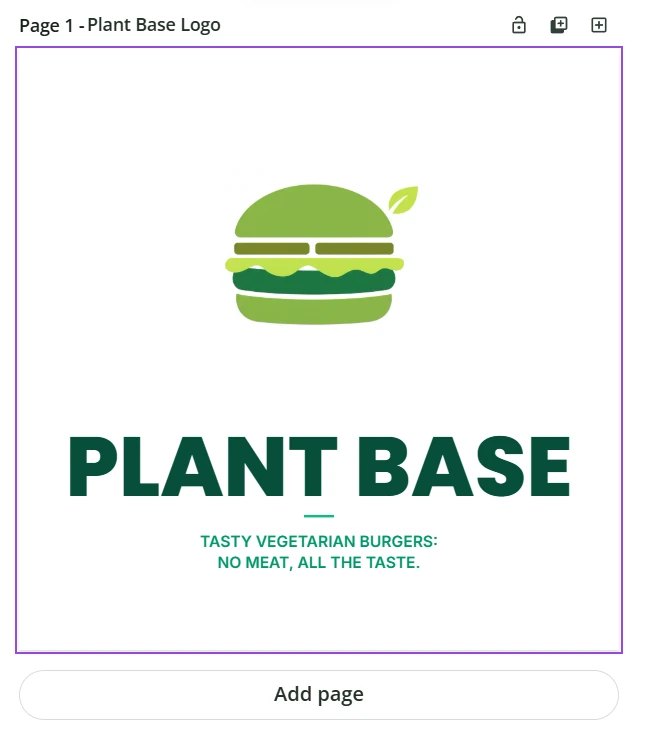
2. Edit the text
You like the design but want to make a few edits.
You select the text box containing the tagline and remove the colon:
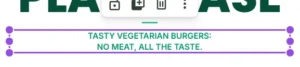
3. Add an element
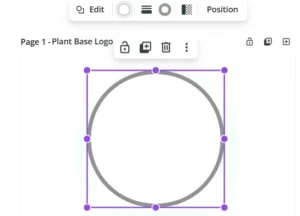
Now, you want to put a circle around the burger visual, so you select a circle shape from the Elements menu. You change the color to white to match the background and change the stroke width to 24 to create a circle.
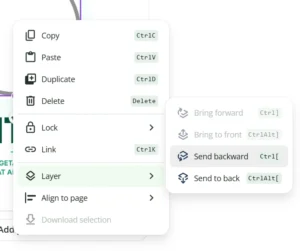
You then right-click on the circle, select Layer, and position the circle behind the burger image by clicking “Send backward.”
4. Change a color
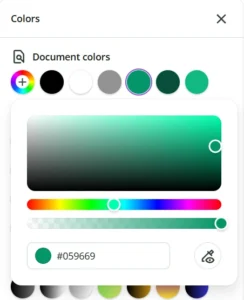
Finally, you want to change the color of the circle to match the color of the tagline text. You select the circle, click on the “Stroke color” button, and use the color dropper tool to select the color of the tagline text.
Placing the circle around the burger visual is easy with the help of the alignment guides. The guides appear automatically when you click on the circle and start to move it around the canvas.
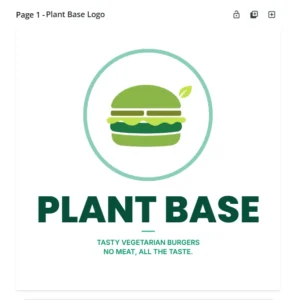
And that’s it. Using Quillbot’s intuitive AI-assisted design workspace, creating a mockup of your restaurant logo idea took just a few minutes.
Frequently asked questions about restaurant logo ideas
- How can I realize my restaurant logo ideas?
-
You can quickly realize your restaurant logo ideas using a free online design tool like Quillbot:
- Enter a prompt that describes your restaurant logo idea
- Wait a few seconds for the AI to generate a design
- Improve the design by refining your prompt and regenerating or editing the elements, text, and colors manually

- How can I use AI to help think up restaurant logo ideas?
-
You can use a free tool like Quillbot’s AI Chat to brainstorm restaurant logo ideas.
- Describe your restaurant in the chat
- Ask the AI for ideas for images, shapes, colors, and styles that suit the vibe of your restaurant.
Other interesting articles
If you want to know more about colors, letters, or the meaning of emojis, make sure to check out some of our other articles with explanations and examples.Cite this Quillbot article
We encourage the use of reliable sources in all types of writing. You can copy and paste the citation or click the "Cite this article" button to automatically add it to our free Citation Generator.
Q. (2026, June 16). Restaurant Logo Ideas | Tips & Examples. Quillbot. Retrieved August 2, 2026, from https://quillbot.com/blog/branding/restaurant-logo-ideas/