ChatGPT is safe to use at work when users follow these precautions:
Only access ChatGPT through the official app or website (not from any third-party vendor).
Stay informed about changes to OpenAI’s data and privacy policies.
Avoid sensitive personal information and confidential company data in ChatGPT prompts (e.g., clients’ real names, contact information, or financial records).
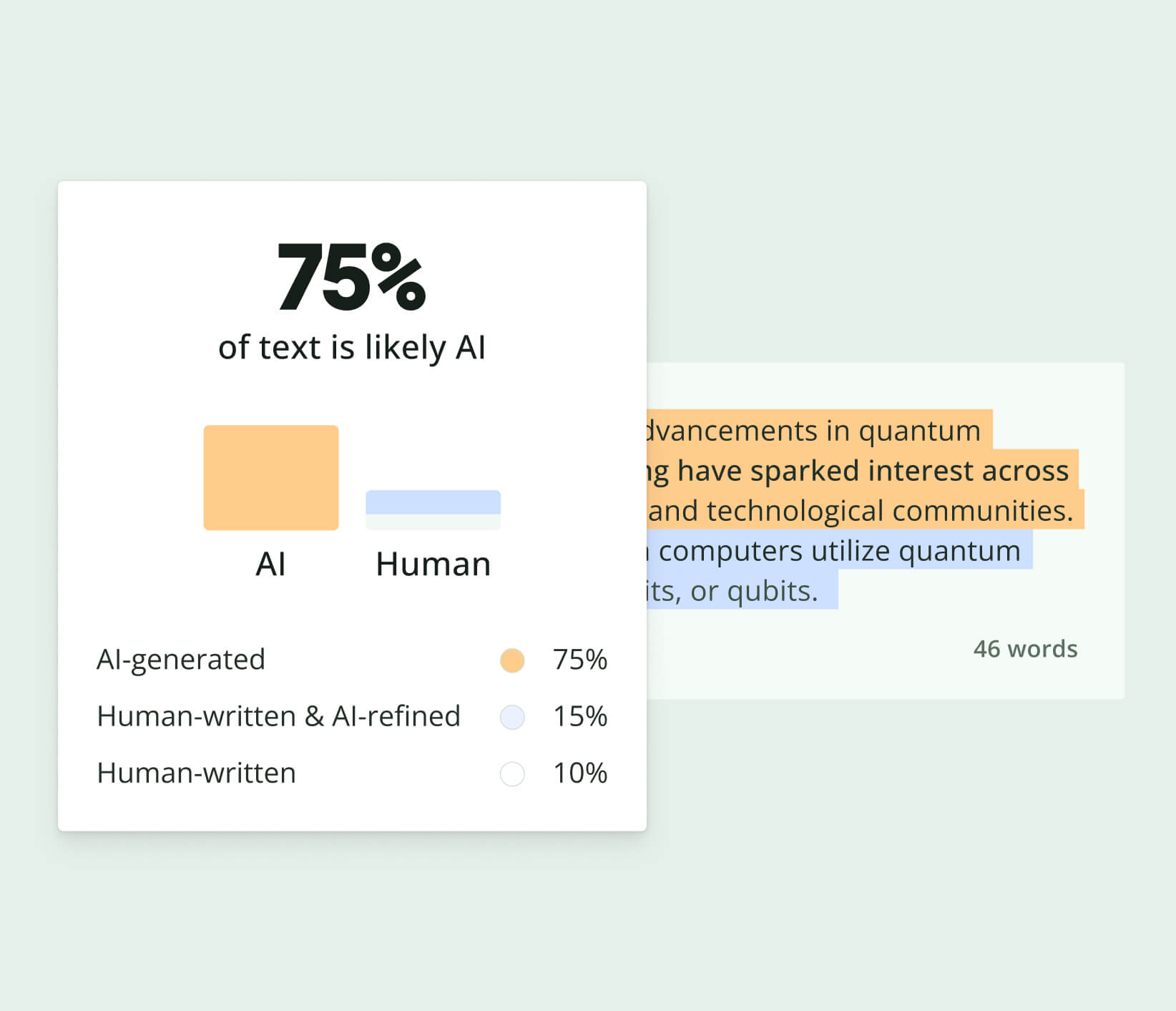
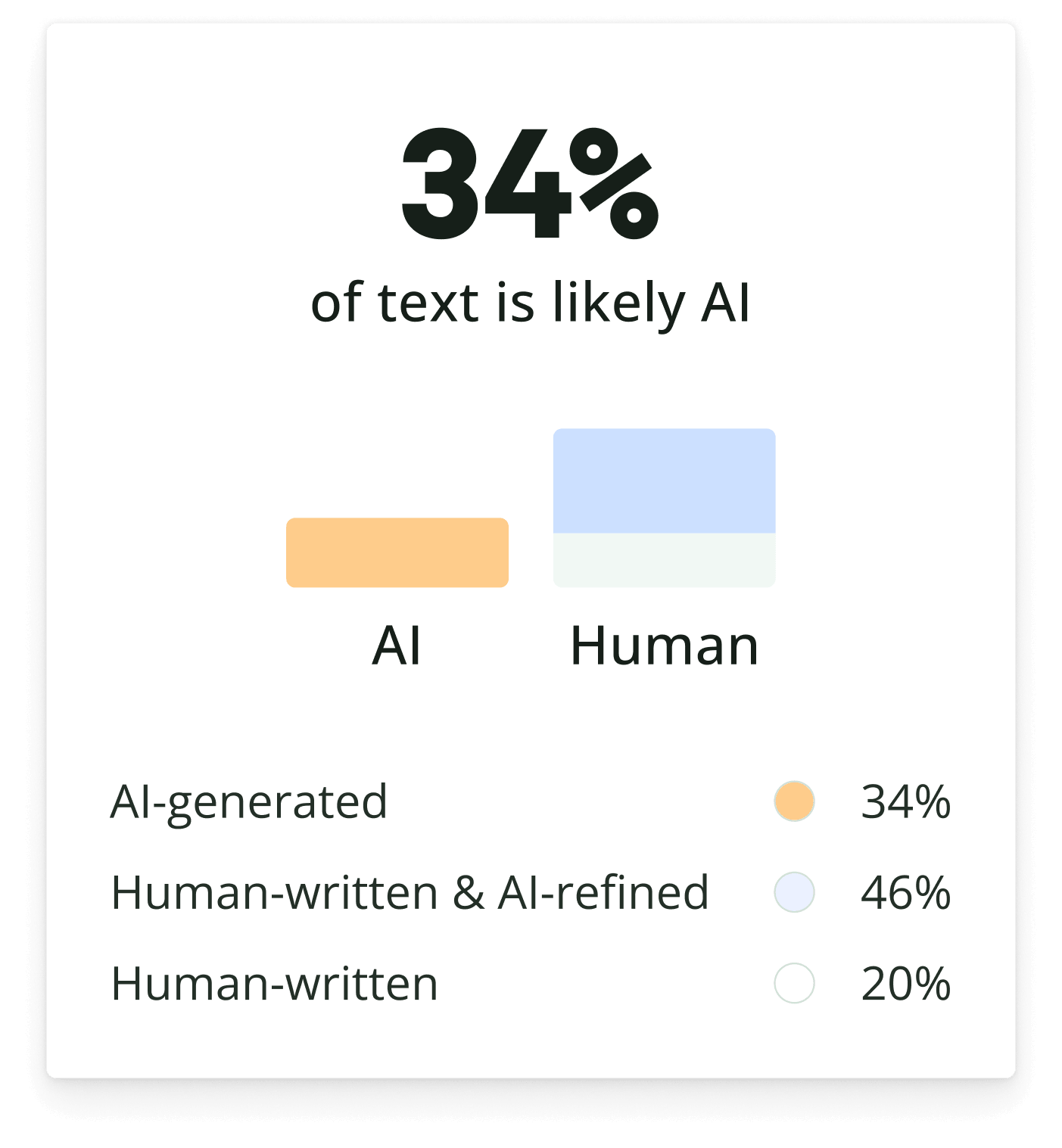
Another way to use ChatGPT safely is by using Quillbot’s free AI Detector to ensure that AI-assisted writing hasn’t been plagiarized. Quillbot’s AI Humanizer tool can help you quickly and easily humanize AI outputs to improve the fluency of a text.
To use generative AI for brainstorming and prewriting, choose a generative AI tool (e.g., Quillbot’s AI Chat), and type a prompt.
In your prompt, provide a brief description of the writing assignment and topic, and ask the tool to generate ideas for body paragraph topics. Place the description of your writing assignment in curly brackets.
Generative AI for brainstorming prompt example I’m an English Composition student who is brainstorming body paragraph topics for the following assignment: {In an 800-1000 word essay, defend an argument for or against smartphone bans in U.S. public schools}. I would like you to generate a list of the pros and cons of smartphone bans. The list should cover benefits and drawbacks for students, schools, and educators.
After the generative AI tool responds to your prompt, review the list of body paragraph topics, and select the ones that you’d like to research further.
Use keywords from each item on the list as search phrases in an academic database or a search engine (e.g., smartphones and student distractions).
Then, research multiple ideas from the generative AI response in order to choose a main idea (e.g., your main argument) and body paragraph topics that are based on critical thinking.
When you’re in drafting stages of your writing task, Quillbot’s free Grammar Checker can help you avoid errors. Quillbot’s free Citation Generator can also help you create flawless citations for your outside sources.
Quillbot’s AI Detector Android App and AI Detector iOS App can help you ensure that the writing you submit for class assignments is based on your own writing voice and ideas.
The difference between AI and generative AI is that traditional AI follows specific rules to perform a task, but generative AI creates new content.
The first type of AI included programs that made decisions based on rules (in the same way as a human expert), such as determining a person’s credit score.
A later development, machine learning AI, classifies or predicts outcomes based on patterns. An example of machine learning is Netflix recommendations that are based on your previous viewing habits.
Generative AI tools combine machine learning with natural language processing technology. They learn from underlying patterns and use that information to “decide” what details to include in a paragraph, image, or other output. Examples of generative AI tools that create new content include ChatGPT and Gemini.
Generative AI tools are useful for brainstorming, prewriting, and paraphrasing, but they should never be used for writing entire assignments.
Quillbot’s AI Checker Android App and AI Checker iOS App can help you ensure that the writing you submit for class assignments is based on your own writing voice and ideas.
These are part of a broader pattern of AI vocabulary (i.e., words that sound polished, slightly formal, and broadly applicable across topics). You’ll often see them grouped with equally common AI phrases like:
“It’s important to note that…”
“In today’s fast-paced world…”
“Delving into…”
“A key aspect of…”
“This highlights the importance of…”
AI models are trained on large datasets and tend to favor safe, widely applicable language. Because of that, certain words and phrases get reused frequently, especially in introductions, transitions, and summaries. These are some of the key AI terms to know if you’re trying to recognize AI-style writing. While useful, overusing them can make writing feel repetitive, generic, or overly polished if it isn’t edited.
However, just because you see one of these words in a text doesn’t mean it was written by AI. If you’re learning how to detect AI writing, brushing up on common AI words is one way to do that.
If you want to quickly check whether a piece of writing relies too heavily on patterns from an AI words list, you can analyze it with the Quillbot AI Detector. You can also use our AI Humanizer to rephrase and refine the text.
You can use AI to help you brainstorm research questions or organize an outline. For example, you can use Quillbot’s AI Chatbot for help with brainstorming, outlining, revising or editing. When you use AI in these capacities, check if your institution requires you to include it as a citation.
You can also use AI to humanize AI outputs in appropriate contexts.
There are different rules on how to cite AI depending on your specific context.
You shouldn’t cite AI as a source of factual information. But if you’re studying AI, you may be able to cite it as a primary source. Understand how to cite sources in the style relevant to your industry or project, and then look at how the manual says to cite AI.
If you use AI in other ways (e.g., developing research questions), some institutions require you to cite it. Check your institution’s guidelines.
Yes, AI can write code. That said, it is still quite limited in the quantity and complexity of code it can write.
AI can be helpful for writing basic code or for helping developers check for errors. But if you want to create an entire program or complex website, AI probably isn’t the best choice.
Keep in mind howAI detectors work: by evaluating how surprising and varied writing is. Since code is a very structured language and doesn’t contain these factors, it’s harder to tell if it was written by AI.
Quillbot’s free AI Detector can help you check if text was written by AI, but may not be good at detecting if code was written by AI due to the reasons above.
Yes, AI can write a book. However, a book written by AI probably wouldn’t be a very good book.
Unlike humans, AI is limited when it comes to creativity (e.g., with figurative language), themes, and tone of voice.
Despite this, generative AI can be helpful to human authors. For example, AI can suggest writing strategies to put writers in the right mindset. It can also be used for parts of the writing process. For example, if you’re brainstorming ideas for your own book, the Quillbot AI book title generator can instantly suggest creative, attention-grabbing titles to spark inspiration.
If you use it more extensively, generative AI can be used in combination with a tool that can humanize AI text to improve the style. However, it’s good to be aware that many publishers also use AI detectors to check that what they publish is high-quality, human-written work.
There are a few ways you can check if an image is AI-generated.
First, review the image for anything that doesn’t look quite right. AI-generated images often have distorted text, patterns, or human features (especially faces and hands).
Second, check for metadata information. Some AI image generators use specific filenames or imprint AI watermarking on their images.
Third, understand how AI image detection works and how you can use it to assess whether an image was generated by AI. One helpful tool is Quillbot’s AI Image Detector, which lets you check an image quickly.
Want to test your skills at spotting AI-generated visuals? Try our Human or AI quiz and see if you can tell what’s real and what’s made by AI.
Teachers use a combination of strategies and tools to detect AI writing.
One method teachers use to detect AI is manual review. They look at grammar, style, tone of voice, and the overall ideas to determine whether the writing aligns with the student’s expected ability or voice. Sudden shifts in voice, overly polished language, or responses that don’t fully address the assignment can sometimes raise questions about AI use.
Teachers may also rely on AI detection tools to support their evaluation. Quillbot’s free AI Detector is one of the tools that can help teachers quickly analyze text and receive an instant assessment.
In contexts where the use of AI outputs is permitted, AI Humanizer tools can help humanize AI outputs and make the writing seem more natural and fluent.
Work smarter with Quillbot’s AI Detector. Quickly assess whether text appears
AI-generated or human-written before publishing or submitting your content.
Work smarter with Quillbot’s AI Detector. Quickly assess whether text appears
AI-generated or human-written before publishing or submitting your content.