To use ChatGPT for a resume, you should:
- Provide context and the job description
- Copy and paste your resume information
- Craft a detailed prompt
- Generate sections separately for better quality
- Review and edit AI’s output
- Format the resume in a word processor or design tool
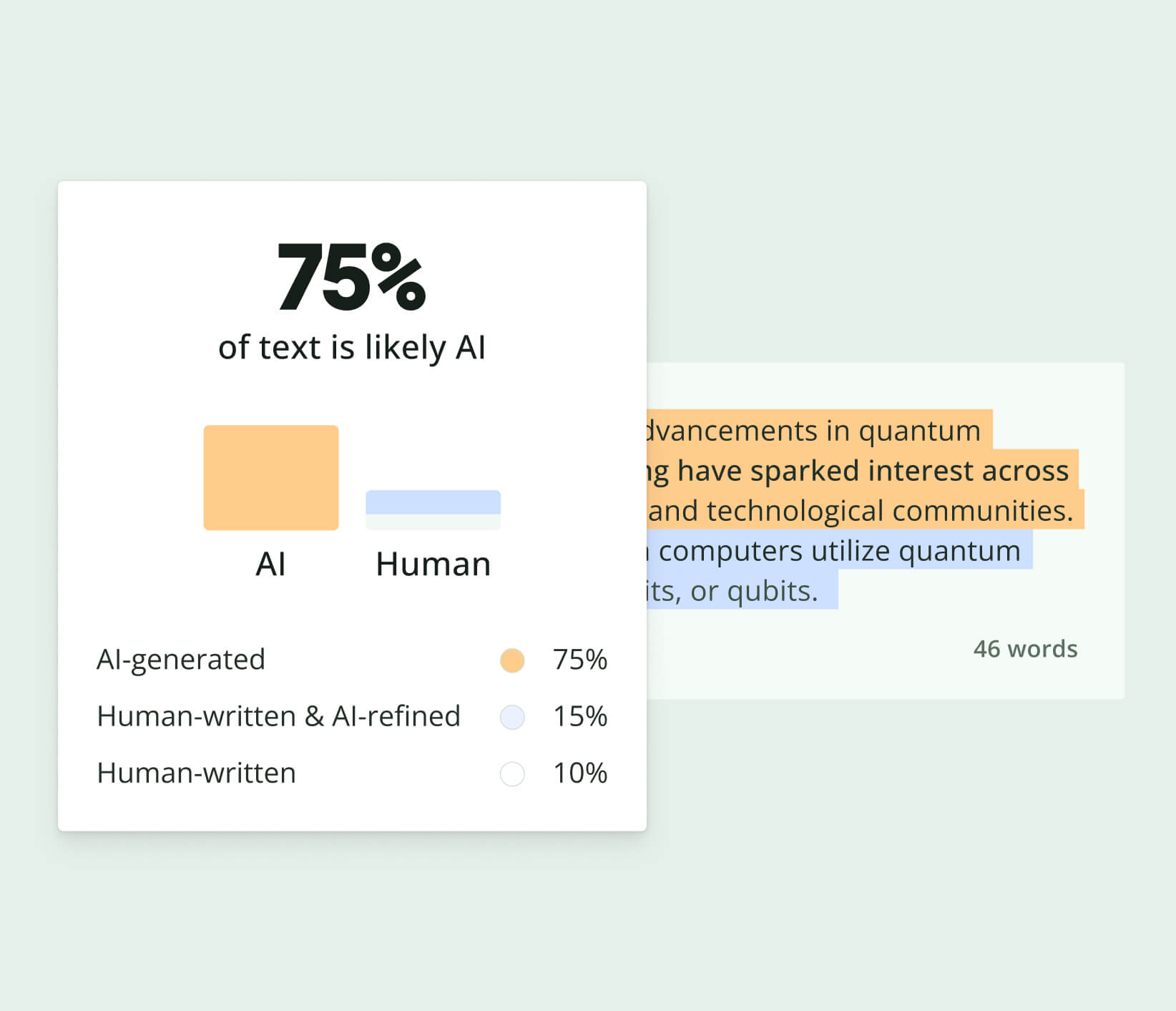
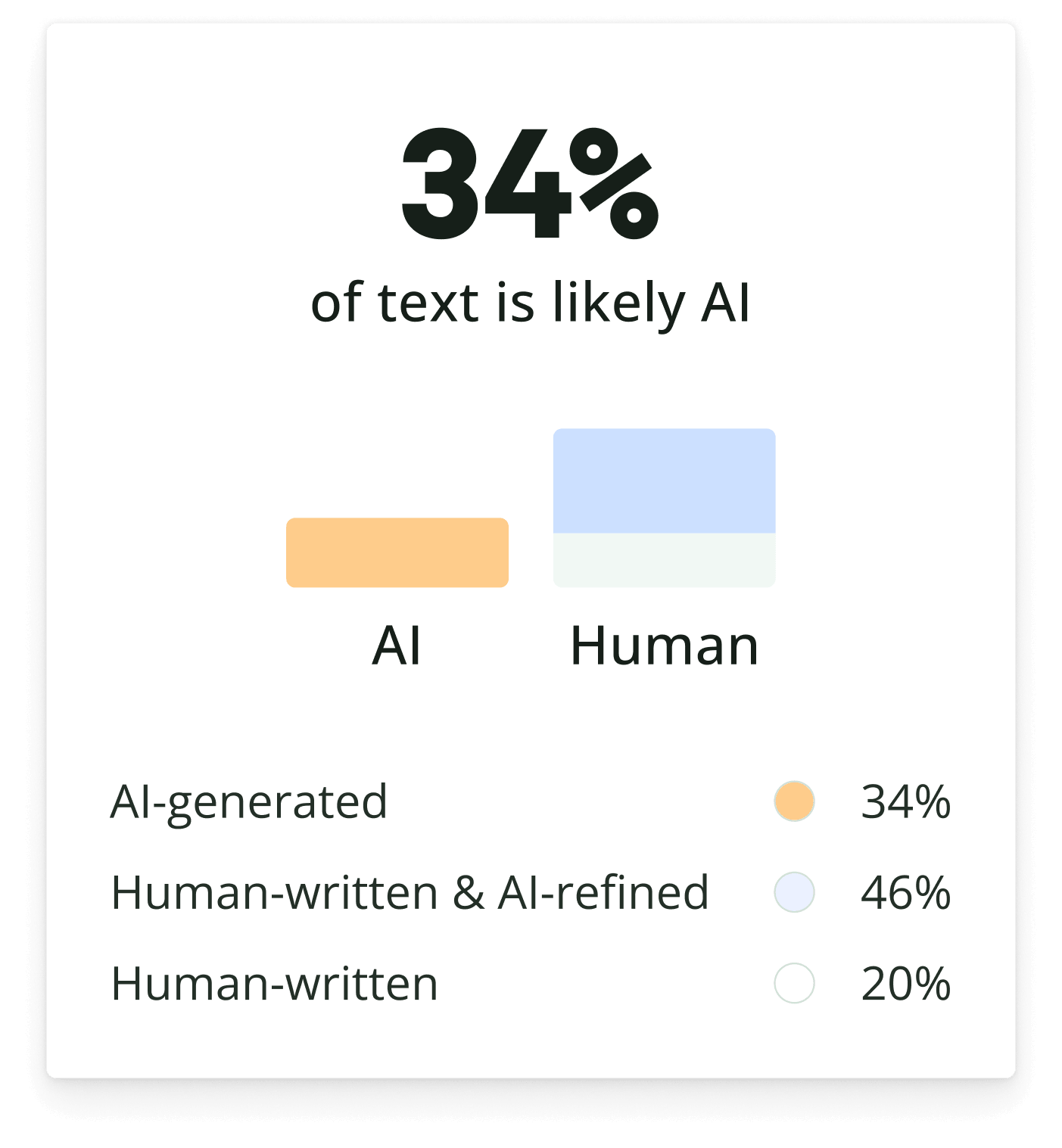
Knowing how to use AI to write a resume can increase your chances of passing the first round of the selection process. For a ChatGPT alternative, try Quillbot AI Chat. You can also double-check the final version with Quillbot’s AI Detector to ensure it reads naturally.
Read this FAQ: How do I use ChatGPT for a resume?
Some ChatGPT resume prompts are:
- Write a resume objective for a marketing specialist with 5 years of experience in digital campaigns and SEO.
- Generate a resume for a recent college graduate with no work experience but with internships and volunteer work.
- Suggest some strong action verbs for a resume.
Knowing how to use AI to write a resume can increase your chances of landing an interview. If you want to try a ChatGPT alternative, try Quillbot’s AI Chat.
Read this FAQ: What are some ChatGPT resume prompts?
You can tell an email may have been written using generative AI by looking for these telltale signs:
- Overly polished or generic language that lacks a natural voice or feels impersonal
- Repetitive phrasing or structure, even if the wording slightly changes
- Limited personalization, with few references to specific people, events, or shared context
- Vague or surface-level details instead of concrete examples or lived experiences
- Uniform sentence structure, with little variation in length or rhythm
That said, these indicators aren’t definitive on their own. One of the most effective ways to spot AI-generated content is to use it yourself (e.g., learning how to use AI to write an email). By learning how AI tools generate emails, you’ll develop a sharper eye for their patterns and limitations.
For a faster and more reliable check, try an AI tool like Quillbot’s AI Detector. This tool can analyze an email in seconds and get a clear estimate of whether it was likely written by AI. It’s a quick, data-driven way to support your judgment, especially when accuracy matters.
Read this FAQ: How can you tell an email may have been written using generative AI?
The main challenges of humanizing AI content include:
- Connecting on a human level: AI lacks real-life experiences and emotions, making it harder to create content that truly resonates with readers.
- Stiff language and repetitive phrasing: AI often produces rigid sentence structures and overuses transitional phrases, which can feel unnatural.
- Inaccurate information or “hallucinations”: AI sometimes fabricates details or presents errors, requiring careful fact-checking.
- Establishing a unique brand voice: Shaping AI content to reflect a brand’s distinct personality while staying consistent can be tricky.
If you’re working through these issues, Quillbot’s AI Detector can help you identify how “AI-like” your content may still read before you refine it further. And Quillbot’s Humanizer tool can help you humanize AI text into content that connects with readers.
Read this FAQ: What are the main challenges of humanizing AI?
Humanizing AI-generated content means refining AI-written text so it reads more naturally and sounds like it was written by a person. This can involve replacing overly formal or repetitive wording, improving sentence variety, adding smoother transitions, and making the tone more conversational while preserving the original meaning.
If you’re trying to make AI-generated text sound more authentic, Quillbot’s free Humanizer can quickly improve its flow, tone, and readability.
Before publishing or sharing your content, you can also use Quillbot’s free AI Detector to see how your text may be perceived and check whether it reads naturally.
Read this FAQ: What does humanizing AI content mean?
ChatGPT was first released on November 30, 2022.
Since then, various updated versions have been released, like ChatGPT-4 on March 14, 2023 and ChatGPT-4.5 on February 27, 2025.
OpenAI, the company that created ChatGPT, is working on new versions for future release.
Read this FAQ: When was ChatGPT released?
Yes, you can use ChatGPT for language learning. A few ideas are:
- Ask it to teach you new words or explain grammar.
- Practice your conversation with it.
- Ask it to act as a writing tutor to correct your writings.
- Get cultural insights behind the language.
Another tool that can help you with language learning is Quillbot’s free Translator, which can translate between 50 languages.
Read this FAQ: Can I use ChatGPT for language learning?
Some ChatGPT prompts for email marketing are:
- Give me 10 attention-grabbing subject lines for an email about [product, service, or event].
- Create a 3-part welcome email sequence to engage new subscribers for [company]. The second email should highlight [product feature or value].
- Write an email for a flash sale on [product] that ends in 24 hours. Include a clear sense of urgency.
- Draft an email introducing a referral program where customers can earn rewards by referring friends.
Want faster results? Try a prompt AI generator to streamline your email creation process and save time.
Read this FAQ: What are some ChatGPT prompts for email marketing?
Some ChatGPT prompts for writing are:
- Help me brainstorm ideas for a [genre] story about [insert concept or theme].
- I’ll paste my story here. Suggest 10 title ideas.
- Write the opening paragraph of a story set in [place/time].
- Can you help me revise this sentence for clarity and impact?
- Suggest ways to make this introduction more engaging.
- Write this paragraph in a more formal/informal tone.
Looking for inspiration faster? Use an AI prompt maker to generate fresh writing ideas and refine your work with ease.
Read this FAQ: What are some ChatGPT prompts for writing?
Yes. AI-generated text often includes unnecessary complex sentences, repetitive word choice, and an overly detached tone of voice. This results in a writing style without the unique voice, emotional depth, and personal experience that comes with human writing. To create a truly engaging text, it’s best to treat the AI text as a draft and edit it. Quillbot’s Humanizer Tool, for example, can help you polish AI-assisted writing, and running your final version through Quillbot’s AI Detector can help ensure it feels natural, authentic, and ready for your audience.
Read this FAQ: Should I always edit AI-generated text before publishing it?