
How to Use an AI Summarize PDF Tool
When you’re faced with a long PDF that may or may not contain the information you’re looking for, AI tools like Quillbot’s free online PDF Summarizer can save you time by providing an overview of its contents. After you summarize a PDF, you can also ask follow-up questions to locate specific information in the document or clarify parts of the summary in more detail.
How to summarize a PDF with AI
Summarizing a PDF with a free online tool like Quillbot’s PDF Summarizer is a straightforward process that takes a matter of seconds.
All you need to do is upload your PDF file and wait a few moments for the summary to appear in the AI chat box. Once you’ve read the summary, you can then ask for more information or clarification by typing your questions into the chat box.
Quillbot’s free online PDF summarize tool
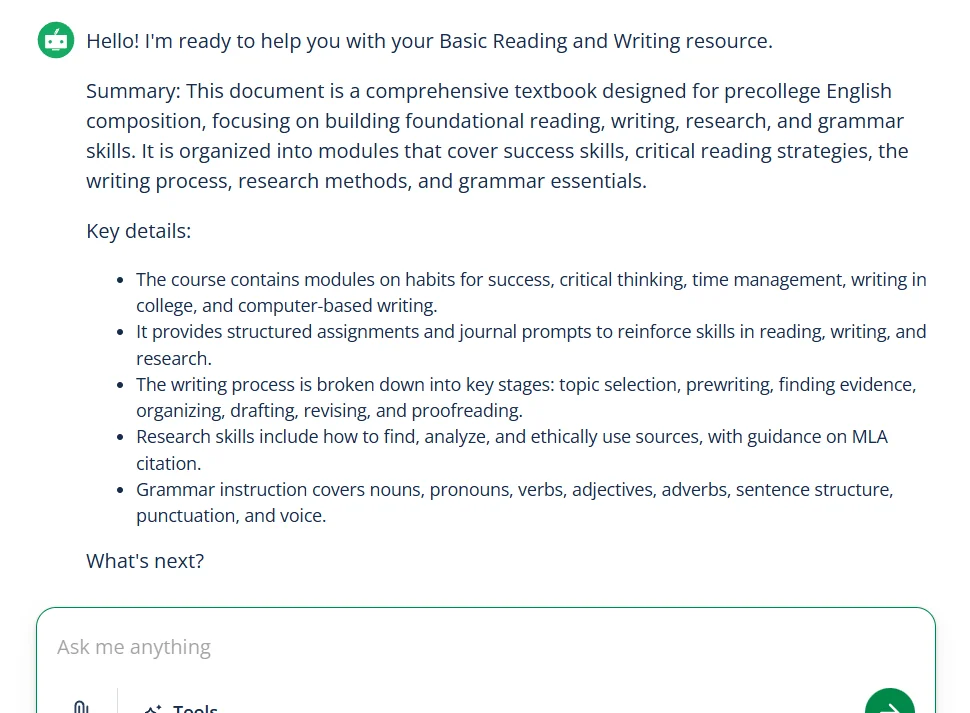
Summary of a PDF uploaded to Quillbot’s PDF summarize tool
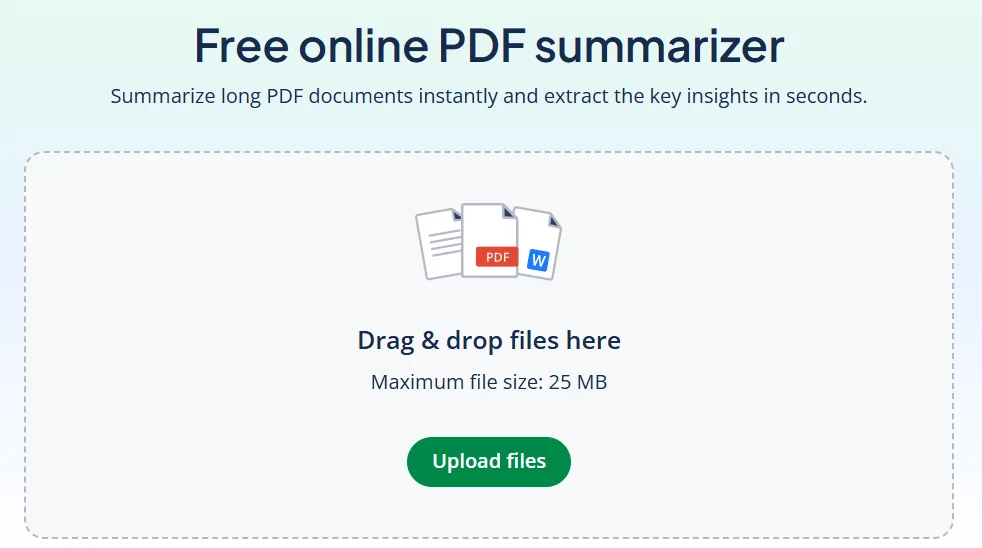
Quillbot’s PDF Summarizer can summarize long documents of up to 25 MB. It’s completely free to use, doesn’t require sign-up, and works on phones and tablets.
Frequently asked questions about summarize PDF tools
- What are some follow-up questions for a PDF summarize tool?
-
Follow-up questions for a PDF summarize tool include:
- Where in the PDF can I find more information about [topic]?
- Can you explain [section, term, or idea] in simpler language?
- What are the most important points about [topic] in this document?
- Does this PDF mention anything about [specific question or keyword]?
Quillbot’s free online PDF Summarizer can summarize long documents and doesn’t require sign-up.