YouTube SEO Tips to Improve Your Rankings
YouTube SEO has traditionally focused on helping videos appear in search, using elements such as titles, descriptions, and keywords. That still matters, but search is only one way viewers discover videos. YouTube also recommends videos on features like Home and Up Next, based on viewer interests and behavior. Meanwhile, newer AI features such as Ask YouTube are creating additional ways to find content.
This article covers YouTube SEO tips for 2026, including advice on choosing topics, writing titles and descriptions, improving the viewing experience, and using YouTube Analytics.
Key takeaways
- Choose specific topics based on what your audience is searching for.
- Optimize your title, thumbnail, and opening to attract and retain viewers.
- Use YouTube Analytics to identify what your audience responds to and guide your next videos.
- Remember that YouTube discovery goes beyond search, with recommendations and AI-powered features also shaping how people find videos.
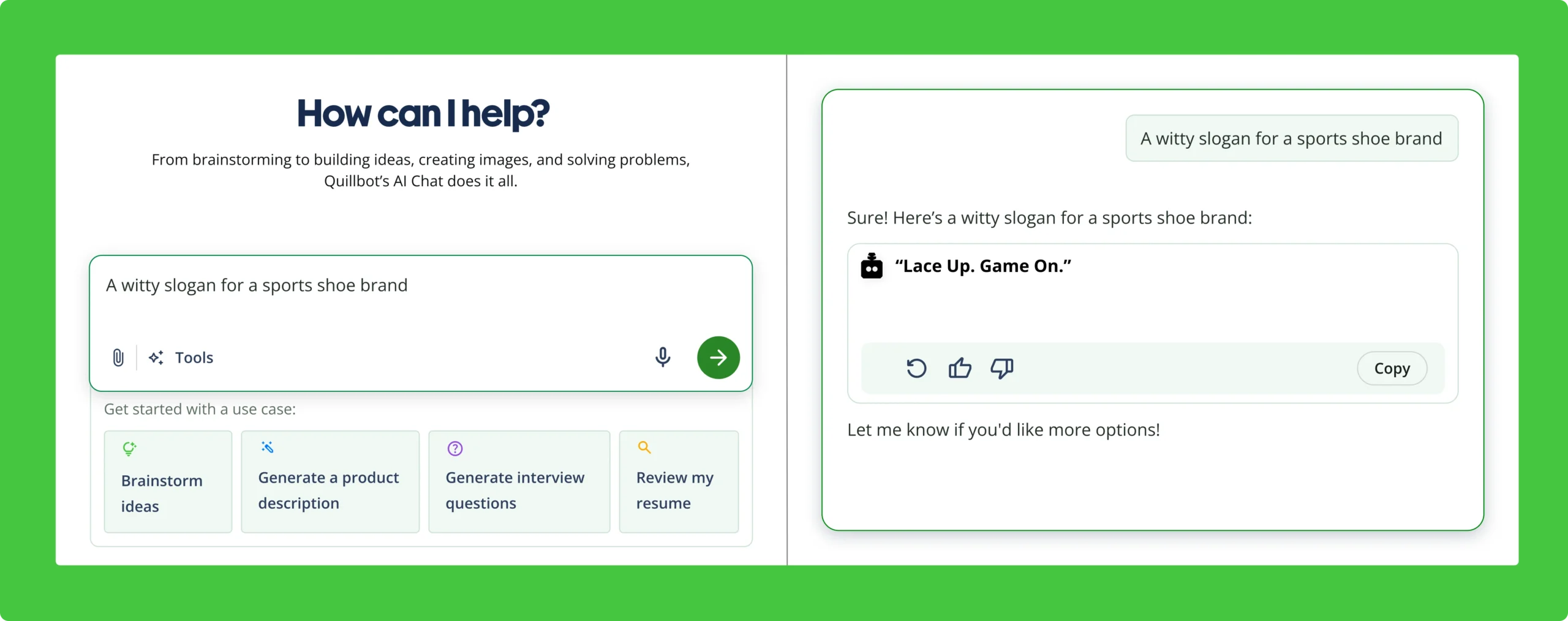
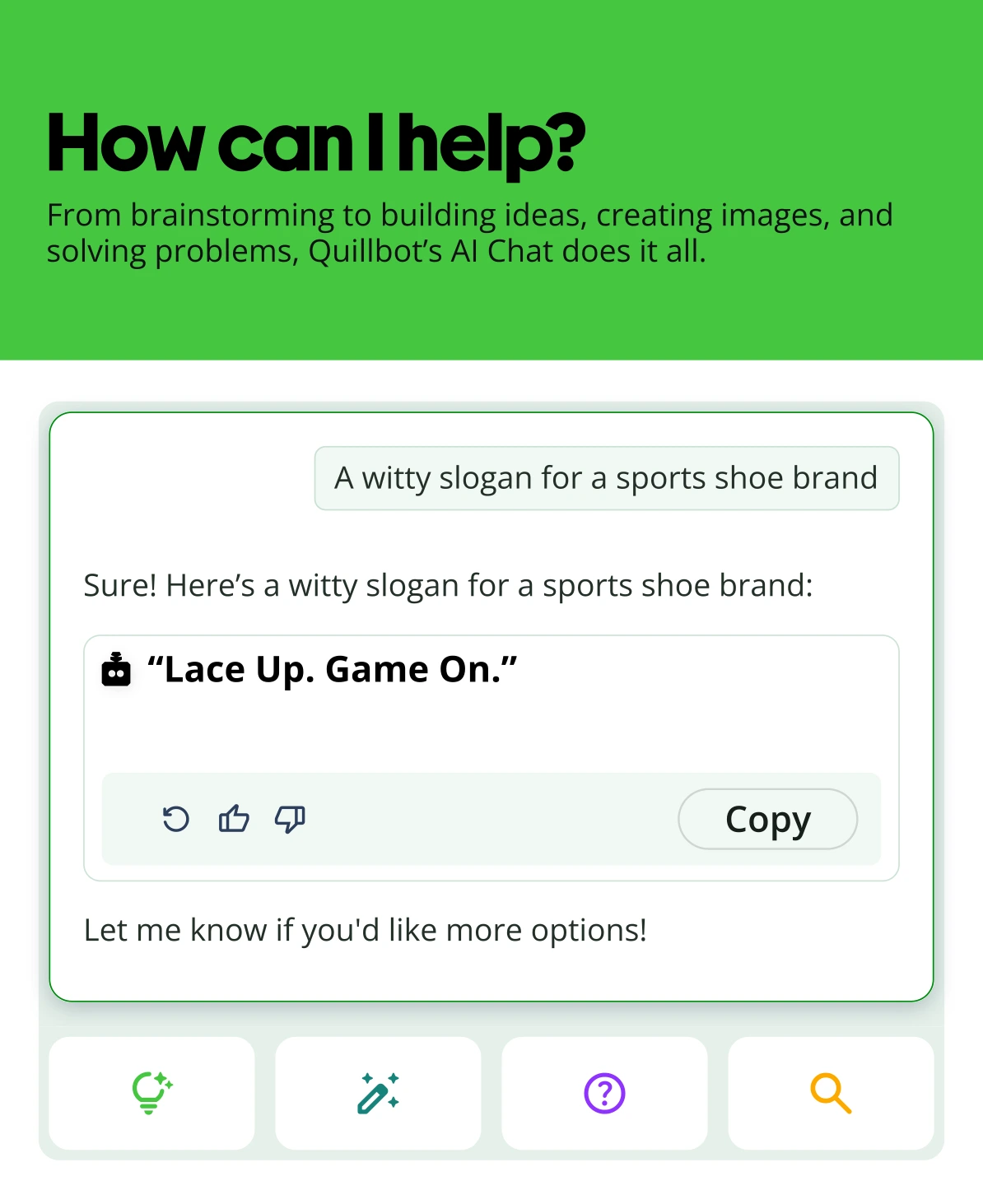
Table of contents
- What changed in YouTube SEO in 2026?
- 1. Research what your audience searches for
- 2. Write a clear descriptive title
- 3. Create a thumbnail that earns the click
- 4. Make the opening deliver on the title and thumbnail
- 5. Write useful descriptions
- 6. Add chapters to longer videos
- 7. Organize related videos into playlists
- 8. Use YouTube Analytics to identify opportunities
- 9. Don’t spend too much time on tags
- 10. Build topic clusters around successful videos
- Frequently asked questions about YouTube SEO tips
- Other interesting articles
What changed in YouTube SEO in 2026?
Beyond ranking in search, getting found on YouTube also depends on recommendations and AI-powered discovery. That makes understanding your audience and how viewers respond to your videos just as important as optimizing individual elements.
Viewer satisfaction matters alongside watch time
YouTube doesn’t look at watch time in isolation. Its recommendation systems also use signals such as likes, dislikes, viewing behavior, and satisfaction surveys to understand whether viewers enjoyed a video.
For creators, that means getting someone to click isn’t enough. The video needs to deliver what the title and thumbnail promise and give viewers a reason to keep watching.
Recommendations are a major source of discovery
YouTube recommends videos across the Home page, Up Next, the Shorts feed, and other surfaces. These recommendations are personalized using signals about each viewer’s interests and viewing history.
That means a video can get views and reach new people even if it never shows up as a top result for a search term. How well it satisfies the right audience can also influence how widely it gets recommended.
AI is changing how people search for videos
YouTube is adding more conversational ways to discover content. Its Ask YouTube feature lets viewers ask complex questions, ask follow-up questions, and get responses that include relevant videos and clips.
YouTube hasn’t published a separate set of AI ranking factors for creators to optimize for. For now, there’s no need to chase supposed AI-specific tricks. Clear topics, useful content, and accurate titles and descriptions remain the fundamentals.
With that broader picture in mind, here are practical ways to apply these principles to your YouTube SEO strategy.
1. Research what your audience searches for
Start with topics your audience is already looking for. YouTube’s search suggestions and SEO tools can reveal the specific questions and phrases people use, such as “beginner camera settings for portraits” rather than the broader “photography.”
The goal is to understand what your audience wants to find and use that insight to choose relevant topics and keywords.
2. Write a clear descriptive title
Your title has two jobs: help YouTube understand what your video is about and give viewers a reason to click. Include your main topic or keyword naturally, but make the benefit clear.
For example, “10 YouTube SEO Tips for New Channels” tells viewers what they’ll get and who it’s for, making it more useful than a vague title like “YouTube Video Tips.”
Keep titles concise, specific, and accurate, and avoid cramming them with keywords.
3. Create a thumbnail that earns the click
Your thumbnail and title work together to make someone choose your video. Use a clear image, simple layout, and enough text to reinforce the main idea. If you’re designing one from scratch, knowing how to make a thumbnail for YouTube can help you get the basics right.
Look at YouTube thumbnail examples to see how different designs use images, text, and layout to communicate an idea quickly.
4. Make the opening deliver on the title and thumbnail
Once someone clicks your video, give them a reason to keep watching. Get to the point quickly and deliver on the promise made by your title and thumbnail. If the video says it’s a tutorial, for example, don’t spend the first minute on a long introduction before getting to the steps.
A strong opening can help keep viewers watching, which can support your video’s performance.
5. Write useful descriptions
Use the description to give YouTube and viewers more context about your video. Start with a brief, accurate summary of what it covers, using your main keyword or topic naturally. Keep each description unique rather than reusing the same text across videos.
The first few lines are especially important for SEO because they appear before viewers expand the description. Use the rest of the space for useful details, such as links to related videos, playlists, or other resources.
6. Add chapters to longer videos
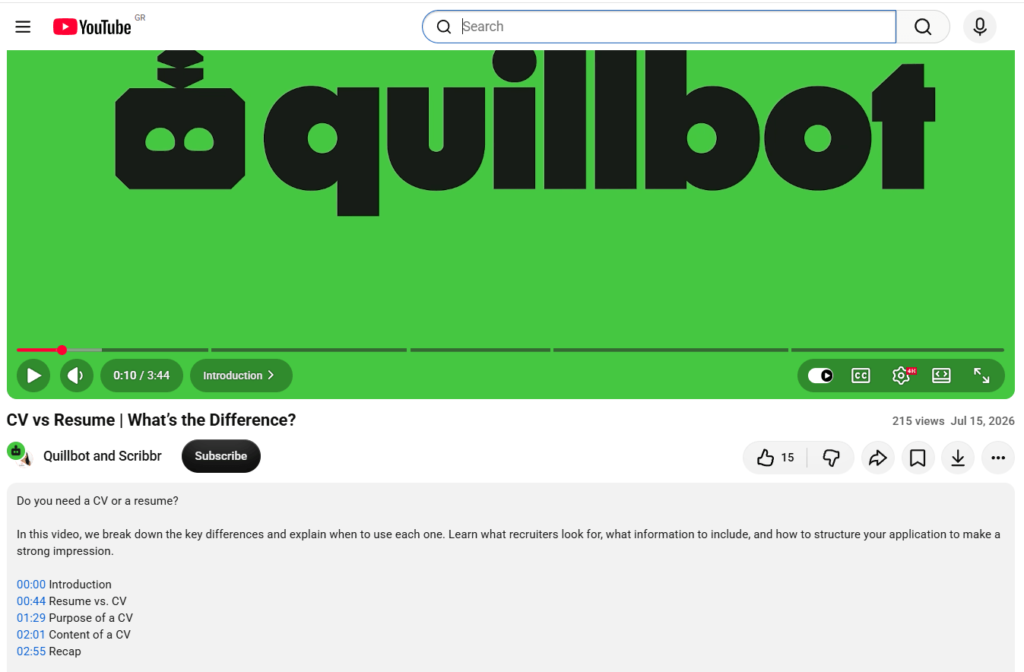
Use chapters to break longer videos into clear sections. They give viewers a quick overview of the content and make it easier to jump to or revisit specific parts of the video.
Give each chapter a descriptive title that tells viewers what they’ll find there. You can add chapters yourself using timestamps or allow YouTube to generate them automatically when available.
Besides improving navigation, chapters can make specific parts of your video easier to discover, including through search features such as video key moments.
Here’s an example of how chapters can break a video into sections:
7. Organize related videos into playlists
Group related videos into playlists to make it easier for viewers to find more content on the same topic. For example, a fitness channel might create separate playlists for beginner workouts, strength training, and stretching.
Choose videos that naturally belong together, and give each playlist a clear, descriptive title. You can then direct viewers to the playlist when it makes sense, such as from a video description or another related video. Playlists can also help viewers discover related videos and continue watching content that matches their interests, supporting a better viewing experience.
8. Use YouTube Analytics to identify opportunities
Use YouTube Analytics to see how viewers find and interact with your videos. Look at the search terms bringing viewers to your content, which videos attract the most views, and where viewers tend to stop watching.
Look for patterns in this data and use them to guide your next steps. For example, if a video about home workouts for beginners is attracting searches for 10-minute home workouts, you could create a separate video focused specifically on that topic.
9. Don’t spend too much time on tags
Tags can help YouTube understand common spelling variations, but they’re not a major ranking factor. According to YouTube, tags are primarily used to account for spelling differences, such as “YouTube,” “U Tube,” or “You-tube.”
Rather than spending time optimizing tags, focus on the factors that have a bigger impact on discovery, such as choosing relevant topics and writing clear titles.
10. Build topic clusters around successful videos
When a video performs well, look for opportunities to create related content around the same topic. For example, if a video about resume writing attracts strong interest, you might follow it with videos on cover letters, LinkedIn profiles, or job interview preparation.
This approach lets you expand on a topic that has already shown audience demand rather than guessing what to create next. Grouping related videos into playlists can also make it easier for viewers to explore the topic further.
Frequently asked questions about YouTube SEO tips
- How do I find keywords for YouTube SEO?
-
Start with a broad topic your audience cares about, then search for it on YouTube and check the autocomplete suggestions. These can show the specific phrases people use when searching.
You can also use a keyword research tool to compare search demand and find related terms. When evaluating keywords, check:
- Relevance: Does it accurately describe your video?
- Search intent: Does your video answer the question or meet the need behind the search?
- Specificity: Could a more specific phrase match your video better?
Pick one primary keyword that meets these criteria, and use it naturally in your title and description. Don’t try to cram in every related term.
Once you have your keyword, use Quillbot’s AI YouTube Description Generator to draft a description around your video topic.
- Does YouTube SEO still work in 2026?
-
Yes. YouTube SEO can still help your videos appear in relevant search results by giving YouTube clearer information about your content. But search is only one way viewers discover videos. Recommendations on surfaces such as Home and Up Next also play an important role, based on factors such as viewers’ interests and behavior.
That means YouTube SEO in 2026 is about more than adding keywords. Focus on creating content for a specific audience, using accurate titles and descriptions, and giving viewers a reason to keep watching.
Looking for more YouTube SEO tips? Ask Quillbot’s AI Chat for ideas on improving your video strategy.
Other interesting articles
If you want to know more about colors, letters, or the meaning of emojis, make sure to check out some of our other articles with explanations and examples.