Back-to-School Background Images | Tips & Free Downloads
A new school year brings new opportunities to create a welcoming learning environment. From classroom websites and parent communications to presentations and printable resources, teachers use visual materials to introduce their classroom style and set the tone for the year ahead.
A back-to-school background is a simple design element that can make these materials feel more polished and consistent. Whether you prefer a colorful classroom theme, a subject-specific design, or a clean minimalist look, the right background can help transform everyday resources into engaging materials for students and families.
Finding a background that fits your exact needs, however, is not always easy. Many online libraries offer generic designs, but they may not match your grade level, teaching style, or classroom theme. With AI design tools like Quillbot’s Image Generator, teachers can create custom back-to-school backgrounds tailored to their own classrooms.
This guide explores creative ways to use back-to-school backgrounds, explains how to create backgrounds that meet accessibility standards, and provides free backgrounds you can download and use for classroom projects.
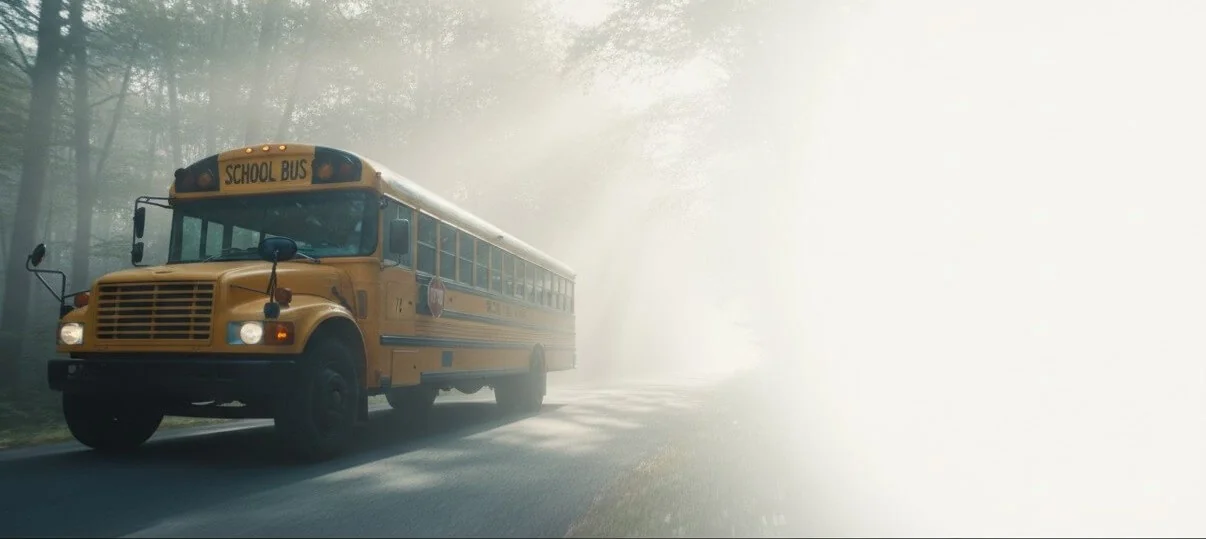
Back-to-school background from Quillbot’s Image Generator
Key takeaways
- Back-to-school backgrounds help create a cohesive, welcoming look across classroom websites, presentations, newsletters, printables, and parent communications.
- AI image generators make it easy to create custom back-to-school backgrounds that match your classroom theme, grade level, and teaching style.
- Accessible background designs prioritize readability with strong color contrast, open space for text, and minimal visual distractions.
- This guide includes practical prompt-writing tips, accessibility best practices, and free downloadable back-to-school backgrounds for classroom use.
How to use a back-to-school background
A back-to-school background can serve as the foundation for many classroom designs. Because backgrounds sit behind text, images, and other elements, they can be reused across multiple materials while creating a consistent visual style. Some of the many uses for back-to-school backgrounds include:
- Classroom website
- Teacher introduction page
- Welcome letters and emails
- Classroom newsletter
- Back-to-School Night presentation
- Classroom posters
- Back-to-school bulletin board
However you’re using a back-to-school background, readability and accessibility need to be your top priorities. Make sure that your designs follow your school or district’s accessibility guidelines. To make your materials more inclusive and accessible:
- Leave plenty of open space where text will appear instead of placing words over detailed illustrations.
- Choose light backgrounds with dark text (or dark backgrounds with light text) to create strong color contrast.
- Avoid busy patterns, textures, or high-detail images behind important information.
- If a background is more decorative, place text inside a solid or semi-transparent text box to improve readability.
- Use editable text instead of placing information directly inside the image so text-to-speech tools and screen readers can access it.
- Review your finished design on both screens and printed materials to make sure the text remains easy to read.
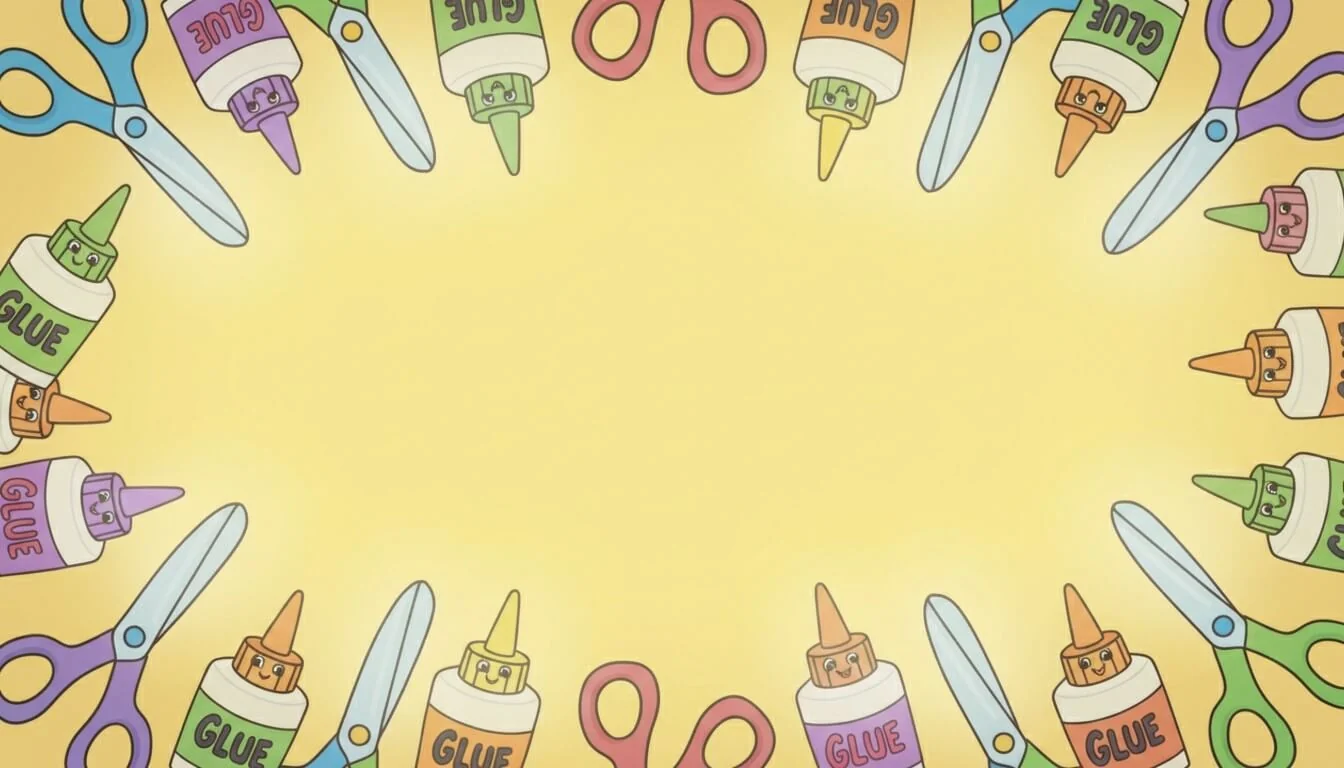
Back-to-school background example
- Microsoft Word: Go to “Design” → “Page Color” → “Fill Effects” → “Picture” → “Select Picture,” and then choose your downloaded background image.
- Microsoft PowerPoint: Right-click the slide and select “Format Background” → “Picture or texture fill” → “Insert,” and then choose your downloaded background image.
- Google Slides: Right-click the slide and select “Change background” (or go to “Slide” → “Change background”) → “Choose image,” and then upload your downloaded background.
How to make a back-to-school background with AI
Creating a custom back-to-school background with AI starts with a detailed image prompt. Rather than simply asking for a “back-to-school background,” describe exactly how you plan to use the image. The more specific your prompt is, the more likely you’ll get a design that works for your classroom materials.
When using a tool like Quillbot’s Image Generator, include these details in your prompt:
- Purpose: Explain what you are designing, such as a classroom newsletter, presentation slide, website, worksheet, or printable sign.
- Subject: Describe the classroom theme or objects you want to include, such as school supplies, books, plants, science equipment, or art materials.
- Illustration style: Specify the artistic style, such as watercolor, hand-drawn, flat, illustration, or minimalist.
- Colors: Specify which colors or types of colors you want, such as “teal” or “jewel tones.” If you’re using the background for a text-over-image design, request light, soft colors that won’t compete with your text. For example, ask for a pastel color palette or muted primary colors.
- Composition: Explain where you need open space for text, images, or other design elements. If you plan to add text, ask the AI to leave the center of the image mostly blank or to place decorative elements only around the edges.
- Accessibility: Ask for a simple, low-detail background with generous negative space behind text and consistent light or dark areas that support strong color contrast between the background and the text you plan to add later.
- Aspect ratio: Tell the AI what shape the image should be based on the intended use. For example, request a 16:9 aspect ratio for Google Classroom presentations, a 4:3 background for printable classroom materials, or a 1:1 square image for social media posts.
Back-to-school background from Quillbot’s Image Generator
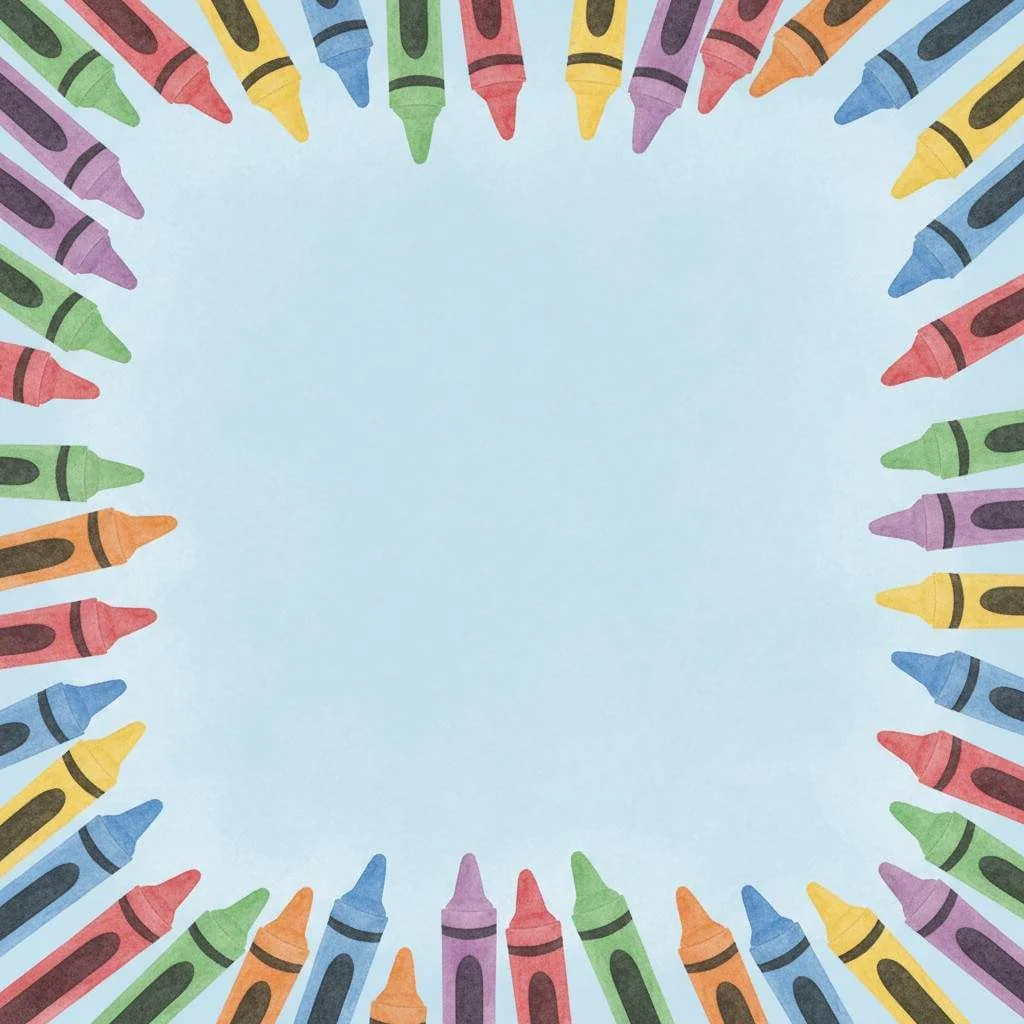
Free back-to-school backgrounds
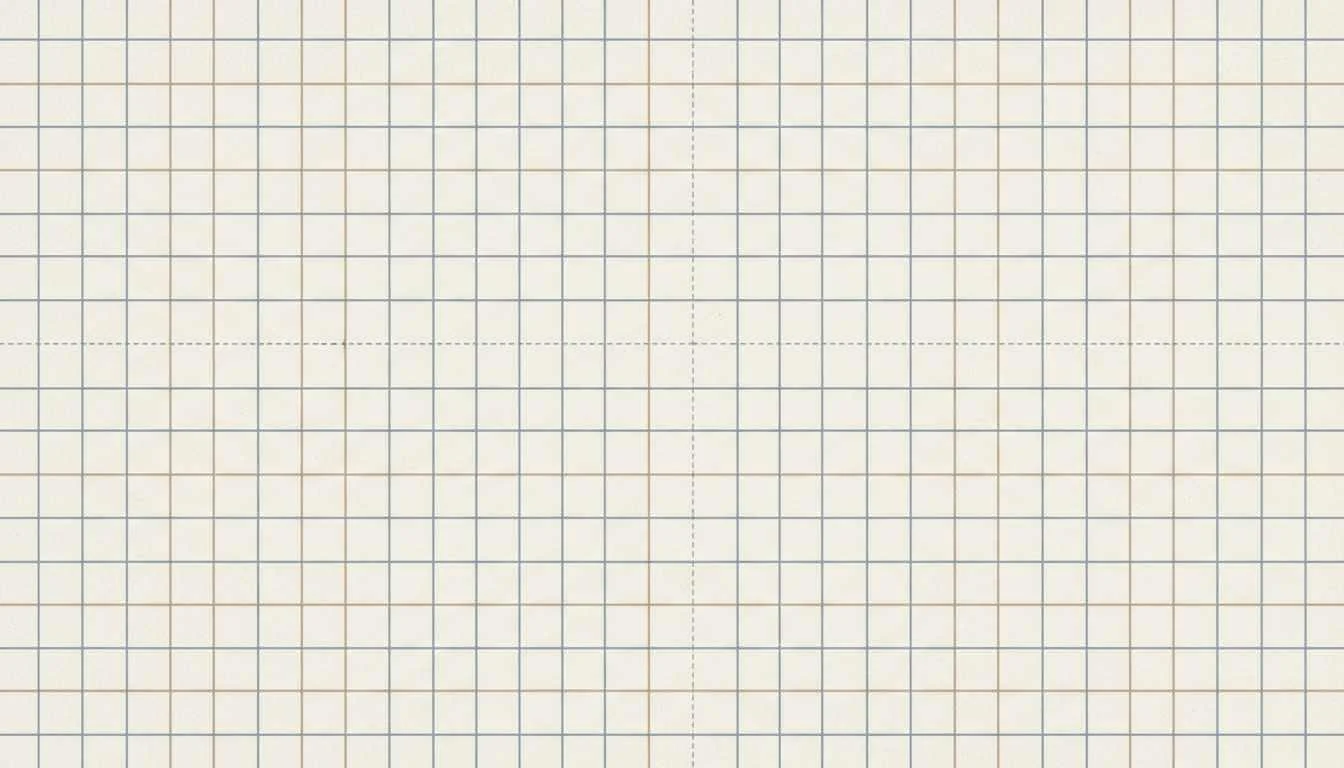
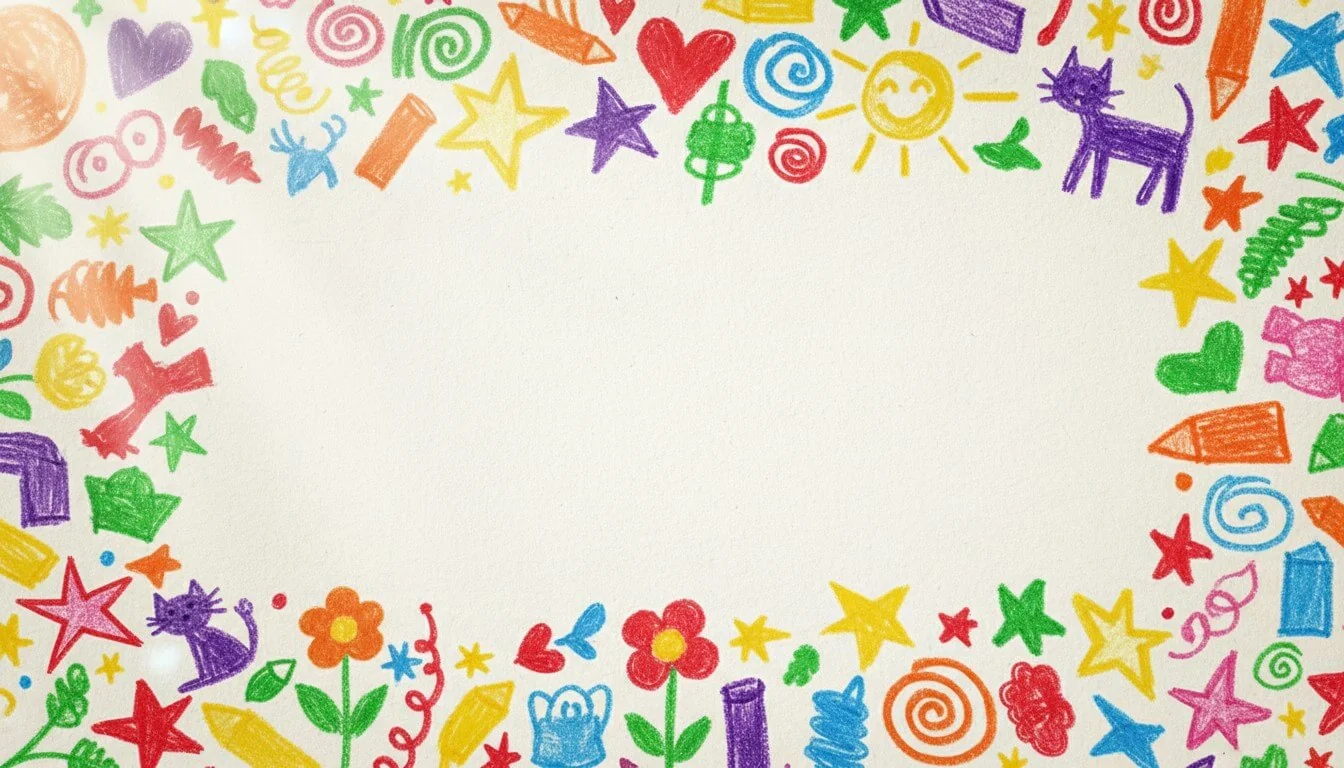
The free back-to-school backgrounds below are designed with light colors or plenty of open space, making it easy to add text. When you click on each image, a pop-up window will prompt you to save the image to your device. These free downloads are available in WEBP format, but you can convert them to PNG or JPG with Quillbot’s free Image Converter.
School supplies background
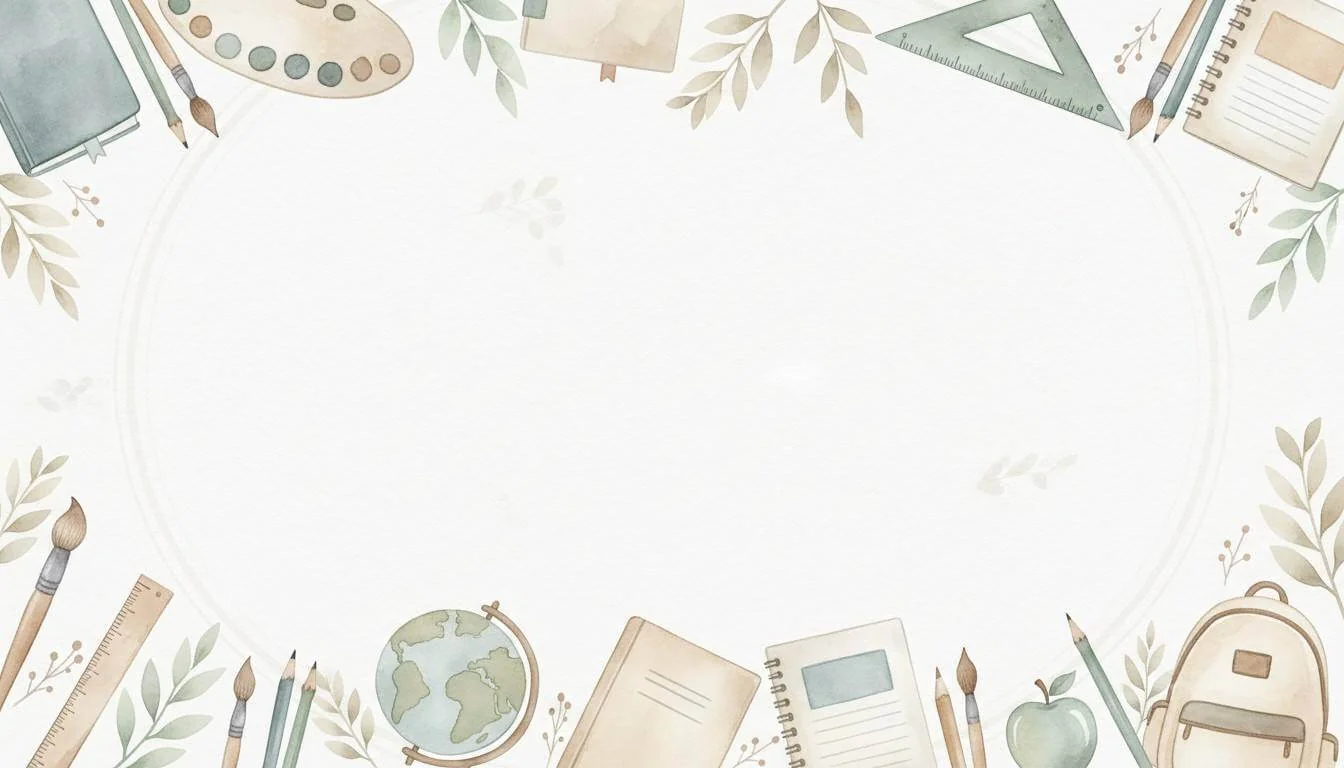
Colored pencil background

Graphing paper background
Crayon doodles background
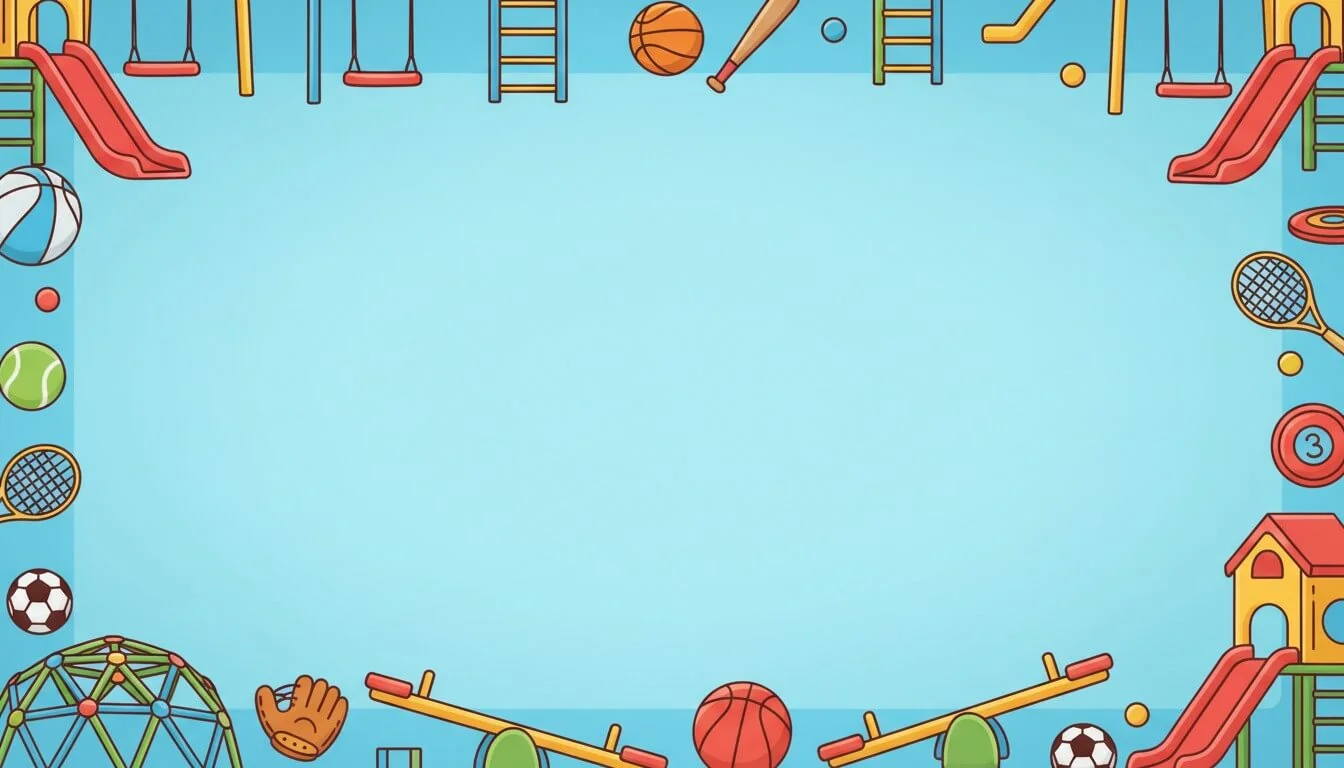
School recess background
Paper clip and rubber band background
Chemistry class background

Art class background

Biology class background
Classic books background

Geometry class background
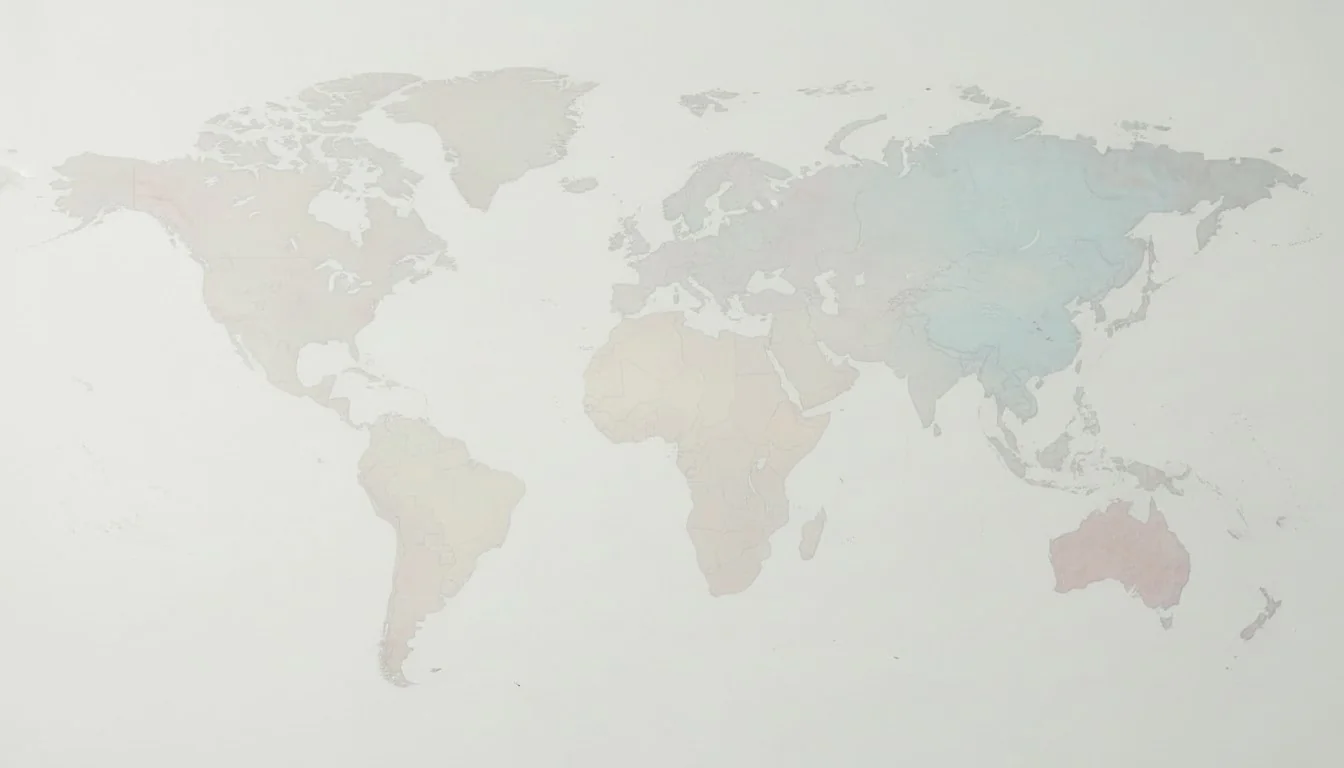
Geography or history background
Other interesting articles
If you want to know more about colors, letters, or the meaning of emojis, make sure to check out some of our other articles with explanations and examples.Cite this Quillbot article
We encourage the use of reliable sources in all types of writing. You can copy and paste the citation or click the "Cite this article" button to automatically add it to our free Citation Generator.
Q. (2026, September 30). Back-to-School Background Images | Tips & Free Downloads. Quillbot. Retrieved October 23, 2026, from https://quillbot.com/blog/education/back-to-school-background/