Why Did My AI Score Change? | 11 Common Reasons
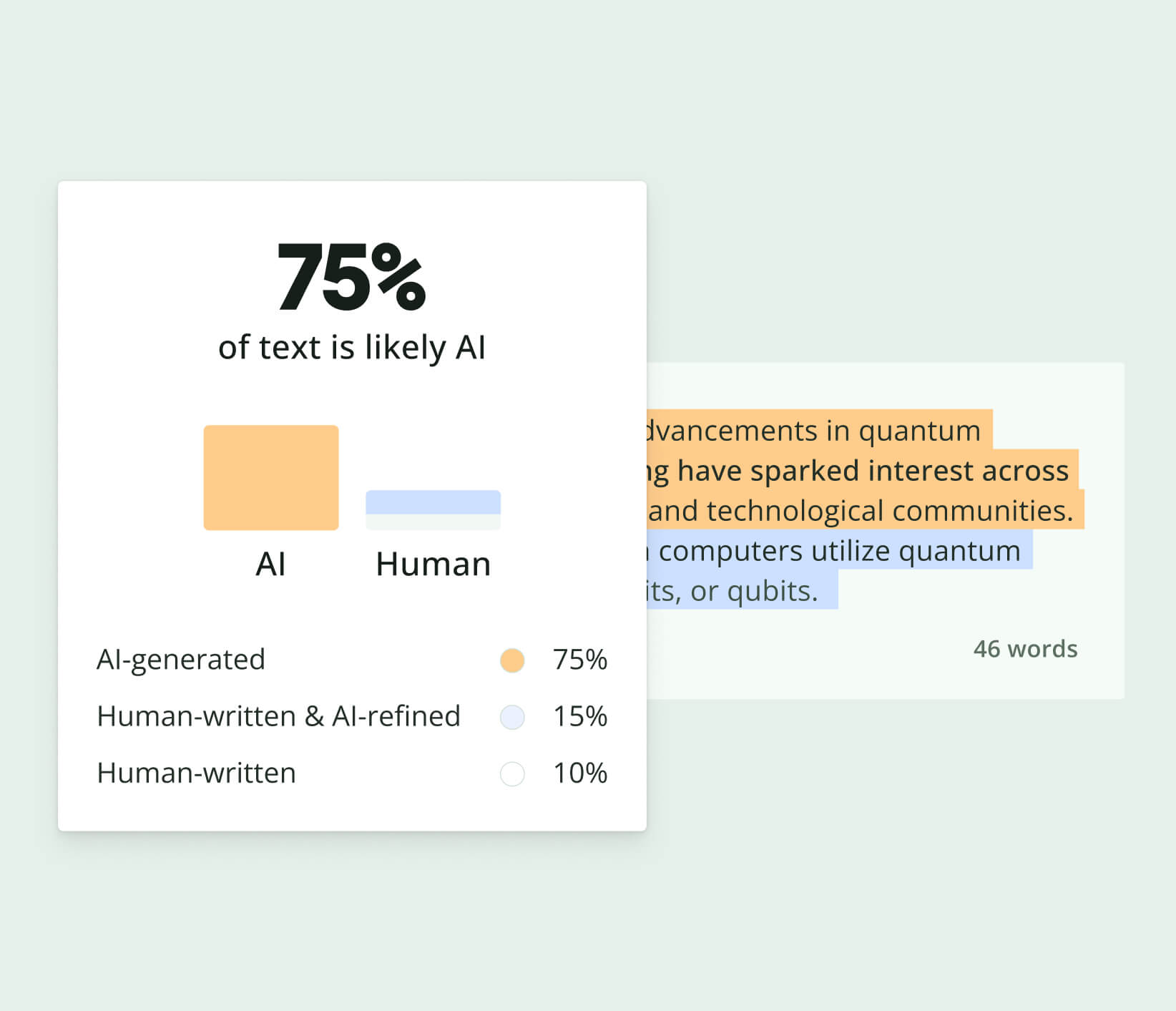
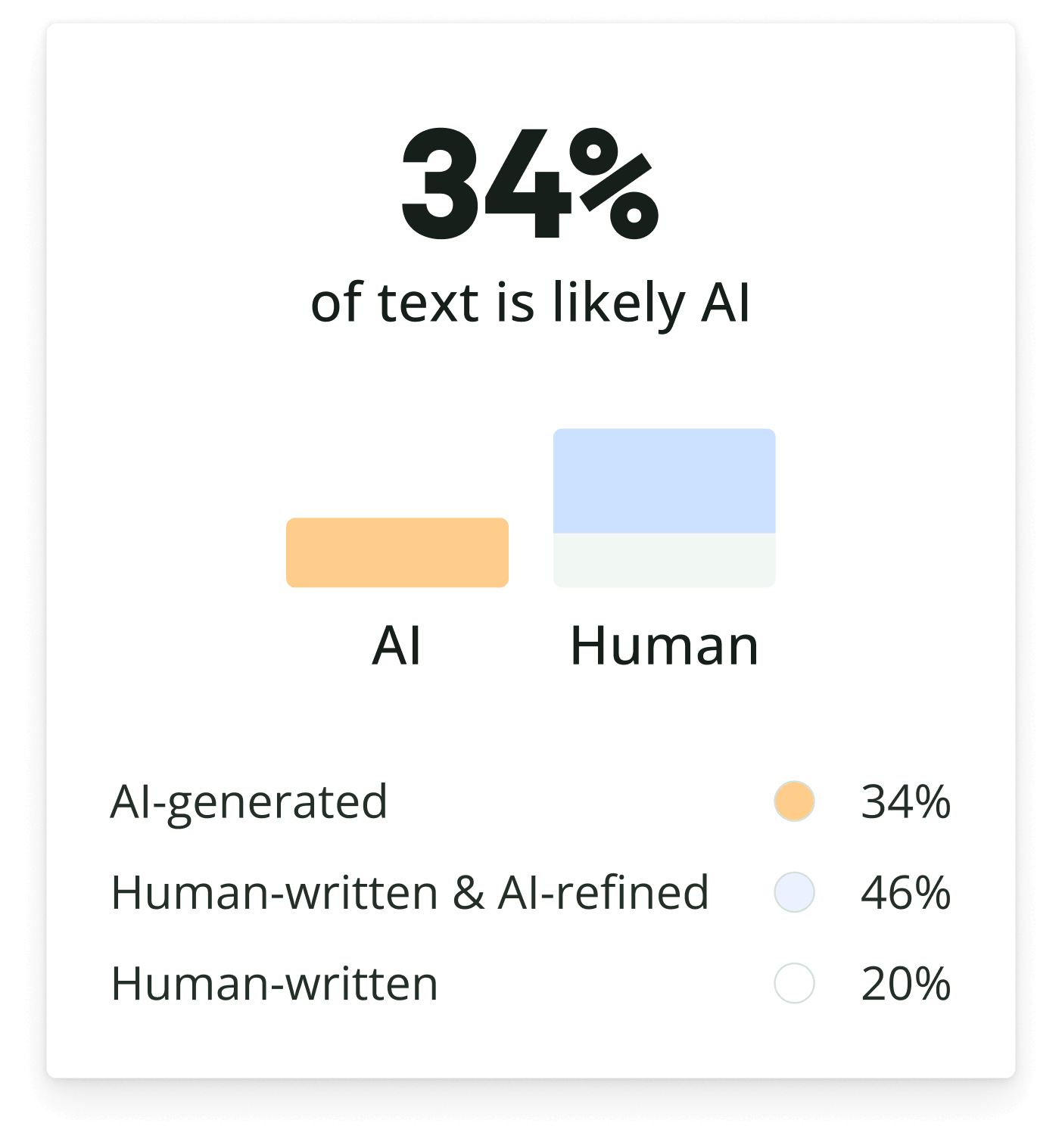
If you’ve logged into your institution’s assignment submission system or rescanned your writing using an AI detector—such as Quillbot’s free AI Checker—you might be asking yourself, Why did my AI score change?
This article explores 11 common reasons why your AI score might have changed, including situations where it may appear to have changed when it actually hasn’t.
Key takeaways
- Your AI detection score can change even if you haven’t edited your text. This may be due to updates to the detector, differences in document formatting, or changes to the settings used for the scan.
- If your document’s status has changed in an assignment submission system, it doesn’t necessarily tmeanhat your AI score has changed. The system may have changed how it flags documents for review.
- Editing your writing can sometimes increase your AI detection score, even if you haven’t used AI to generate the text. Small changes in wording, sentence structure, or the proportion of text classified as AI-generated can affect the result.
- AI detection scores are estimates, not definitive proof of AI use. Small differences in percentage scores may not be meaningful.
Why did my AI score change without any edits?
Here are some reasons why your AI detection score might have changed when you rescanned the same text or checked its status in a submission platform, such as the one your school or college uses for assignments.
Why AI scores can change
| Reason | Why your AI score might have changed |
| The document format is different | If you submit the same text in different formats (e.g., PDF and Word), the AI detector may have extracted the text differently, potentially resulting in a different score. |
| Small changes have been made | Even if the main text hasn’t changed, small additions or formatting changes could have affected the score. Or you may have forgotten about small changes you made to things like appendices, tables, or citations before the text was rescanned, perhaps with the help of a writing assistant tool. |
| The score hasn’t actually changed, but the rules for flagging it have | If you submitted an assignment or uploaded a document through a system used by your school, employer, or another organization, the settings for flagging AI-generated content in that system may have been changed. Your AI score could have remained exactly the same, but a change in the threshold for further review might have resulted in its status changing from something like “No issues detected” to “Further review required.” If you can only see this status description, you may have assumed that the score had changed when it hadn’t. |
| Your document hasn’t been checked yet | If you submitted a document through a system used by your school, employer, or another organization, it may not have been checked for AI-generated content immediately. You might have assumed everything was fine because nothing was flagged, only for the system to complete its check later and flag your document for further review. |
| The AI detector was updated between scans | AI detection companies regularly update the models their tools use to identify AI-generated writing. If the model was updated between your first and second checks, it may assess the same text differently, resulting in a higher or lower AI score. |
| You’re comparing two different types of scores | Some writing detection tools provide several different scores, such as an AI detection score, a plagiarism or similarity score, or a score related to how the document was written. If you’ve mixed up two of these, you might think your AI score has changed when you’re actually comparing two different types of scores. |
| Different settings were used for the second scan | Some AI detectors let you choose which AI detection model to use. The score may have changed because a different model was selected for the second scan. |
| You’ve used two different AI detectors without realizing it | Different AI detectors use different methods to identify AI-generated writing, so the same text can receive very different scores. You may have unknowingly used different detectors. |
Why did my AI score change after editing?
Here are some reasons why your AI detection score might have increased after you edited your text:
- Your edits caused a small change in the score that may not be significant. AI detection scores are estimates, not precise measurements of how much text was written by AI. Even small changes in wording can change a percentage score. The general range your score falls into is more meaningful than the exact number, and a small increase shouldn’t necessarily be interpreted as a significant change in the overall assessment.
- Your edits made the writing more predictable. Rewriting sentences to make them clearer, more formal, or more consistent can introduce language patterns that some AI detectors associate with AI-generated writing, even though the changes were made by a human.
- Your edits changed how other parts of the text were assessed. Some AI detectors consider the surrounding text when evaluating individual passages. Rewriting one paragraph could therefore affect how the detector classifies nearby passages you haven’t actually changed.
- You removed text that the detector had previously classified as human-written. Some AI detectors calculate their scores based on the proportion of text classified as AI-generated. If you deleted passages the detector previously considered human-written, the percentage of the remaining text classified as AI-generated could increase, even if the remaining passages haven’t changed.
Frequently asked questions about AI score changes
- What should I do if my AI score changed?
-
If you’ve noticed that your AI score changed in a document submission system, such as the one your school or college uses for assignments, here are some things to consider and possible steps to take:
- Check what has actually changed. Make sure it’s the AI detection score itself that has changed, rather than the document’s status (e.g., from “Pending review” to “Further review required”). A change in status doesn’t necessarily mean the AI score has changed.
- There could be a technical or procedural reason. For example, the system administrators may have changed the threshold for flagging documents for review, or the document may have been rescanned using an updated AI detection model.
- If you think you resubmitted exactly the same document, make sure there weren’t any changes that have affected the score. You may have added a cover page, made small changes to the text, or resubmitted the document in a different format (e.g., Word instead of PDF). These changes could affect how the detector assesses the document.
- Keep evidence of how you wrote the document. Earlier drafts, document version histories, notes, and relevant AI chat histories can help demonstrate that you wrote the text yourself and according to the institution’s guidelines.
Remember that an AI detector can sometimes incorrectly classify human-written text as AI-generated, and its score shouldn’t be treated as definitive proof of AI use.
Other interesting articles
If you want to know more about colors, letters, or the meaning of emojis, make sure to check out some of our other articles with explanations and examples.