AI Mockup Generator | Create Realistic Mockups
Are you looking to bring your ideas to life without blowing your budget on design fees, complex software, or a professional photoshoot? Whether you’re perfecting a client pitch or launching your own online store, AI mockup generators are a great shortcut to create stunning visuals in seconds.
Quillbot’s AI Mockup Generator is an intuitive tool that can transform your text descriptions into professional-looking mockups. Keep reading to see what the tool can do and how to use it.
What can an AI mockup generator do?
An AI mockup generator helps you go from concept to fully realized idea. You simply describe what you want, and the tool will instantly generate a visual representation of your idea. Here are some ideas of what you can create:
Apparel and merchandise
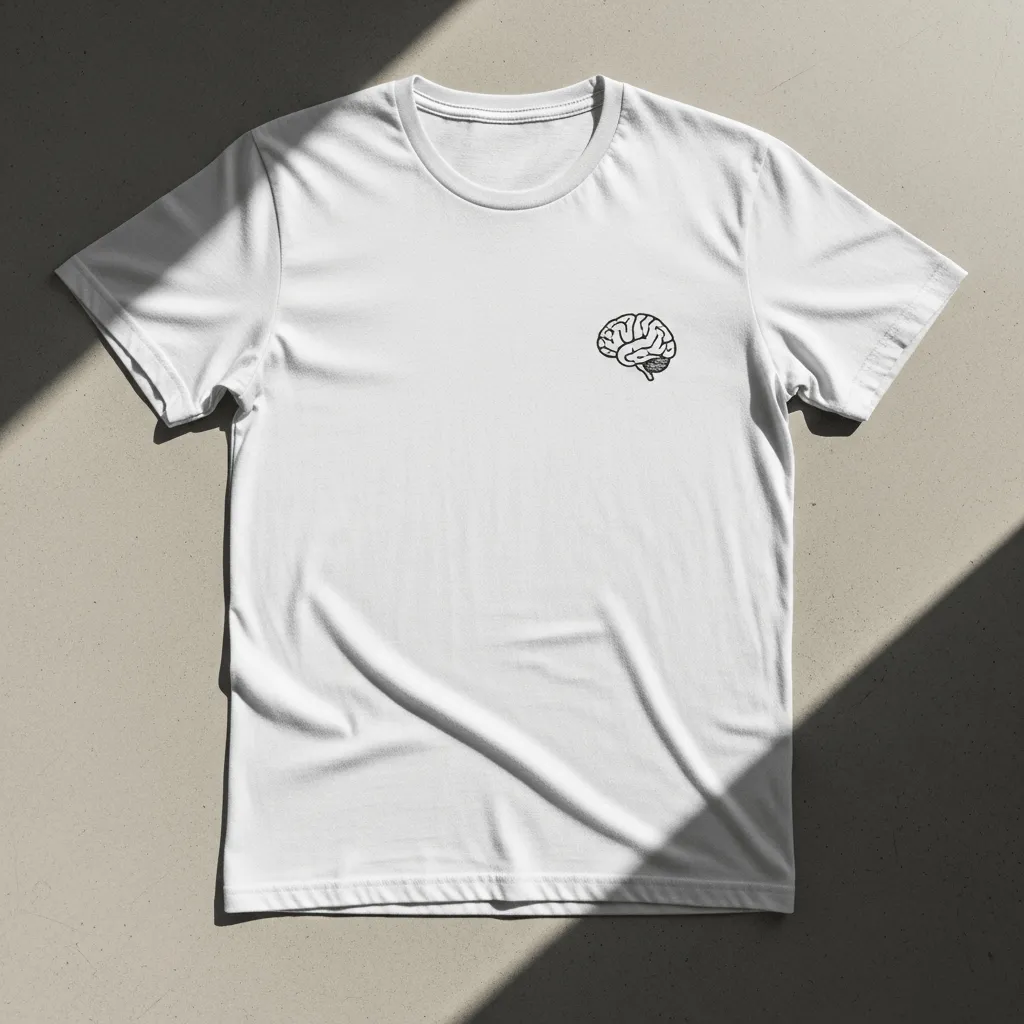
See what your clothing or swag looks like visually without wasting any physical materials! Place a custom design, logo, or typography directly onto a shirt, hat, or hoodie to see how it will look.
Prompt: A minimalist white cotton T-shirt featuring a small, retro-style brain logo
Product packaging
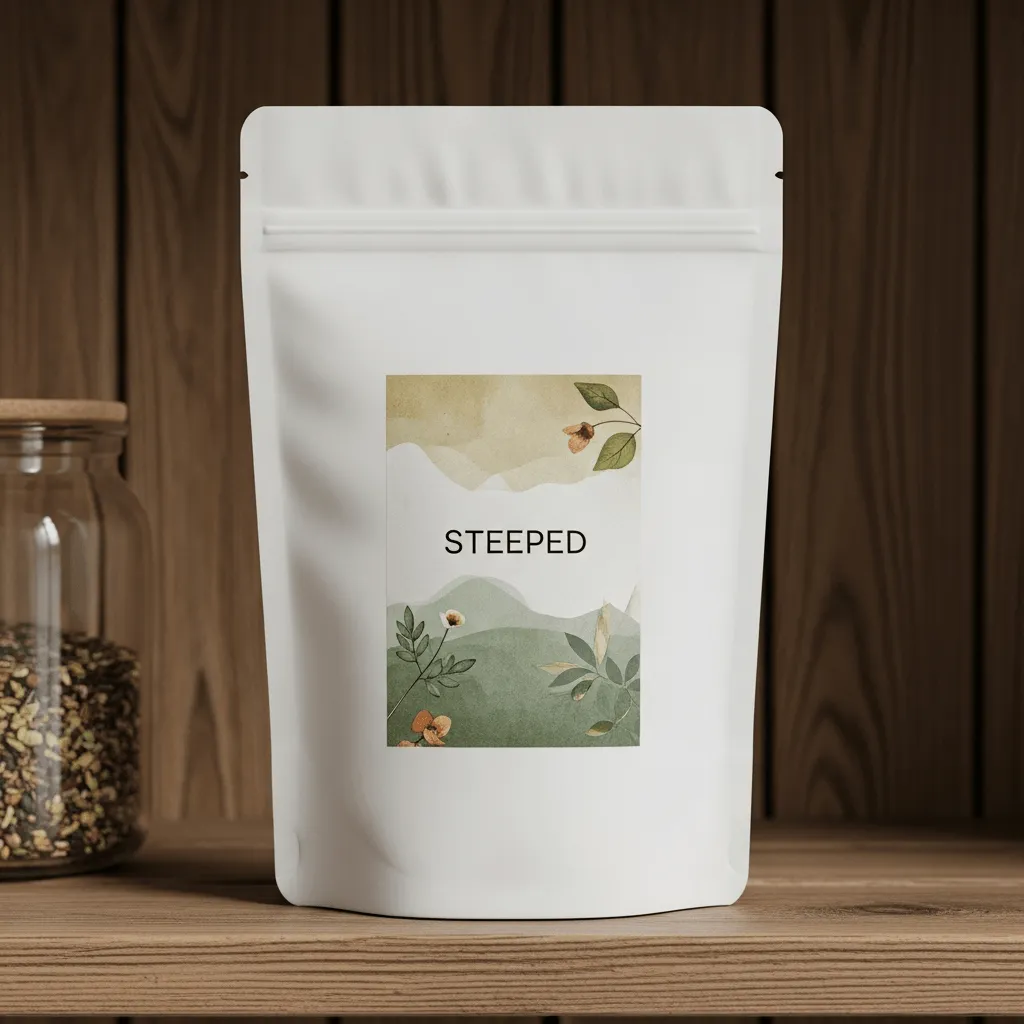
Make the best first impression and visualize how your product will look on shelves. Packaging mockups are great for any product, from food and beverage to cosmetics to custom shipping boxes.
Prompt: A matte white tea pouch with an earthy, botanical label reading “Steeped,” sitting on a rustic wooden shelf.
Advertising and signage
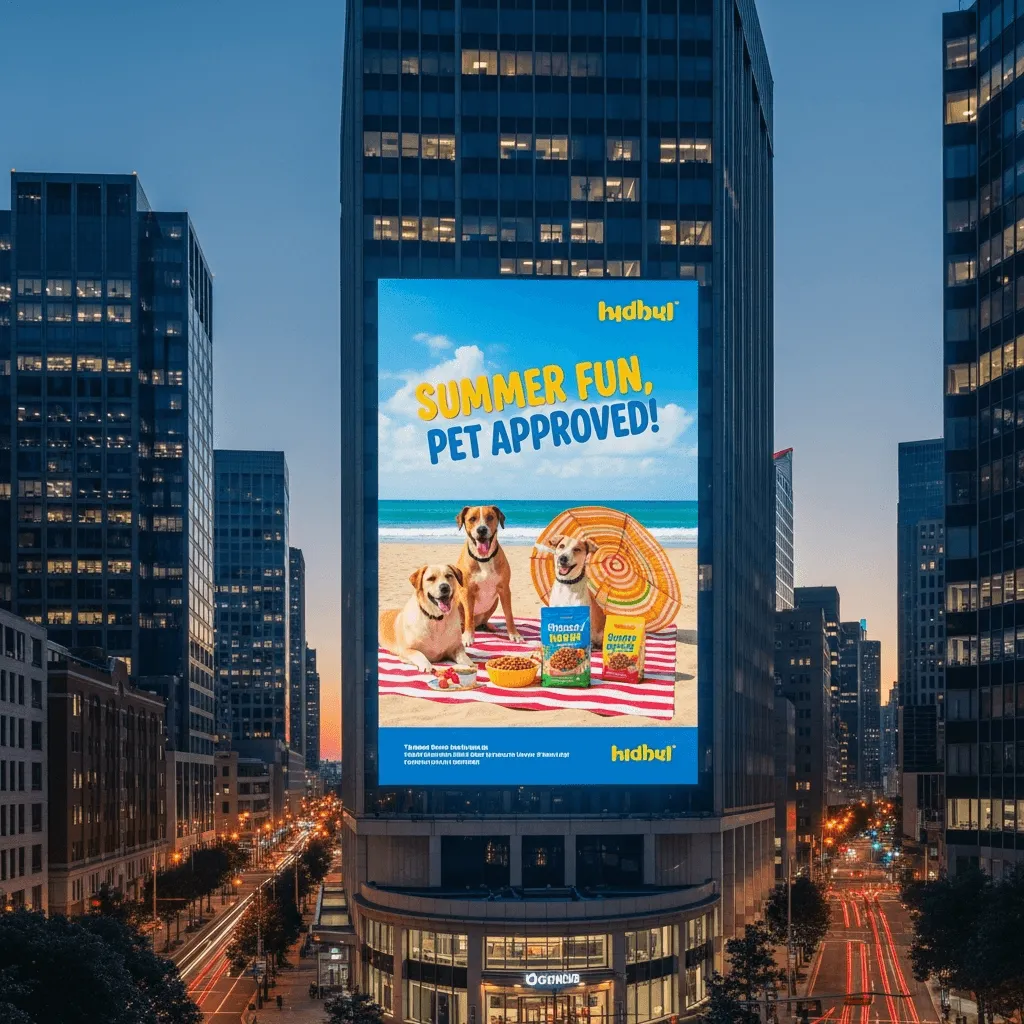
See how your marketing materials look in real-world environments. You can create billboards, posters, or storefront signs to get a sense of their visual impact before investing in ad space.
Prompt: A large, illuminated city billboard at twilight displaying a vibrant summer pet food ad campaign, surrounded by modern urban architecture.
How to use an AI mockup generator
Creating professional-grade mockups with Quillbot’s AI Mockup Generator takes just a few clicks. Follow these simple steps to start creating!
- Enter your prompt: Use the text field to describe what you’re looking for. Be specific about the product, material, style, and setting you want, and provide as much detail as possible about colors, logos, text, and text placement.
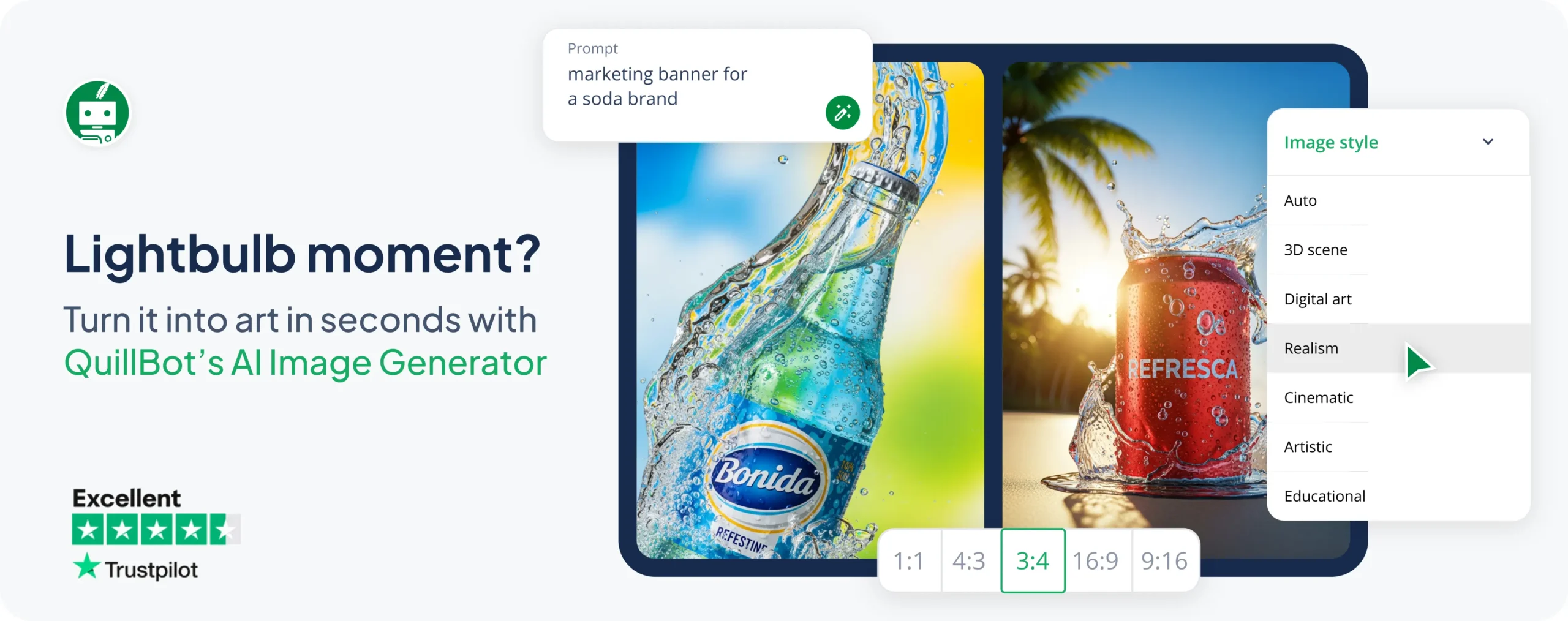
- Select your style and aspect ratio: Choose the size and style that best fit your design. Not sure what you want? Leave this on “Auto” to let the tool decide for you.
- Generate and refine: Click “Generate a mockup” to create some options in seconds. If the results aren’t quite what you’re looking for, use the dialog box to experiment with changes to your prompt.
- Download and share: Once you’re happy with your mockup, you can download it and put it to work in your marketing materials, pitches, social media, and beyond!
Frequently asked questions about AI mockup generators
- How do you use AI to make mockups?
-
Creating mockups has never been easier with the recent proliferation of AI tools.
Solutions like Quillbot’s AI Mockup Generator let you describe your product vision using words, then generate options that let you visualize them.