How to Use a 3D Character Creator | Tools & Tips
Most of us have had the experience of being transported into fantastical worlds brought to life by incredibly detailed designs and animations in our favorite films and TV shows. Likely, these characters have even made you wish you could create your own.
With the help of AI-powered 3D Character Creators available online, it’s now possible to do so in seconds—and without any prior design skills. Whether you’re a creative professional looking for an easy way to generate models and mockups, or an aspiring world builder wanting to bring your visions to life, Quillbot’s 3D Character Creator is for you.
What is a 3D character creator?
A 3D Character Creator is an automation tool that allows users to generate personalized 3D characters and avatars based on text prompts. They’re ideal for game developers, designers, artists, animators, and anyone with a creative vision.
The best part is that you no longer need advanced technical skills to actualize your ideas. That’s because 3D Character Creators offer:
- Endless options: Because the character generator brings your text-based prompts to life, the possibilities are as endless as your imagination.
- Time and money savings: Generate your 3D characters in seconds without any prior design knowledge or expensive software.
- Professional results: The 3D characters are suitable for real video games, animations, and storytelling projects.
How to use Quillbot’s 3D Character Creator
Making a customized 3D character has never been easier. With Quillbot’s 3D Character Creator you can do it in just 3 simple steps:
1. Describe your character
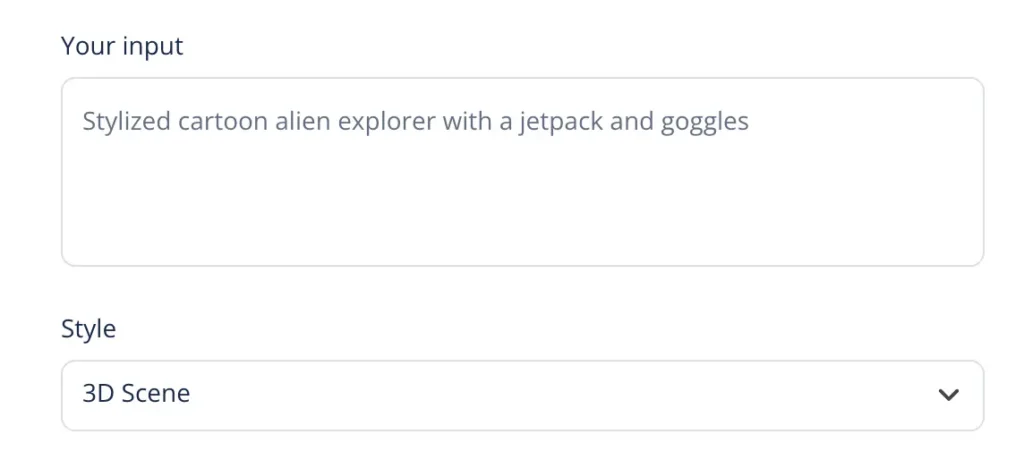
In the “Your input” field, write a detailed description of the 3D character you want to create. Under “Style,” select “3D scene.”
2. Generate your character
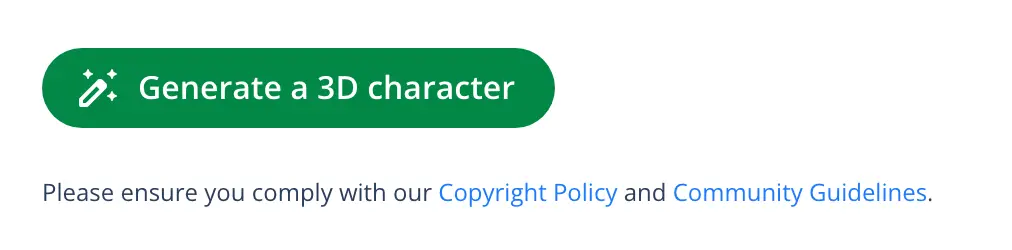
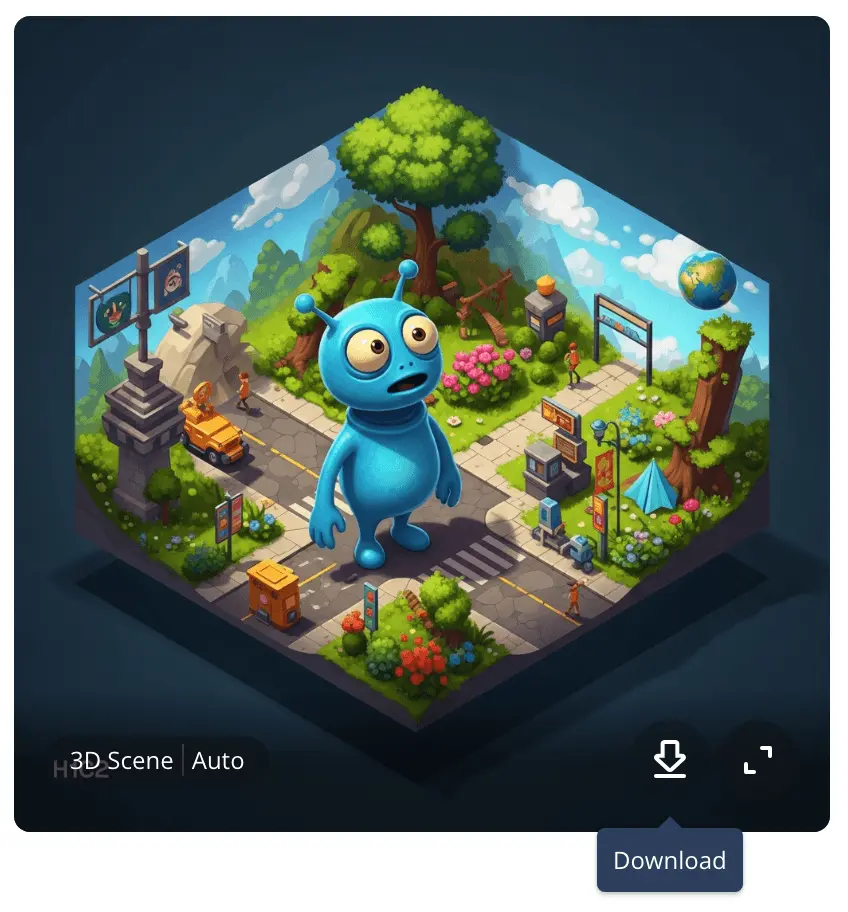
Next, simply click the green icon that says, “Generate a 3D character” to view the results. You’ll then be presented with two options, and you can keep iterating from there.
3. Download and use
Once you’re happy with your 3D character, click the downward arrow at the bottom of the image you want to save to your device. It’s now ready to use!
3D Character Creator: Prompt ideas and examples
The 3D Character Creator is useful for digital creatives, storytellers, game designers, or anyone looking to explore new ideas. Below you’ll find some examples of how to make the most out of this tool. Use and adapt the prompts to fit your needs.
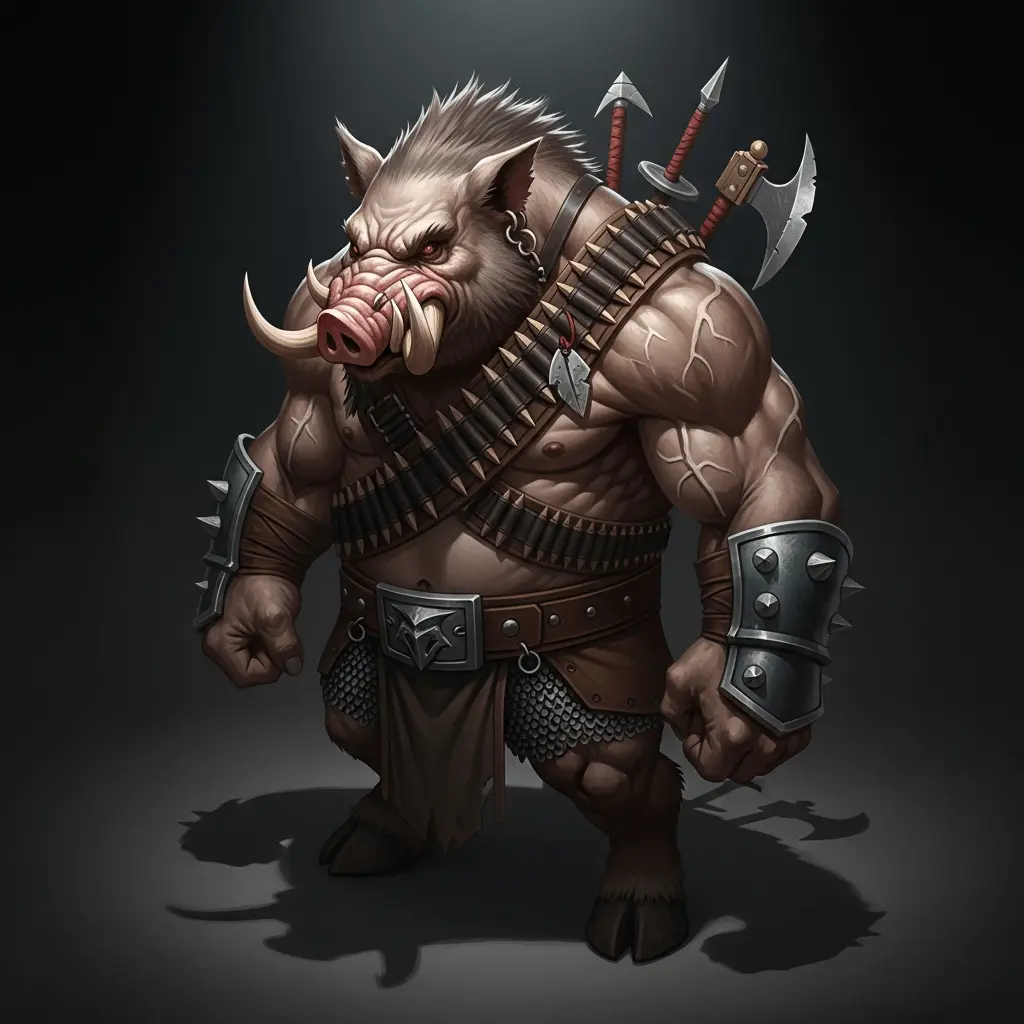
Game developers
Save lots of time and money when developing avatars, NPCs, bosses and more. You can create character mockups and prototypes in just seconds—and without expensive software.
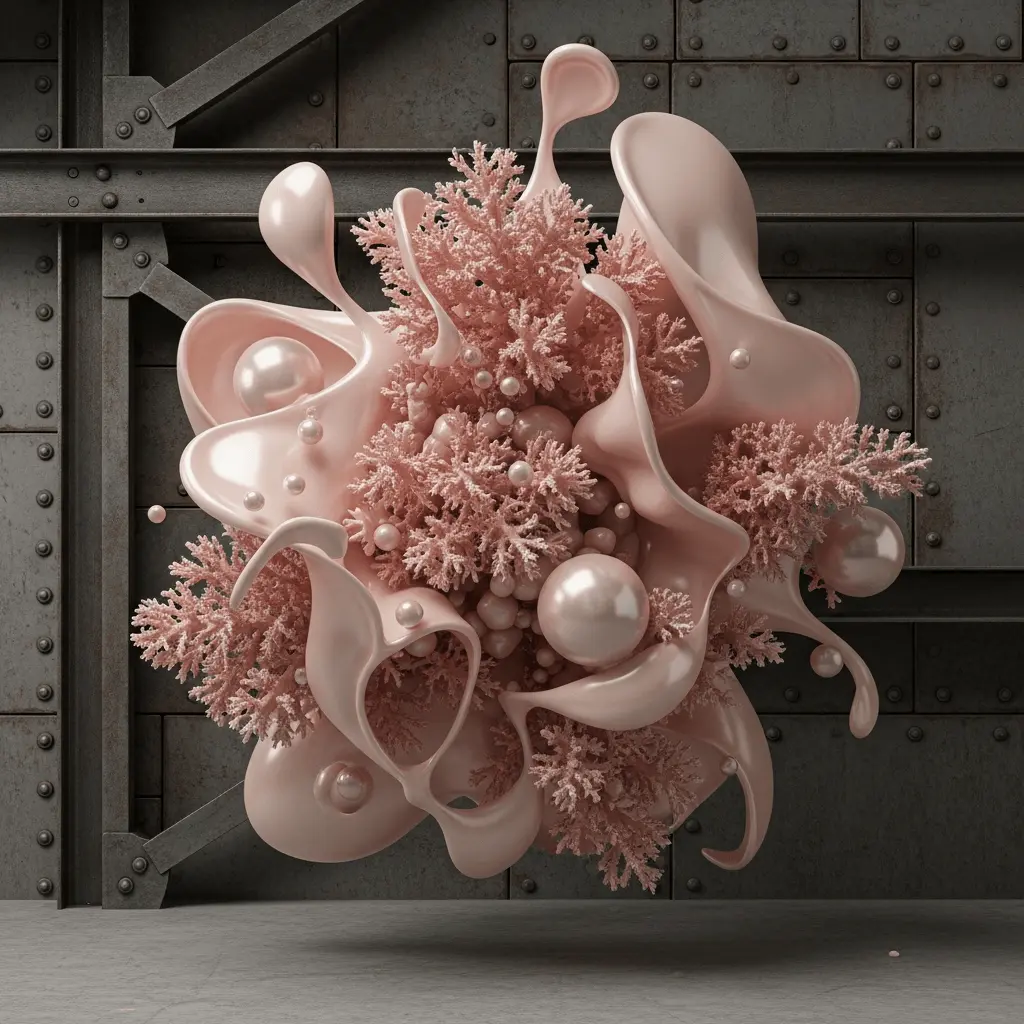
Designers and concept artists
Explore creative concepts and abstract art styles with minimal resources, and without having to commit to a final design.
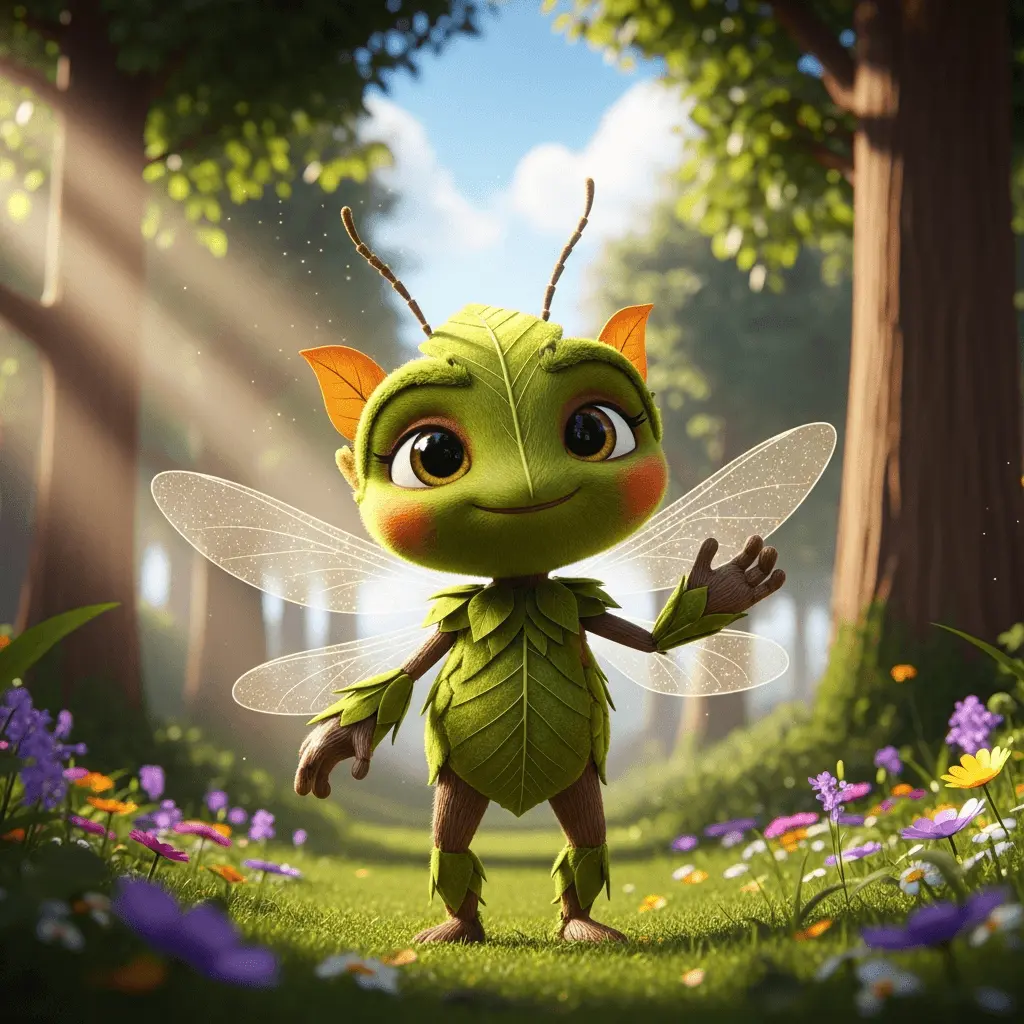
Animators
Generate expressive and unique 3D characters for cartoons, videos, marketing purposes, and more.
3D Character Creator: Helpful tips
Quillbot’s 3D Character Creator is simple and easy to use. However, there are some tips and best practices to keep in mind to achieve optimal results:
- Be detailed: The more information you can input, the closer your character will match your vision. Include information about your character’s clothing, posture, and facial expressions.
- Try different styles: In addition to choosing “3D Scene” from the dropdown menu, explore other options like “Anime,” “Cinematic,” “Digital Art,” and many more.
- Experiment and refine: Continue to tweak your prompts and iterate as many times as you need to generate the best results.
Frequently asked questions about 3D Character Creators
- What is a 3D character maker?
-
A 3D character maker is a tool that creates avatars and characters based on the text prompts you give it.
Try Quillbot’s 3D Character Creator to save time and money.