How to Prepare for a Virtual Interview
If you’re getting ready for a virtual interview, the usual advice about how to prepare for an interview still applies when it comes to anticipating the kinds of questions you might be asked and thinking about how best to respond. But while you won’t have to worry about finding your way to an unfamiliar location on time, there are a few considerations that can be easy to overlook if you’re new to video interviews.
Key takeaways
- Test your video conferencing software, camera, microphone, speakers, and internet connection well before the interview.
- Choose a quiet, well-lit location with a tidy background and minimize the risk of interruptions.
- Dress appropriately, position your camera at eye level, and have everything you need within easy reach before the call starts.
What is a virtual interview?
In the context of job applications, a virtual interview is a job interview conducted online using the video conferencing features of platforms like Zoom or Microsoft Teams.
Alternative terms for virtual interview include video interview, online interview, and remote interview.
Virtual interview tips
Following the practical advice below will help ensure you’re well prepared for your virtual job interview.
Technical considerations
Don’t let the technology get in the way of presenting yourself in the best possible light.
- Double-check which video conferencing platform will be used for the interview well in advance.
- Open the interview link beforehand and check whether you need to sign in, create an account, enter a password, or grant the platform permission to use your camera and microphone.
- Make sure you have the latest version of the conferencing software installed on your device. If you need to update it, do so well before the interview rather than immediately beforehand.
- Make sure you’ll have a stable internet connection. This is particularly important if you’re taking the call from an unfamiliar location. If you’ll be using shared Wi-Fi, such as at a hotel, test the connection beforehand and check whether there are any time or usage limits. If the Wi-Fi is unreliable, using your phone’s mobile data connection or hotspot may be a better option.
- Use the platform’s test-call or test-meeting feature to check that your camera, microphone, and speakers are working properly. If your device’s built-in microphone provides clear audio, there’s no need to use a large headset. If you do need headphones or an external microphone, discreet earbuds can be a less obtrusive option.
- Avoid installing operating system updates immediately before your interview. They may require your device to restart or occasionally cause unexpected changes to your settings.
- Once you’ve joined the call, turn on your device’s do not disturb or focus mode so you won’t be interrupted by notifications or incoming calls.
- If you’re depending on a device’s battery, make sure it’s fully charged.
Environment
These tips will help you create the right setting for your interview.
- Make sure anyone who’ll be around during the interview knows about it in advance so they don’t accidentally interrupt you. If necessary, put a polite “Do not disturb” sign on the door.
- Think ahead about children and pets. If they’re likely to interrupt the interview, arrange childcare or ask someone to look after your pet while the call is taking place.
- Choose a quiet location with a tidy, uncluttered background. Avoid anything behind you that could be distracting. If you plan to use a virtual background, test it beforehand to make sure it works properly.
- Check the lighting where you plan to sit. Natural light from in front of you is usually best. Avoid sitting with a bright window directly behind you, as this can leave your face in shadow, and be aware that strong light from one side can create uneven lighting. Use a lamp to improve the lighting if necessary.
Making the right impression
This advice will help you communicate naturally and make a strong connection on screen.
- Position your camera around eye level to create a natural-looking camera angle. You may need to adjust your chair or raise your laptop on a few books. Looking into the camera will help to create the impression of eye contact.
- Have everything you need within easy reach before the interview starts. This could include a pen and paper, your preparation notes, any documents or materials you may want to refer to, and a glass of water placed safely away from your device. Give yourself plenty of time to get ready rather than leaving things until the last minute.
- If you haven’t spoken much beforehand, warm up your voice by reading something aloud.
What to wear for a virtual interview
Just as with a face-to-face interview, it’s worth planning what you’re going to wear for a virtual interview. The same general advice applies:
- Consider the culture of the organization you’re interviewing with and dress accordingly, using its website and social media presence as a guide.
- If you’re unsure, err on the side of formality—it’s better to be slightly more formally dressed than your interviewer than too casual.
Choose something that makes you feel comfortable and confident, and make sure it’s clean and wrinkle-free beforehand. Avoid very busy patterns or anything that may look distracting on camera. Even if only your face and upper body are likely to be visible, think about your whole outfit in case you need to stand up during the interview.
Frequently asked questions about virtual interviews
- How do you write a thank you email after a Zoom interview?
-
Write a thank you email after a Zoom interview by following these steps:
- Address the email to the person or people who were part of the Zoom call (e.g., the hiring manager and a potential colleague).
- Write a subject line with “Thank You” and the title of the role from the job posting (e.g., “Thank You: Financial Advisor Zoom Interview”).
- Thank the interviewer(s) for telling you more about the company and/or role.
- Mention something about the company or role you’re excited about.
- If applicable, elaborate on one of your interview responses, or mention anything you might’ve forgotten.
- Reiterate your main hard skills, soft skills, or transferable skills (similar to the claim when you start a cover letter).
- Remind the interviewer that you’re eager to learn more about the next steps.
- Write a complimentary close (e.g., Sincerely) followed by your full name and your contact information.
Follow up with confidence: Let Quillbot’s follow up email generator help you create emails that are polished, persuasive, and impactful.
- How can I improve nonverbal communication in job interviews?
-
Here are some tips to help you improve nonverbal communication in your next interview:
- Posture: Sit upright with shoulders back. Avoid slouching or crossed arms
- Eye contact and facial expressions: Hold eye contact naturally, nod occasionally, and smile genuinely. Match expressions to the context.
- Gestures and hands: Use open gestures and keep your hands relaxed and visible. Avoid fidgeting or crossing your arms.
- Practice tips: Record yourself in mock interviews, practice in front of a mirror, or get feedback to spot habits like tapping your fingers.
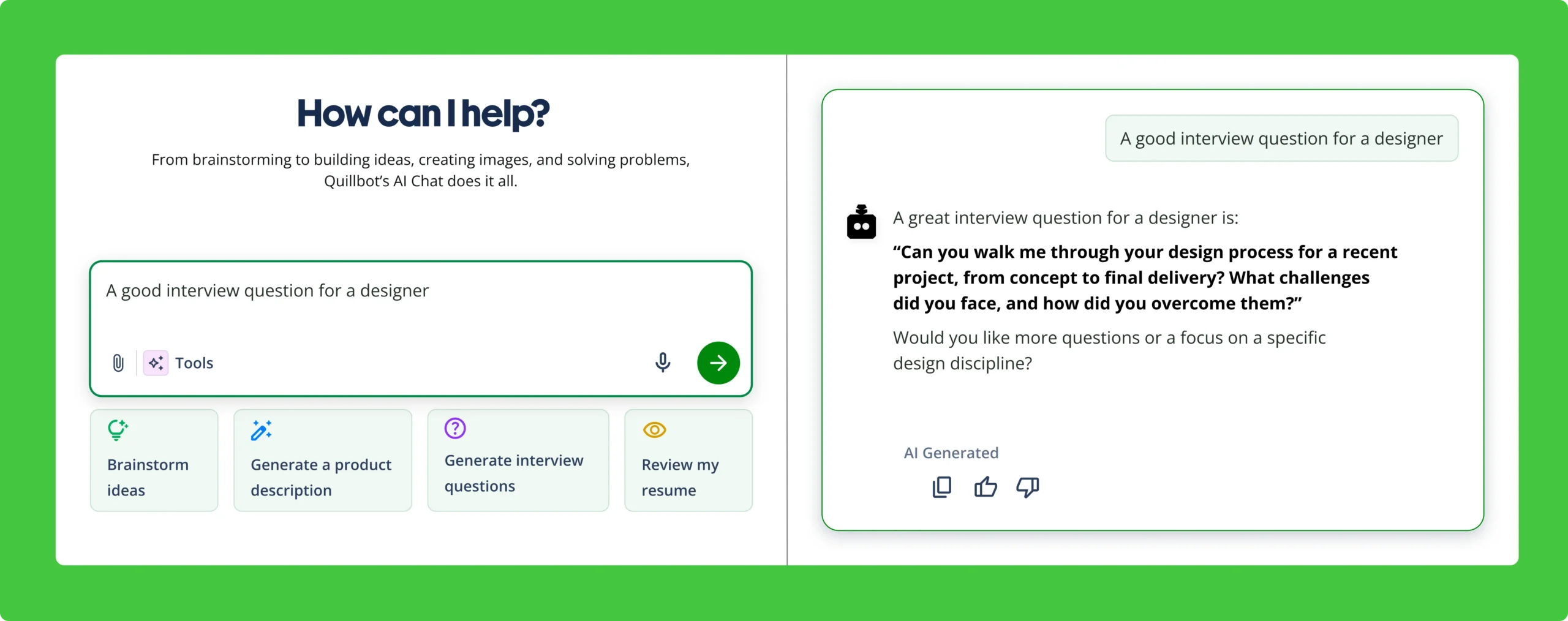
Have more questions about interview prep? Quillbot’s AI Chat can help you explore further.
Other interesting articles
If you want to know more about colors, letters, or the meaning of emojis, make sure to check out some of our other articles with explanations and examples.